

Edgar Cervantes / Android Authority
TL;DR
- Google Calendar is removing the annoying limitation of having to scroll through a long list of time zones to pick the correct one.
- Users will soon be able to type and search for the correct time zone in Calendar for web.
- Google says the improved time zone picker will appear everywhere a time zone can be selected in Google Calendar.
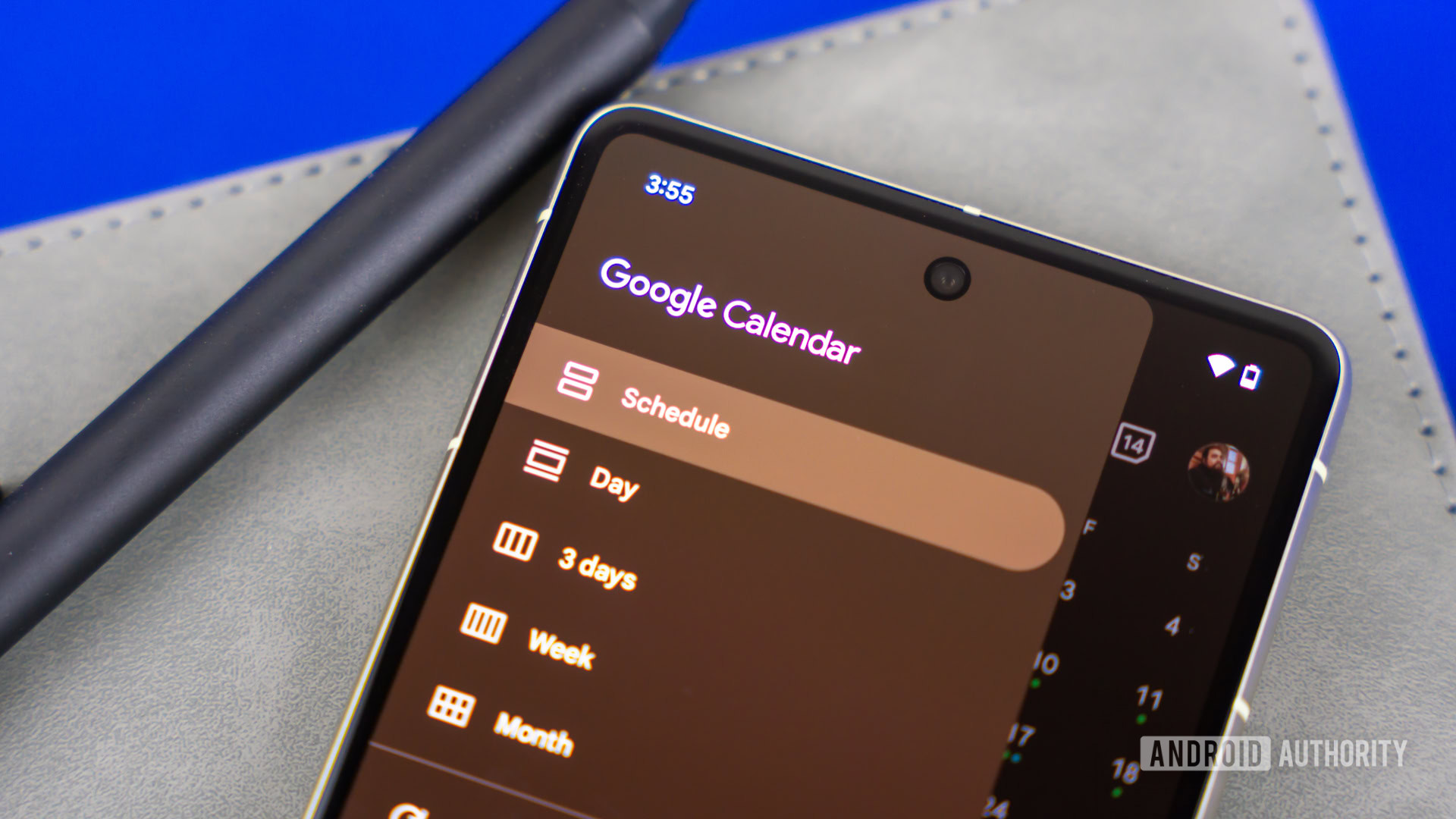
Google Calendar does a great job of allowing you to switch time zones when you’re traveling. It detects when you’re in a different time zone and asks if you want to switch your calendar to match it.
However, things get awkward when you’re scheduling an event in a different time zone while staying in your current one. If you want to set a meeting for another region, you currently have to scroll through a long alphabetical list of time zones until you find the right one.
Now, Google is rolling out a small but meaningful change that should make the process much easier.
Don’t want to miss the best from Android Authority?


Google Calendar on the web is getting an improved time zone picker that will kill the annoying process of scrolling through a long list of global time zones. Instead, users will soon be able to search for a city or country by typing it into the time zone picker for instant results.
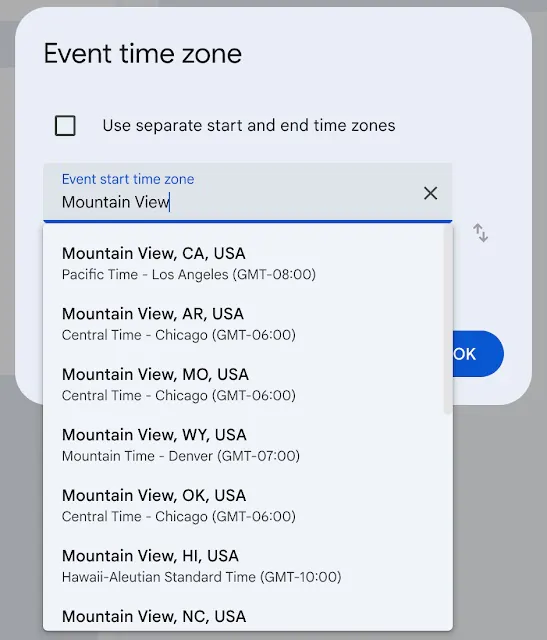
Google says the improved time zone picker will appear everywhere a time zone can be selected in Google Calendar, including creating or scheduling meetings, setting a secondary time zone for your calendar grid, or configuring the World Clock feature.
In each case, users can now search for a city or country to quickly select the appropriate time zone.
The feature is rolling out gradually and should be widely available over the next few weeks. It will be available to Google Workspace customers, Workspace Individual subscribers, and personal Google account users, and it will be enabled by default.
Thank you for being part of our community. Read our Comment Policy before posting.

 By
By