

Edgar Cervantes / Android Authority
TL;DR
- Google is extending the timeline for Google Duo’s demise by a few months.
- The previously set deadline of September 2025 for removing all Duo features has now been moved to January 2026.
- When that happens, all users will be automatically migrated to Meet, and any older history will be removed.
In 2022, Google merged its then-popular video calling app Duo into Meet, which, at the time, was limited to video calling for Workspace accounts. Anyone familiar with Google wouldn’t be surprised by this gesture — or by the period of confusion that follows, during which multiple apps with similar use cases continue to exist. So, when Duo’s time came to an end, Google set a final date to drive the nails into its coffin and announced it would take away Duo’s legacy calling features in September 2025. This was to be followed by the deletion of all older messages by November.
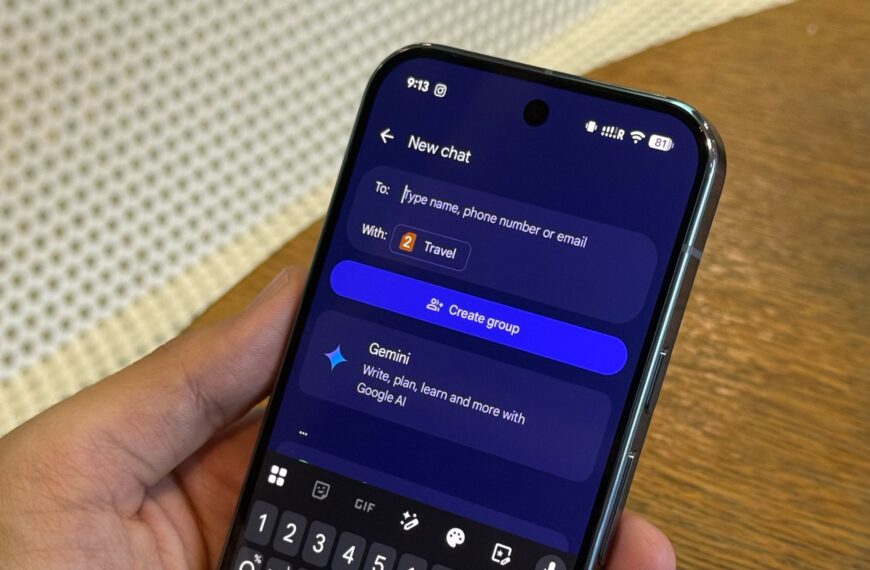
However, it now appears that Google extended this timeline, and legacy Duo features will now sunset in January 2026. We recently witnessed the updated timeline in a warning message shown at the top of the Google Meet app on Android. The support page still displays the older schedule, although we can expect the renewed timeline to take effect.

AssembleDebug / Android Authority
Don’t want to miss the best from Android Authority?


Considering Google doesn’t extend it again, existing users who are still using the legacy Meet app with Duo features (i.e., those who haven’t updated to the newer Meet app in the last three years or engage with others who do) will lose their call history and messages starting in January.
To prevent losing history or messages, navigate to Settings within the app and then select Calling (legacy). Next, select the Google account you used for Duo, and then tap ‘Manage legacy calling history’. Here, you’ll see the option to Export legacy call history. Unfortunately, there’s no way to club this with your new Meet history, and you will be able to share this data in plain text or copy it in .CSV format.
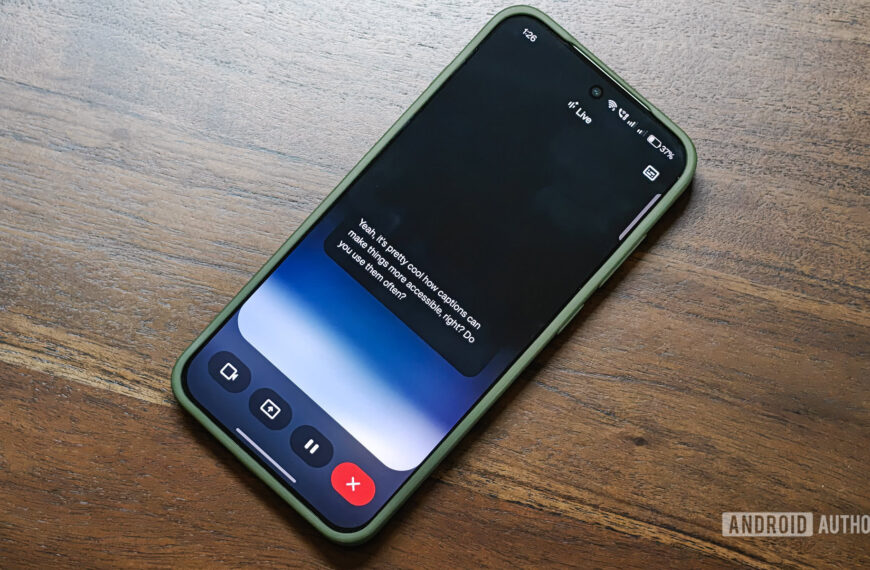
When the transition occurs, users will lose certain legacy features, including Knock Knock, Family Mode, and Mirror mode. However, to compensate for these losses, the new Meet app offers enhanced features, including cloud encryption and support for live captions.
Thank you for being part of our community. Read our Comment Policy before posting.
 By
By