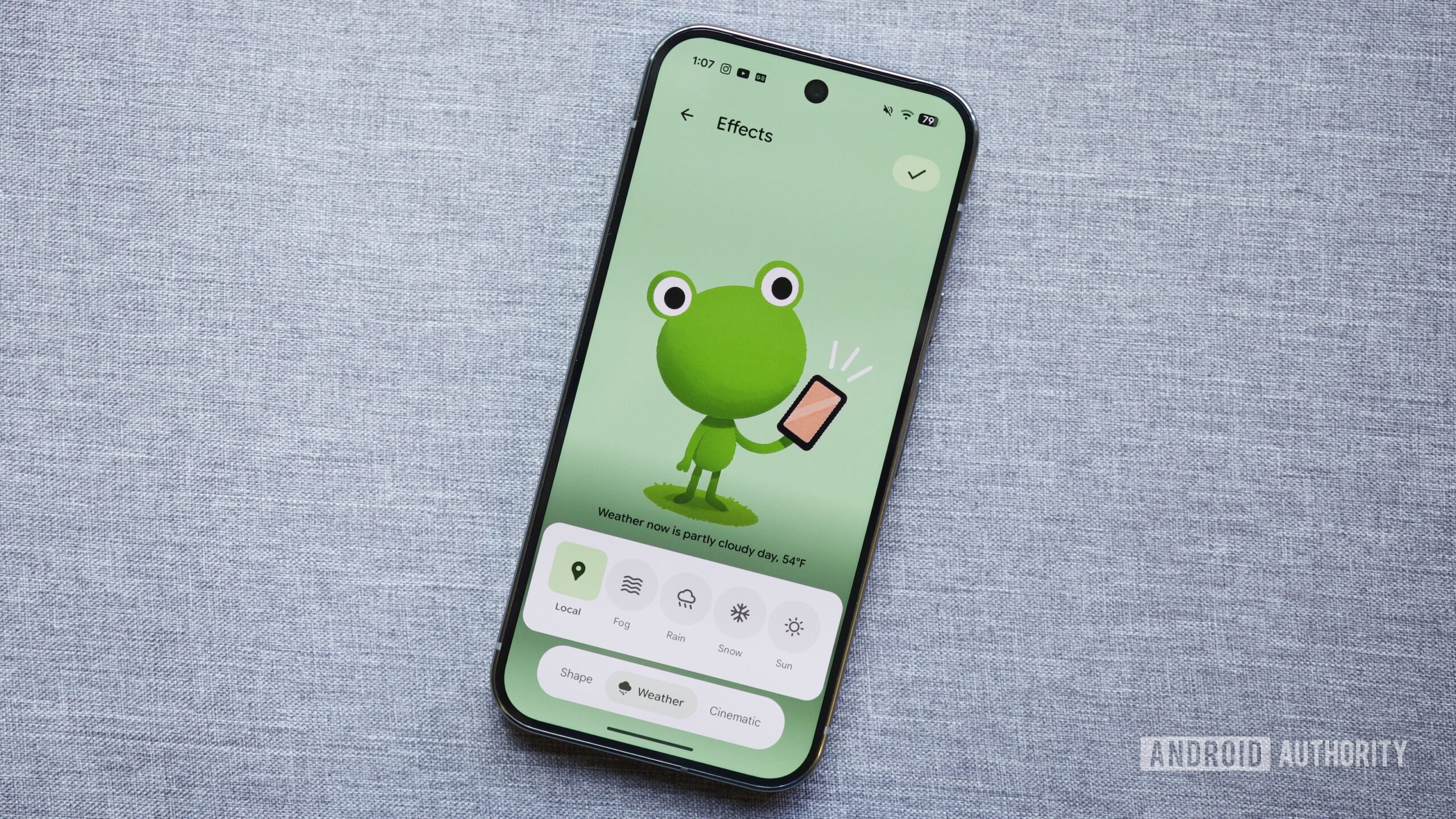


Joe Maring / Android Authority
TL;DR
- Google is updating Pixel Live Effects to finally let you adjust the position and scale of your wallpaper photos.
- You can now pan with one finger or zoom with two to frame your subject perfectly in the Shape and Weather tabs.
- We spotted this highly requested feature in the latest Android Canary build, so a Beta and Stable release will be coming in the future.
One of my favorite new Pixel features in recent months is Live Effects, a tool that lets you create stunning, personalized lock screen wallpapers. However, the feature currently has one glaring problem: you can’t adjust the position or scale of your photo! While the algorithm typically does a great job at isolating the main subject, it isn’t always perfect. Fortunately, Google is finally fixing this oversight by allowing you to pan and zoom on the photo you’re applying a Live Effect to.
Don’t want to miss the best from Android Authority?


If you’re unfamiliar, Live Effects is part of the Pixel Wallpapers app. It currently offers three different wallpaper options: Shape, Weather, and Cinematic. The Shape option extracts the main subject from your photo and lets you frame it in a variety of shapes and colors. The Weather option adds environmental effects like rain, snow, or fog to make scenes appear more natural. Lastly, the Cinematic option applies a 3D effect to make your photo come alive.
Live Effects has been a big hit with Pixel fans since its debut in the September Pixel Drop, but the inability to pan and zoom has left some users frustrated. Thankfully, Google has finally added this capability in the latest 2511 Android Canary release.
After updating my Pixel 8 Pro to this build, I spotted a new prompt when applying a Live Effect that said I could “adjust the position and scale of your photo.” True to its word, I was able to pan with one finger and zoom in or out by pinching with two. This works for both the “Shape” and “Weather” tabs.

Mishaal Rahman / Android Authority
Here’s a short video demonstrating this new capability:
This feature is live by default in the latest 2511 Android Canary release, so it should trickle down to future Beta and Stable builds. While we don’t know the feature’s exact release timeline, we’re betting on seeing it in Android 16’s third quarterly platform release (QPR3), which should begin beta testing soon ahead of its stable launch next March.
Thank you for being part of our community. Read our Comment Policy before posting.
 By
By