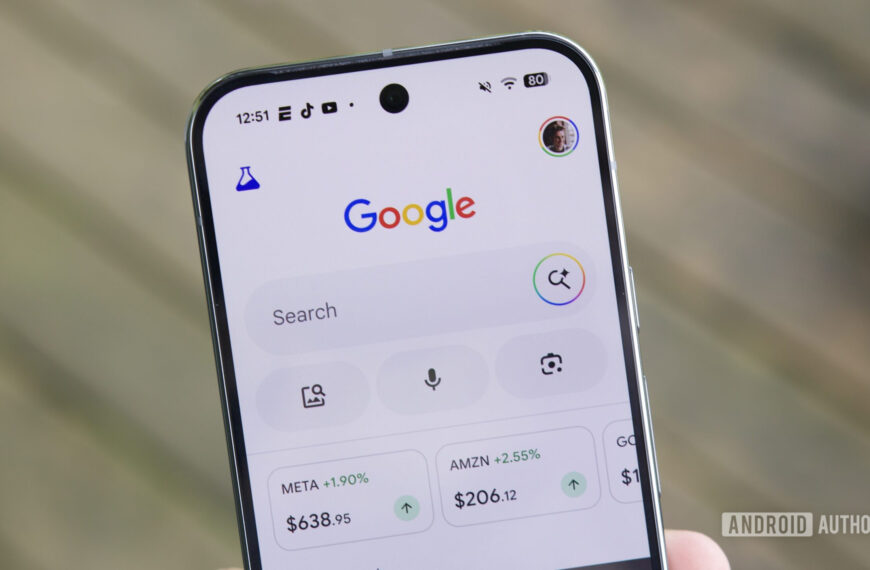
Ryan Haines / Android Authority
TL;DR
- Google Maps v25.28 stable and v25.29 beta have removed in-app media playback controls.
- The removed feature allowed easy access to play, browse suggestions, or open the default music app.
- It’s unclear if the removal was intentional or just a bug, as the functionality still exists on iOS.
Google Maps remains one of the best apps for Android devices, but it’s not perfect. There are plenty of ways Google can improve the Maps experience, and a good starting step is to keep features that users use and not remove them, especially if replacement functionality isn’t available. The latest change to Google Maps makes it significantly difficult to control your music while navigating, and it’s pretty infuriating.
As spotted by 9to5Google, Google Maps v25.28 stable as well as Maps v25.29 beta has removed the media playback controls that appeared at the bottom of the app when navigating.

The media controls were a swipe away at the bottom, and you could easily control playback from here. Users could also tap the Browse button for nine quick suggestions to switch to quickly. If you needed more options, there was a handy shortcut to quickly open the music app. If you needed more screen real estate, you could swipe down the controls to move them out of the way again.
These handy media control shortcuts had to be enabled within Google Maps’ Settings > Navigation > Show media playback controls. This feature worked with YouTube Music and Spotify, and you could also select your default media app. However, the new Google Maps update on both stable and beta channels has removed all of this.
This feature was my default way to control music playback while navigating. While there are other external ways to control playback, having the control right on the navigation screen was super convenient as it minimized distractions and taps needed to simply change a song. Now, you have to swap out to your music player app or use the active media player notification in the notification panel to control playback, meaning you have to navigate away from the Maps screen and, worse, be distracted for a few more seconds while driving.
It’s not immediately clear if this removal is intentional or just a bug, but the feature remains present on Google Maps for iOS, for what it’s worth.
We’ve contacted Google to learn more about the removal of media playback controls from Google Maps. We’ll keep you updated when we learn more.
 By
By