

Oliver Cragg / Android Authority
TL;DR
- Nintendo’s latest Switch 2 update adds Handheld Mode Boost for original Switch games.
- The feature forces docked behavior, allowing higher-resolution visuals in handheld mode instead of the 720p limit.
- Results vary by game, and the setting may have knock-on effects for things like battery life and touchscreen functionality.
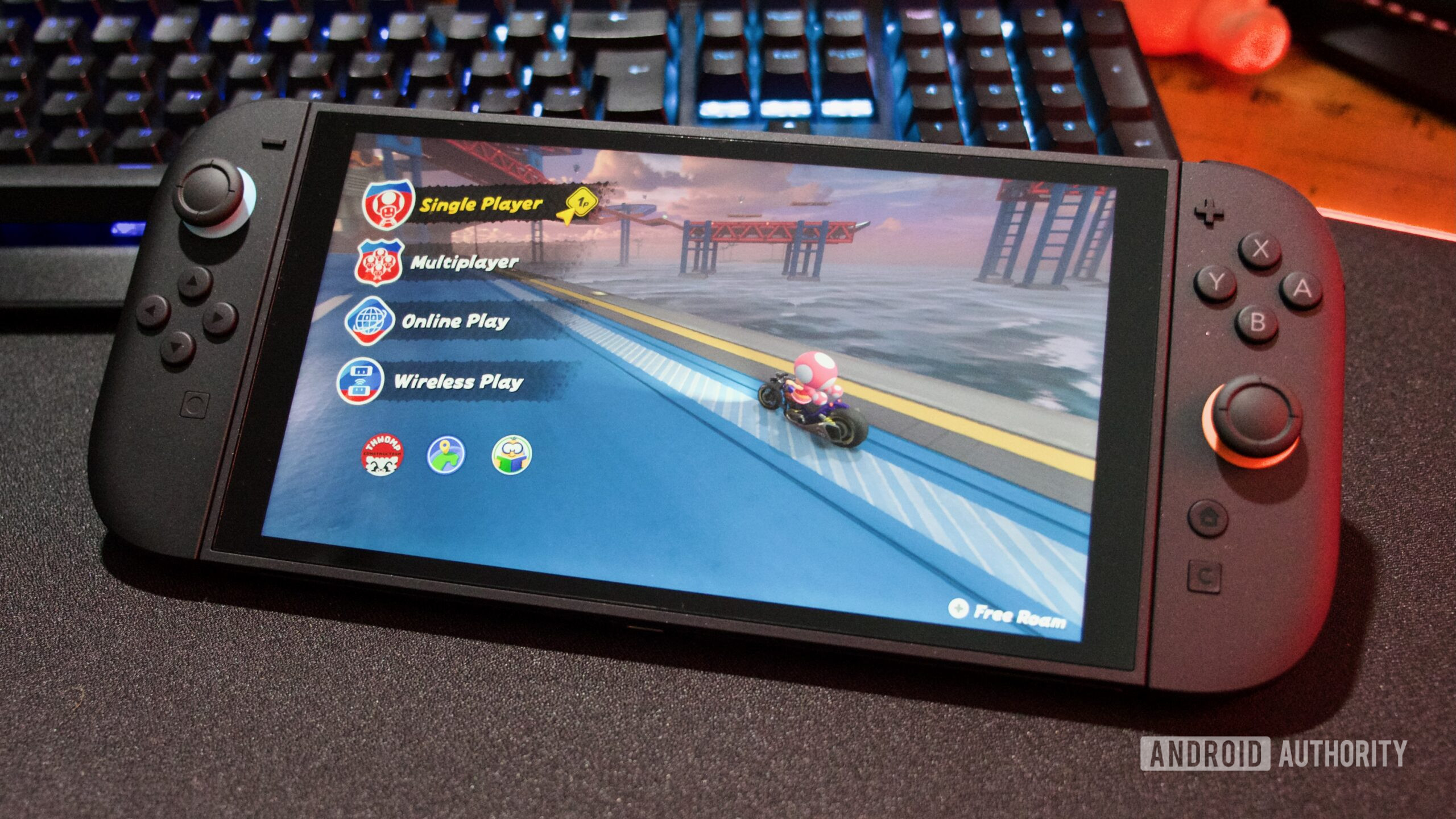
When the Nintendo Switch 2 launched last year, one of the first questions for many owners was whether their existing game libraries might look any better on the new hardware. A new system update suggests Nintendo is still working on that answer, adding a feature that could improve how older games run when you’re playing on the go.
As reported by The Verge, Nintendo has introduced a new Handheld Mode Boost option as part of the Switch 2’s latest update. According to a support page on Nintendo’s website, enabling the setting makes original Nintendo Switch games run as if the console were docked, even while you’re playing in handheld mode.
Don’t want to miss the best from Android Authority?


In practice, that means supported games can render at higher resolutions than they normally would in handheld mode. On the original Switch, games were typically limited to 720p on the built-in display, only scaling up to higher resolutions when docked to a TV. By forcing that docked behavior, the Switch 2 can let some of those same games run closer to their higher-resolution output even when you’re playing on the go.
As good as that sounds, the exact results will vary depending on the title. Nintendo says some Switch titles won’t be affected at all, and the feature has no impact on games designed specifically for the Switch 2. As with other backward-compatibility improvements we’ve seen on the console, results can vary quite a bit from one title to another.
There are also a few trade-offs. Because the system is effectively forcing TV mode behavior, enabling Handheld Mode Boost may increase power consumption, meaning shorter battery life. Some games may no longer support touchscreen input, and the attached Joy-Con 2 controllers can be treated as Switch 2 Pro Controllers instead. Nintendo also mentions that certain in-game instructions may not display correctly under these conditions.
If you want to try it out, you’ll find the setting by heading to System Settings > System > Nintendo Switch Software Handling, where you can toggle Handheld Mode Boost on or off. Let us know in the comments if this improves your Switch gaming experience.
Thank you for being part of our community. Read our Comment Policy before posting.
 By
By