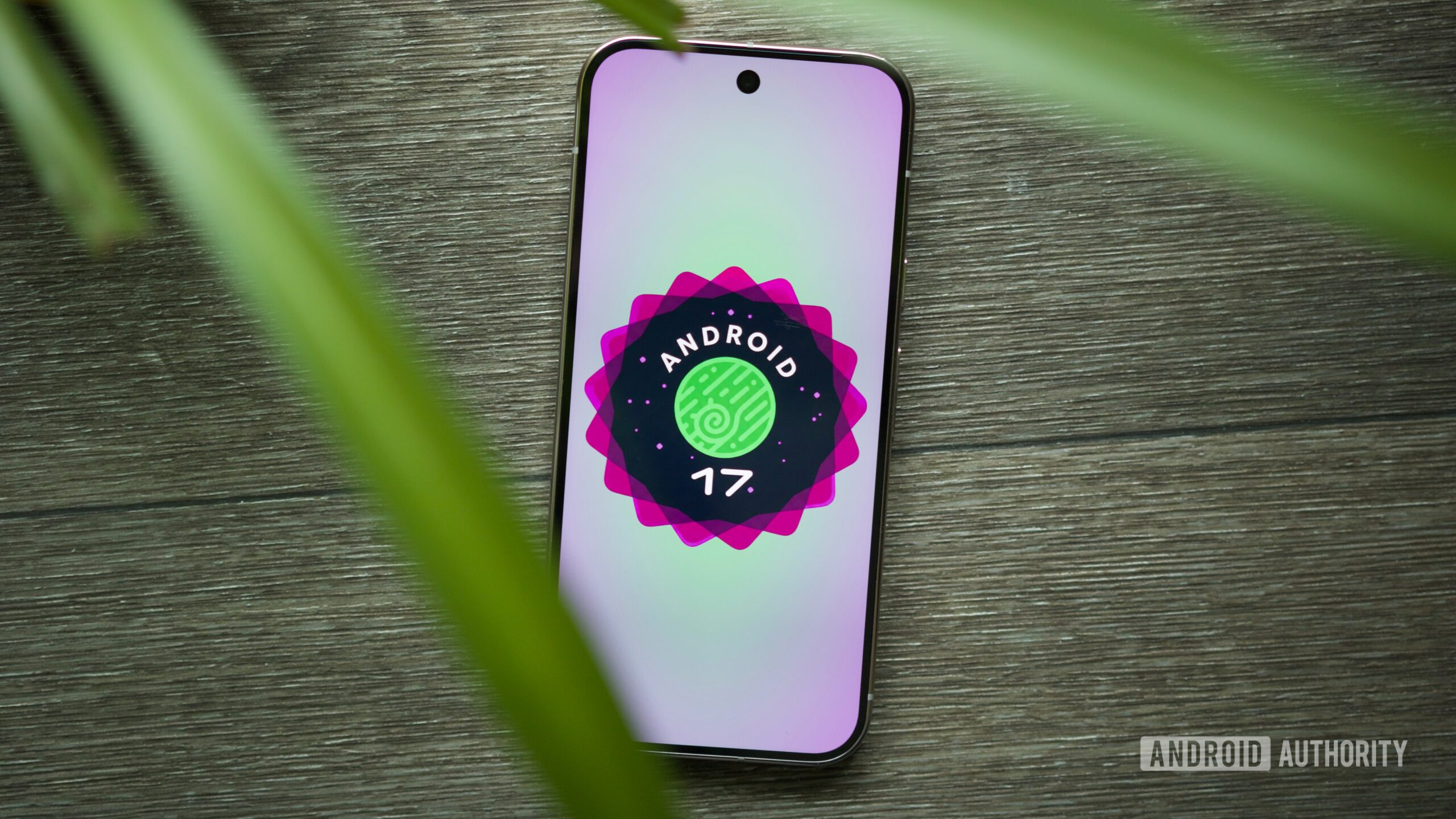


Joe Maring / Android Authority
TL;DR
- Some Pixel users are finding themselves unable to update to Android 17 Beta 4 even after enrolling in the program .
- The root cause may be due to Android 16 stable existing at a higher patch level than the Android 17 Beta.
- It’s still possible to flash a full factory image to force the Beta, but at the loss of data saved to your phone.
Android 17 is quickly approaching its final form, and after months of Betas, that stable build is starting to finally come into sight. Ahead of its arrival, last week Google delivered Android 17 Beta 4. If you were interested in getting in on the testing now that the code is reaching a nice, mature state, you might have signed up for the Beta only to find yourself waiting and waiting for an OTA update that never seems to come. As it turns out, there’s a good reason why you might be having problems — and it’s not the first time this has happened, either.
Don’t want to miss the best from Android Authority?


For users interested in running the Android 17 Beta, Google offers several paths towards access. The easiest way, and the one most users probably take advantage of, is by enrolling their device in the Beta program. Once that’s accomplished, your device will receive an OTA update notification letting you know the Beta is ready to install. It’s all reasonably seamless, and doesn’t wipe your phone’s data.
At least, that’s the way things are supposed to work, but as we’re noticing across a number of user posts to Reddit’s Android Beta sub, this effortless process isn’t exactly unfolding as planned for some Pixel owners. Users like Negative_Complex_569 and Hot-Pizza2981 share the same story that keeps coming up: They’ve registered for the Beta, and can even see that there’s an update available, but are unable to install it.
We’ve reached out to Google in an effort to confirm the nature of the problem here, but while we wait to hear back on any official explanation, the best theory we’ve come across at the moment is that this is the result of running Android 16 stable with all the latest security patches installed. The problem there is that Android 17 Beta isn’t yet caught up to the same point, so your phone doesn’t want to “downgrade” itself to an older patch level — and the Beta doesn’t install.
This isn’t actually a new problem, either, and Pixel users were sharing the same issue earlier this month on Beta 3 — and even last year on the Android 16 Beta. So, what are you supposed to actually do about it?

Joe Maring / Android Authority
Well, you could wait for a new Android 17 Beta release, but even that might not be sufficient to get you to the right patch level, as we just saw with Beta 4. Your one guaranteed solution would be to just flash an Android 17 Beta factory image — but then you’re wiping all your device’s data in the process. It’s possible you might be able to get away with manually sideloading an OTA — without needing to wipe your data — but we’re still hoping to confirm.
While none of this is much comfort to Pixel users who were hoping to get in on the Android 17 Beta without jumping through extra hoops, it’s also a bit of a reminder that this kind of testing probably really isn’t the best idea for a lot of casual users — especially when we’re talking about their primary phone. Testing on a backup phone just makes everything a whole lot easier — and if you do have to wipe your data at some point, that’s much less of an issue.
Thank you for being part of our community. Read our Comment Policy before posting.

 By
By