

Paul Jones / Android Authority
TL;DR
- Samsung’s working on One UI 9 internally, and early leaks have begun shedding light on what upgrades to expect.
- New text strings shine a light on changes to accessibility features, including moving around how we access some.
- Users relying on keyboards for input in particular can look forward to new functionality arriving.
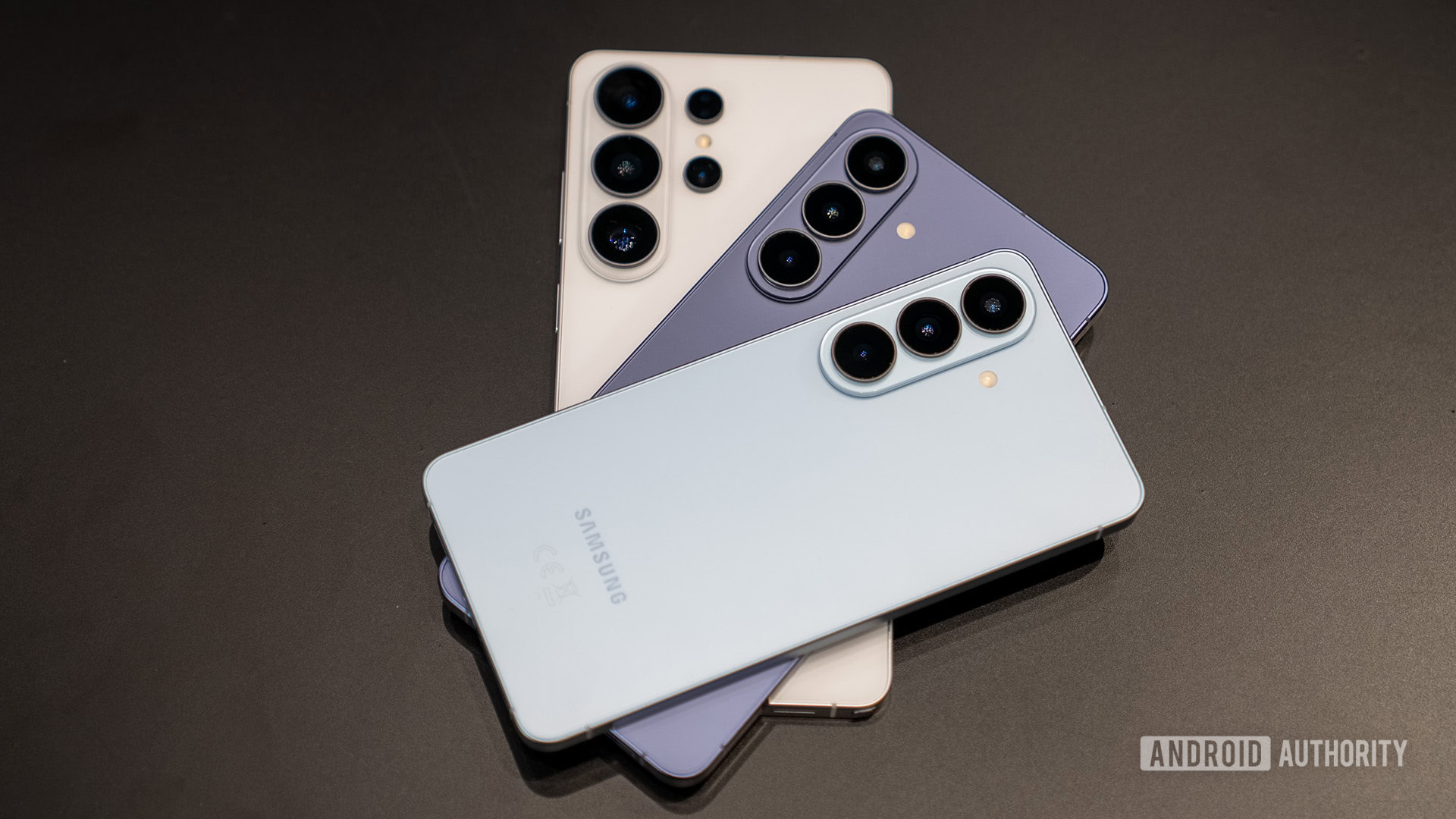
Samsung’s One UI 8.5 update is maybe, just maybe tight on the cusp of arriving for existing Galaxy devices. But if you’ve been reading the latest news you’d be forgiven for assuming it had arrived by now, as our attention is already pivoting to One UI 9. Testing on the Android 17-based update has started internally at Samsung, but leaks have managed to give us some early peeks at what changes we can hope to expect. And as we continue to crawl through all that code, we’ve spotted some changes related to accessibility features in One UI 9.
The find we’re looking at today consists primarily of a series of text strings that appear to be getting ready for a “What’s new” screen that will introduce new One UI 9 users to the latest accessibility features coming to their phones.
Don’t want to miss the best from Android Authority?


It’s worth noting that much of what we’re seeing in here isn’t necessarily new-new, and includes a mix with updates to old features and new UI placement. First, we’ve got some text strings referencing this screen:
Code
What's new in One UI %s
Try it out
Check out the latest updates.
What's new in TalkBack
We can also see that the screen is preparing to highlight a few changes in specific:
- More power over mouse keys
- Move your mouse with your keyboard. You can now fine-tune your cursor speed, and the numeric keypad has been added as an alternate set of key controls.
- Physical keyboard shortcut added
- Stay in your flow by turning accessibility features on or off directly from your physical keyboard, without ever touching your phone. Check out which accessibility features you can control.
- Replace swipe with single tap moved
- This feature is now easier to find at the top level of the Interaction and dexterity menu.
- Text spotlight
- Expand and highlight text with a tap to make it easier to read. Customize the size, colors, and more to meet your needs.
- Tap indicators at the top of the screen or any on-screen text to see them enlarged and highlighted in a separate window.
For instance, the ability to use a keyboard to control an on-screen mouse cursor is an accessibility feature Samsung already offers, but here it looks like we’re getting new options for it. Or the ability to change swipe gestures into taps is one we have right now, but this “What’s new” message describes a new home for it — currently it’s Assistant menu settings, and Samsung just plans to make it more visible:

AssembleDebug / Android Authority
And just to really drive home that these are changes Samsung is specifically preparing for One UI 9, we see the release’s name directly attached to these labels:

AssembleDebug / Android Authority
With Google not set to finalize Android 17 until much closer to summer, we’ve still probably got a wait of at least a few more months before we even have a chance of seeing Samsung get a public One UI 9 beta going. So while it still might be some time before we’re able to give most of these new and improved accessibility features a spin, it’s nice to already know that Samsung’s working on improvements for users of all abilities.
⚠️ An APK teardown helps predict features that may arrive on a service in the future based on work-in-progress code. However, it is possible that such predicted features may not make it to a public release.
Thank you for being part of our community. Read our Comment Policy before posting.

 By
By