

Joe Maring / Android Authority
TL;DR
- Google Messages now stores deleted texts for up to 30 days before they are permanently erased.
- The feature provides a safety net for accidental deletions.
- Android Go edition users get seven days of deletion protection.
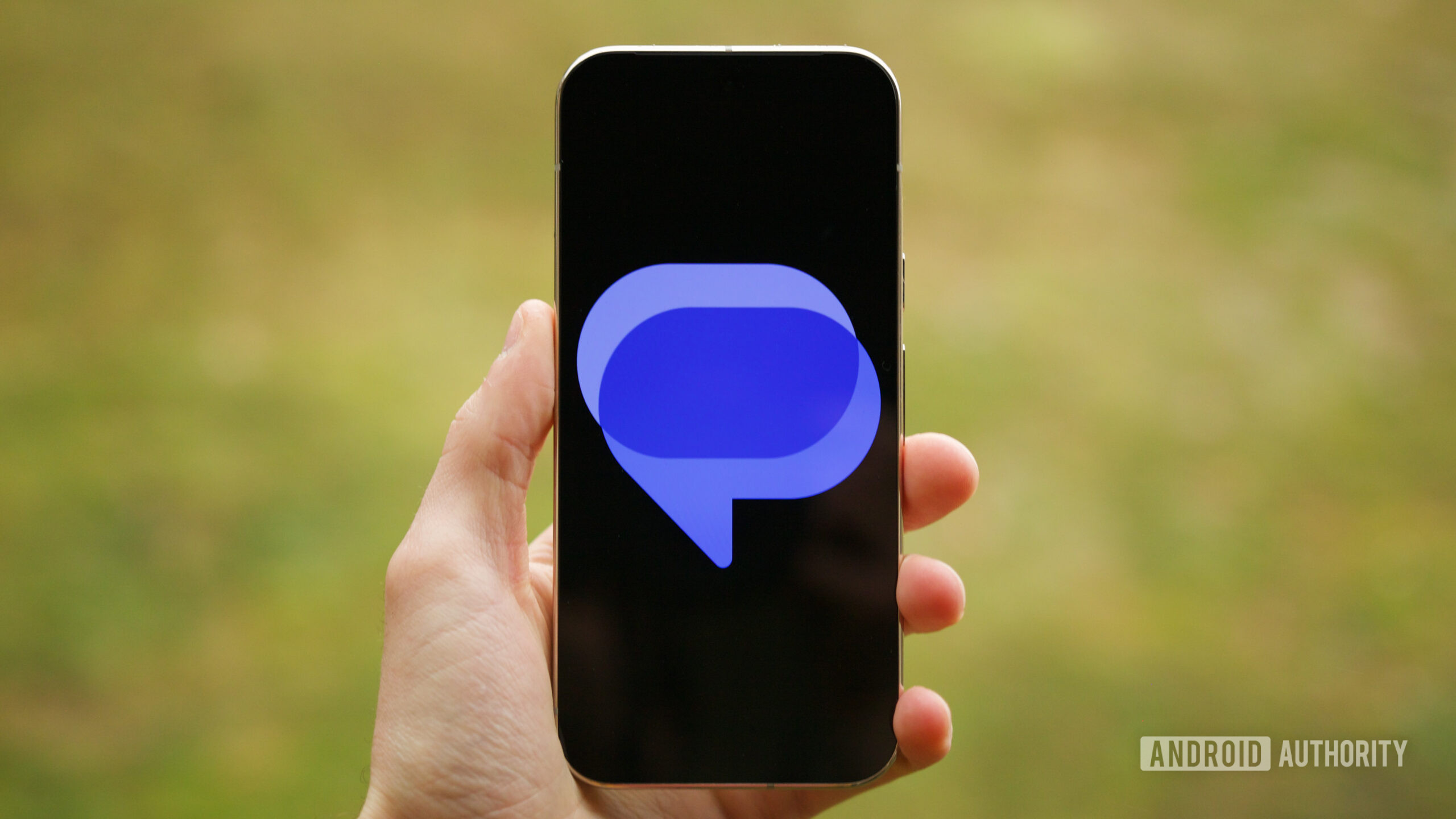
For years, deleting a text in Google Messages was a high-stakes move: Once you hit that delete button, the conversation was gone forever. Now, Google has finally brought some much-needed peace of mind. Following a brief beta period, Google has rolled out a dedicated Trash folder for Google Messages.
This new feature brings the app’s behavior more in line with Gmail and Google Photos, providing a safety net for those accidental swipes or moments of “deleter’s remorse.”
Don’t want to miss the best from Android Authority?


The functionality is straightforward: When you delete a message or a conversation, it is no longer immediately erased from your device. Instead, it is moved to a Trash folder.
On most standard Android devices, messages will sit in the Trash for 30 days before being permanently purged. If you are using an Android Go edition device, however, that window is shorter, with messages being automatically deleted after seven days. During this holding period, you can manually restore messages to your main inbox or empty the trash entirely to clear space immediately.
Once the update hits your device, you’ll notice a slight change in the app’s interface. The “Delete” prompts are being replaced with “Move to Trash” language. To find your discarded texts, follow these steps:
- Open Google Messages.
- Select your profile picture/icon in the top-right corner of the search bar.
- Look for the new Trash option in the menu (it usually appears alongside “Archived” and “Spam & blocked”).
- From here, you can select individual messages to restore or delete permanently. There are also “Empty Trash” and “Restore All” buttons for bulk management.
The rollout appears to be happening in stages. Even if you are on the latest stable version of the app, it may take a few days for the server-side switch to flip for your account.
This update is a major win for user experience, making Google Messages feel like a more robust, modern communication tool. No longer will a single accidental click mean losing years of chat history or important verification codes. Keep an eye on your profile menu; your digital safety net should be arriving shortly.
Thank you for being part of our community. Read our Comment Policy before posting.
 By
By