
iOS 26 launched in the fall, but with 26.1 and 26.2 updates it added more tools for customizing the new Liquid Glass design. And now that a new wave of users is upgrading to iOS 26 for the first time, here’s an overview of two ways to personalize your iPhone’s Liquid Glass style.
#1: Choose your preferred Liquid Glass look
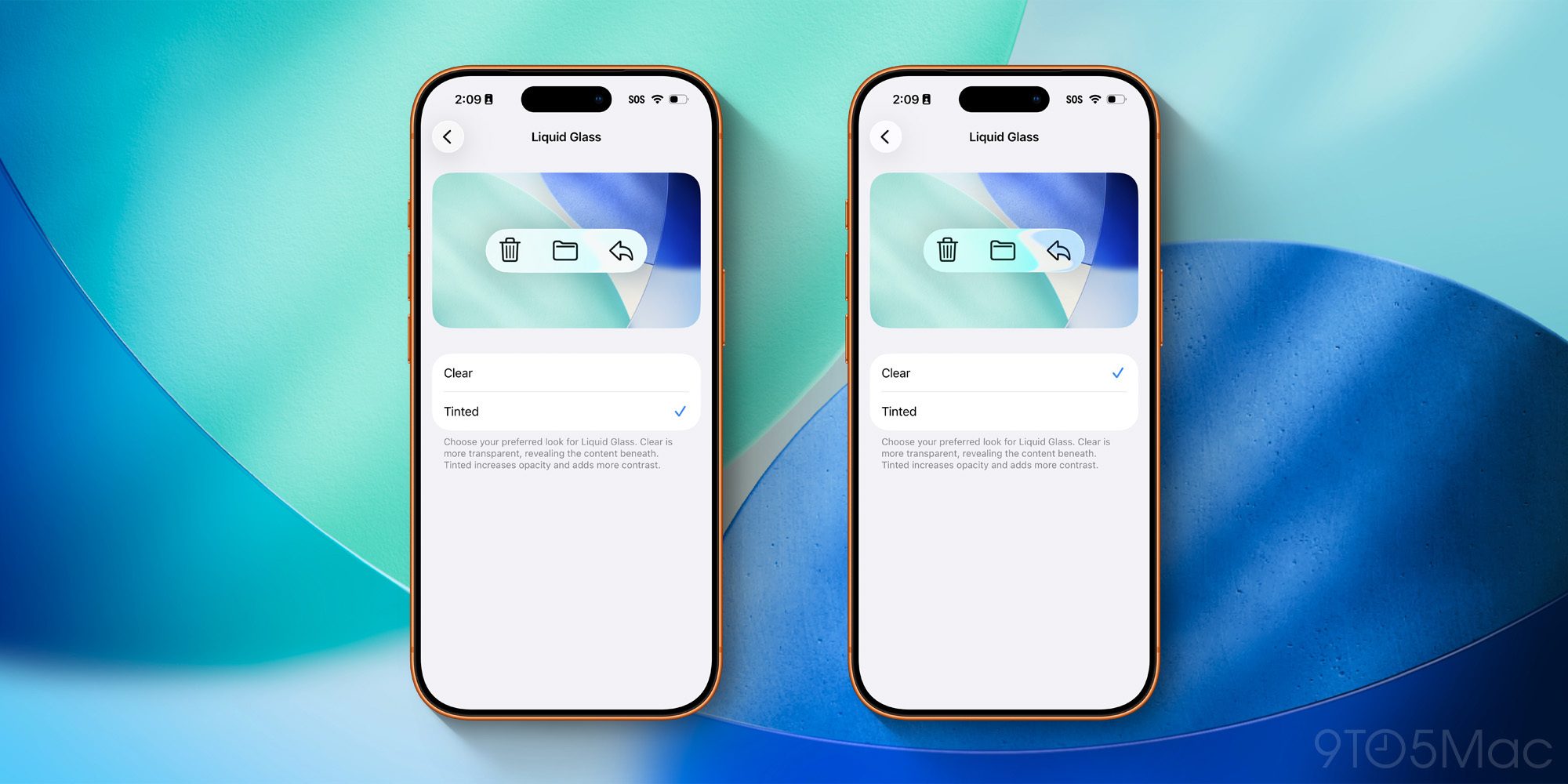
Liquid Glass comes in two main versions in iOS 26:
You can find and compare the two options inside Settings ⇾ Display & Brightness ⇾ Liquid Glass.
Both share plenty of traits in common, but the Clear option features more transparent UI elements, while Tinted increases opacity and adds more contrast.
If you’re unsure which option is best for you, you can give each one a try for a while before settling on your favorite. The ‘Clear’ style looks more modern and different, while ‘Tinted’ retains more of the classic iOS 18 look.
#2: Customize your Lock Screen clock
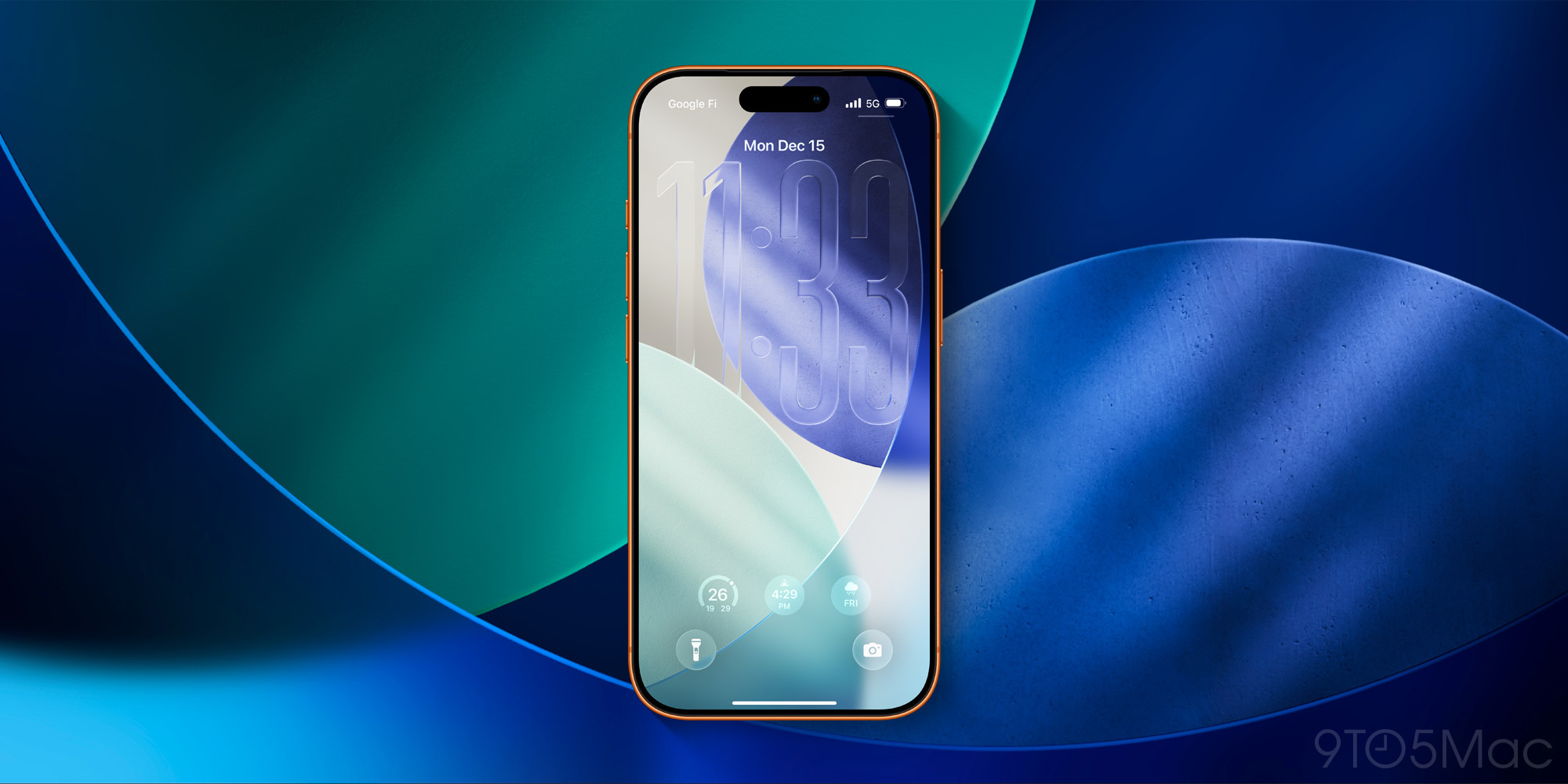
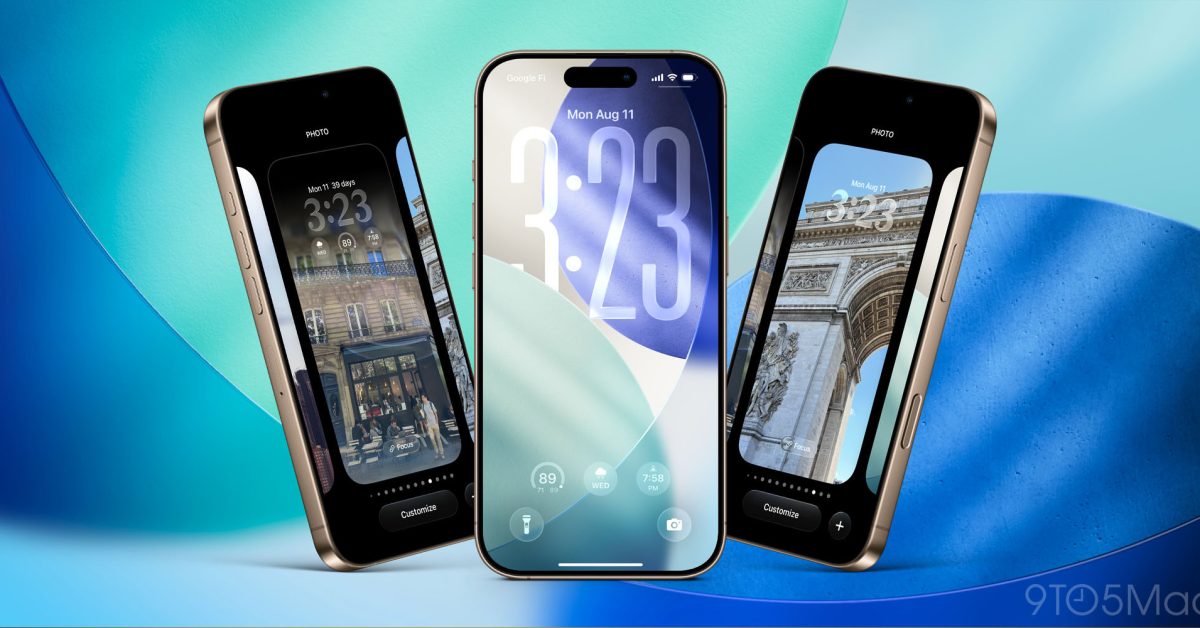
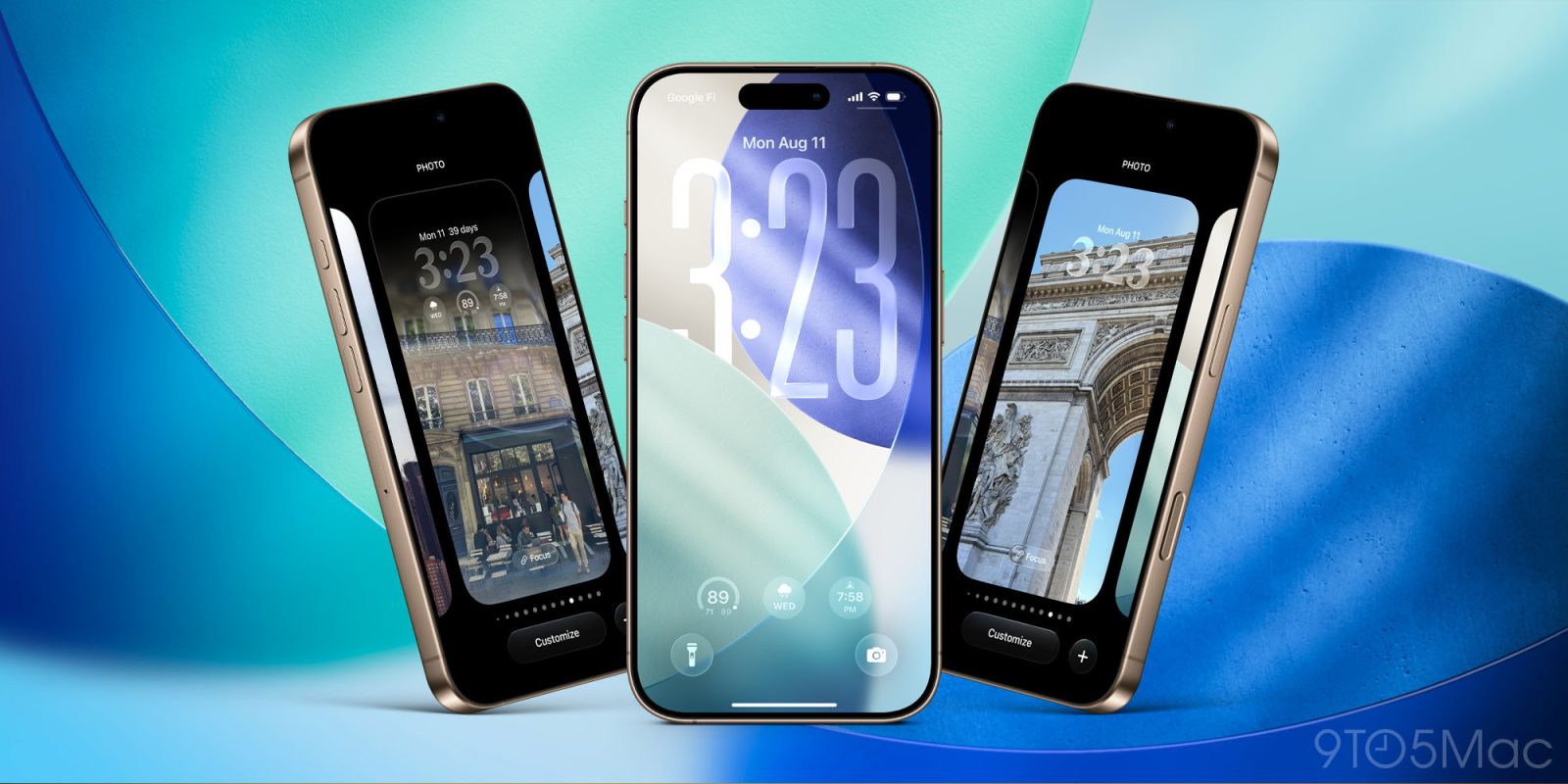
The iPhone’s Lock Screen is one of the parts of iOS that you see most often. And in iOS 26, you can customize the look of the Lock Screen clock with Liquid Glass.
To get started, long-press on your wallpaper then hit ‘Customize.’ From there, you can tap on the clock and choose the ‘Glass’ option for its design.
Above the ‘Glass’ and ‘Solid’ options there’s a slider when ‘Glass’ is selected. This slider lets you make the clock as transparent or opaque as you’d like.
For the default font option, you can also stretch out the clock to make it larger on-screen. Grab the little dragger in the bottom-right corner of the clock, and pull it down to expand the clock size.
What are your preferred Liquid Glass options in iOS 26? Let us know in the comments.
Best iPhone accessories


FTC: We use income earning auto affiliate links. More.

 By
By