

Rita El Khoury / Android Authority
TL;DR
- Apple iPhone owners can now use the Pixel Head Start Tool to prepare their data for a switch to a Pixel 10 series phone.
- The feature lets you prepare your iPhone’s passwords and photos for transfer before the Pixel 10 device arrives.
- However, this doesn’t seem like a huge upgrade over previous transfer solutions.
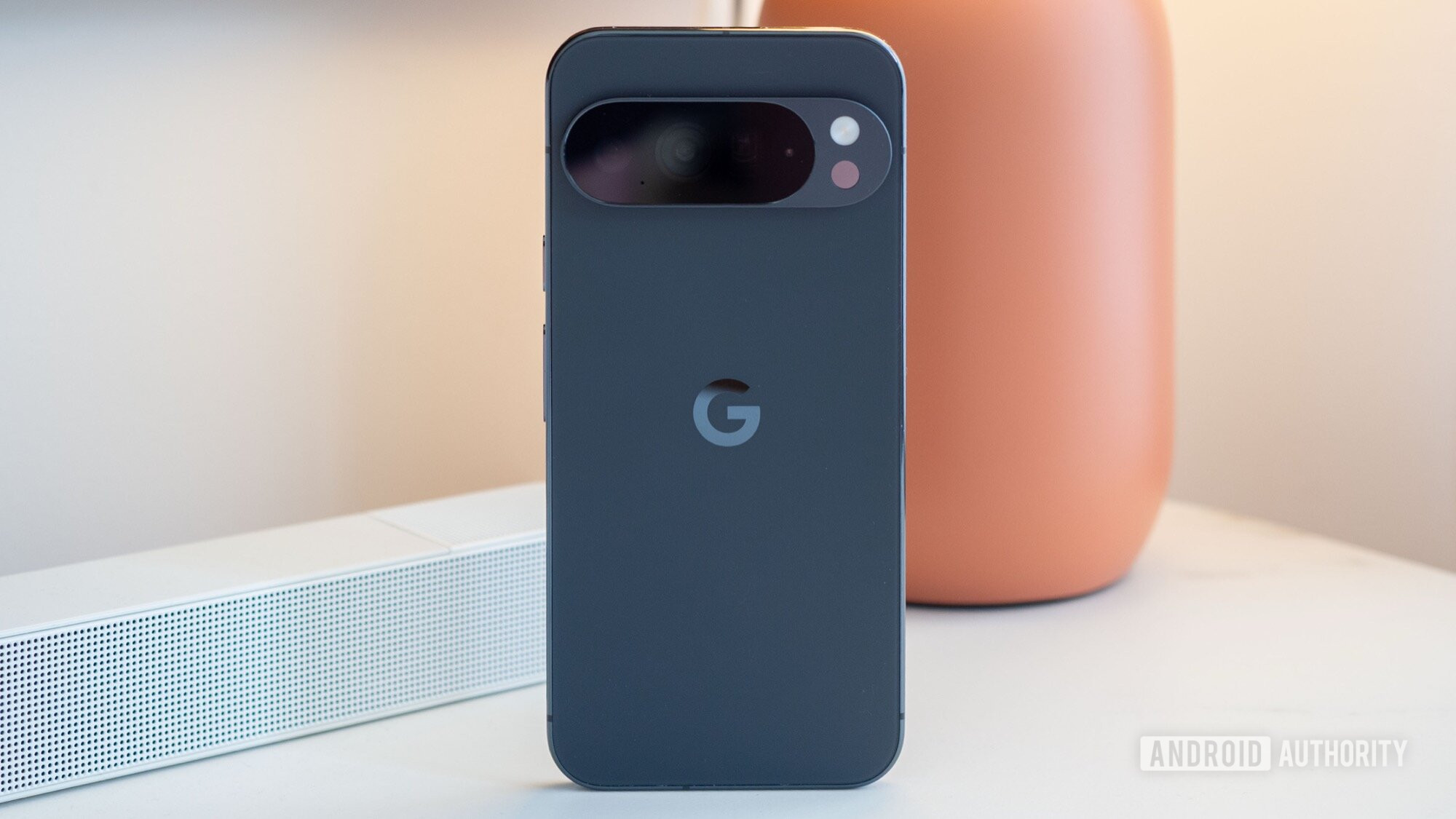
Google launched the Pixel 10 series last week, and the company says it’s streamlined the process of switching from an iPhone to a Pixel 10 series device. In fact, it allows you to prepare your iPhone data for transfer before your new phone arrives. Google didn’t give more information about this process, but we now have more details.
9to5Google went through this process after purchasing a Pixel 10 series phone from the Google Store, and we were able to follow these steps as well. Once you buy your device via this platform, Google will show you a link to the Pixel Head Start tool. This link is also emailed to your account for your convenience. Tapping this link will reveal Start now and Buy a Pixel buttons. Tapping the latter button will take you to the Google Store.
Don’t want to miss the best from Android Authority?
Tap Start now and you’ll be prompted to choose a Google account and hit Continue. It will then ask iPhone owners to back up their iCloud and local photos to Google Photos. Don’t have Google Photos? Then you’ll be asked to download it and enable backups. Once you’ve enabled Google Photos backups, the tool notes that your images will be backed up in the background, allowing you to continue the Head Start process. You’ll then be prompted to copy your passwords to Google Password Manager. And that’s all you can do for now without your shiny new Pixel 10 series phone in hand.
Unboxed your Pixel 10 phone? Then you’ll need a cable on hand to continue the process. Connect the two phones, and you can transfer data like contacts, calendar info, iMessage and WhatsApp data, apps, music, and notes. Once you’ve completed this process, Google’s tool will show you tips and tricks for your new Pixel phone. We can also confirm that the tool supports Android-to-Android migration, while checking for device backups.
In any event, it looks like you don’t necessarily have to buy a Pixel 10 series device from the Google Store to use the Pixel Head Start tool. That’s good news for people buying their phone from carriers or other retailers.
In saying so, this Head Start tool doesn’t seem like a massive improvement over current transfer solutions. In fact, it seems to merely give the existing solutions a new UI and webpage. By contrast, Apple temporarily increases your iCloud storage for 21 days if you’re switching from Android to iPhone to facilitate a smoother transition. So it would’ve been great to see Google offer a similarly robust solution.
Thank you for being part of our community. Read our Comment Policy before posting.
 By
By