

Rita El Khoury / Android Authority
TL;DR
- A redesigned warning screen for Google’s Find Hub is being tested.
- This new screen now clearly indicates the phone is lost or stolen and has been locked with Find Hub.
- As part of the redesign, we also see bigger buttons to call the owner or contact emergency services.
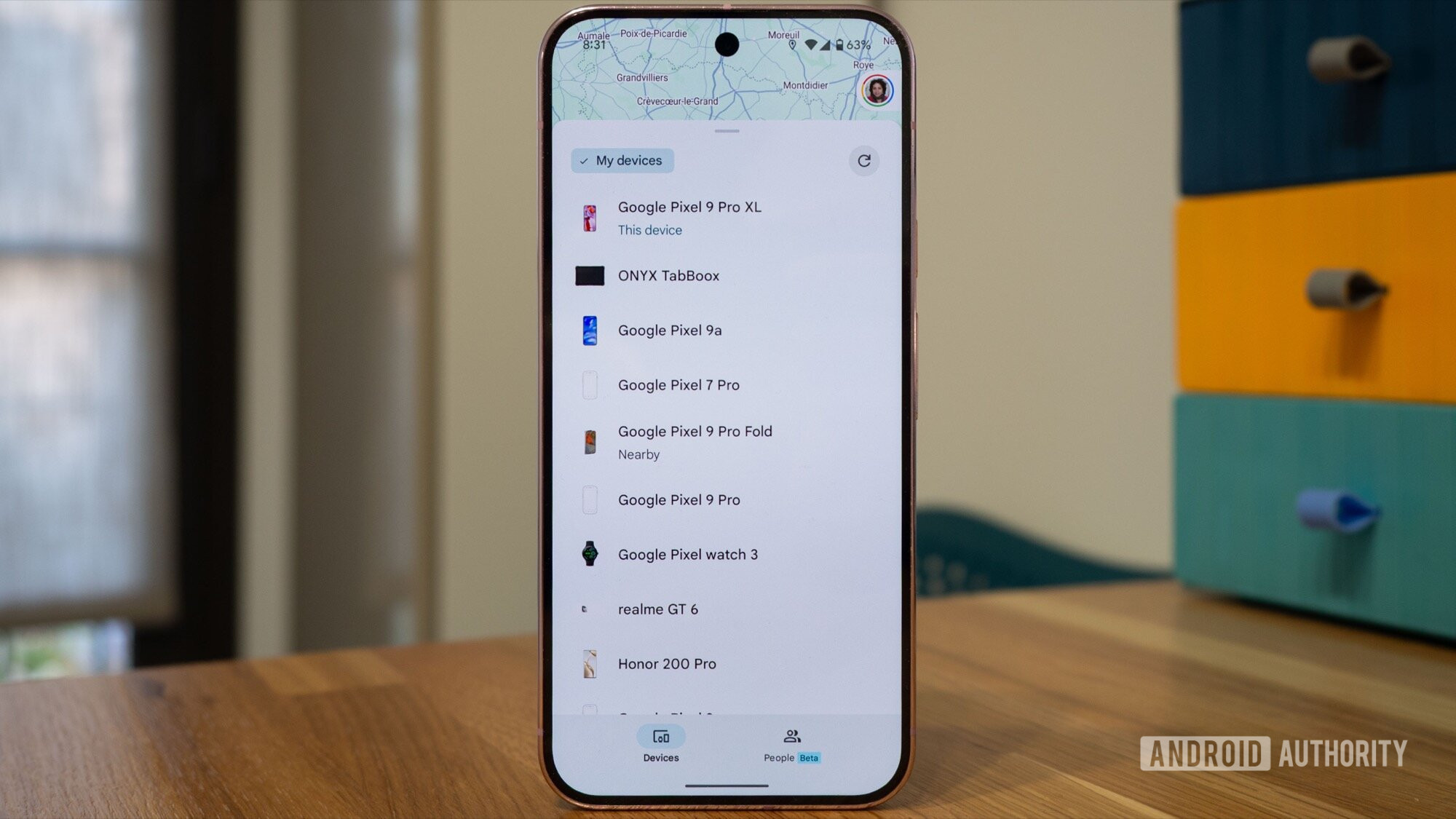
Back in May this year, Google renamed Find My Device, the app that lets you track and locate your phone, smart tags, or audio accessories if you can’t find them, to Find Hub. Over the following months, Google has been rolling out promised features, including satellite-based tracking, to Find Hub with the new Pixel 10 series phones. Additionally, it has also been testing a redesign alongside a splash of new visuals with the new Material 3 Expressive design philosophy in Find Hub, and we are now seeing more evidence of that across multiple screens.
Following our recent discovery of Expressive redesign in Find Hub, we have identified a new trial interface that appears when a device is marked as lost. These changes don’t appear to be tied to the Find Hub app itself, but instead appear following the Google Play Services’ update to version 25.34.32, which makes sense since Find Hub is part of Google Play Services. Do note, these changes aren’t rolling out widely, and we spotted them as part of a teardown.
With this new interface, we see a completely overhauled screen that appears when a phone is marked as lost. This screen locks down the interface and displays the owner’s contact details instead of the standard lock screen. The new screen visibly aligns with the other Material 3 Expressive remods we have seen so far, with a colorful background and new buttons.
The new page emphasizes that this phone is lost or stolen, with a new, centrally placed text. As opposed to saying “Locked by Find Hub” earlier, the new screen uses a bigger and bolder font with a new text that says “This phone has been lost” right above the owner’s name.
Don’t want to miss the best from Android Authority?
Below the owner’s name, there are buttons that let you call the owner, contact emergency services, or unlock the phone if you are the actual owner, i.e., you know the PIN. If the phone owner does not enter a contact number while locking the phone, only two buttons are displayed, which are for unlocking the phone and calling emergency services.
Since Google is already rolling out Material 3 Expressive to a host of other apps, we expect it to be rolled out on Find Hub soon. However, it is difficult for us to answer how soon that happens, especially since some of Google’s own apps have been misbehaving following the redesign.
⚠️ An APK teardown helps predict features that may arrive on a service in the future based on work-in-progress code. However, it is possible that such predicted features may not make it to a public release.
Thank you for being part of our community. Read our Comment Policy before posting.
 By
By