

Joe Maring / Android Authority
TL;DR
- Google’s Pixel Weather app has an update incoming that delivers a new set of forecast icons.
- The new icons abandon color gradients for bold layouts with high-contrast edges.
- Your list of saved cities is also getting new controls for easier reorganization.
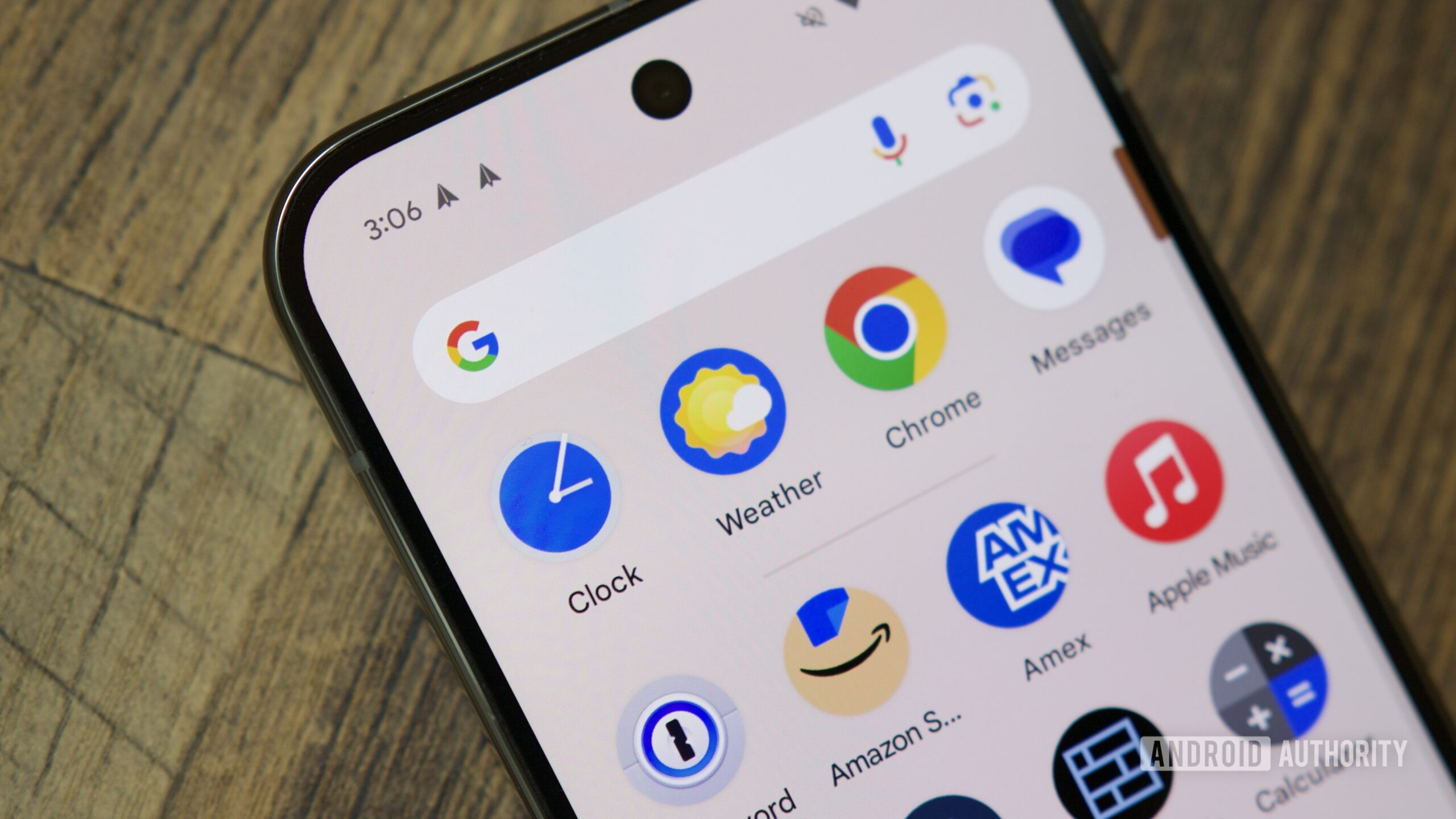
Good iconography is instant and intuitive: At a glance, you just understand what those symbols are supposed to mean. And while the goal of choosing good icons like that may be clear enough, exactly what makes one work better than another can involve a whole lot of trial and error. Right now, Google appears to be taking its latest swing at an icon overhaul for its Pixel Weather app, delivering a clean, fresh new look.
Even with weather reports on Android changing, the Pixel Weather app itself should persist — but not without a few changes. With the new version 1.1.20251230.875325825.release update, Google introduces some revised weather icons. There’s even an introductory screen explaining why these changes are happening:
Compared to the old icon set, these new ones are all about simple, bold colors, accented by clean outlines. Gone are the previous gradients, but with the colors Google chooses and the general shapes all staying the same, can’t imagine anyone will have any difficulty figuring these new ones out.
Don’t want to miss the best from Android Authority?


Beyond the icons themselves changing, we’re also noticing a higher-contrast approach to the rest of the app’s UI elements, preferring white backgrounds wherever possible. The new icons and that high-contrast approach are popping up everywhere now, including the app’s widgets:

AssembleDebug / Android Authority
Most of the changes we’re seeing in this update are graphical, but there do appear to be some small functional updates, as well. Here’s one that appropriately enough also feels like it’s been implemented with accessibility in mind:

AssembleDebug / Android Authority
So far, we’ve been able to manage our list of saved locations in the Pixel Weather app by long pressing on them and dragging them around. While that’s not going away, in this release we see Google also implement some buttons for users who might struggle with dragging on-screen content. You can just tap the up or down arrows to reposition the city within the list, or remove it entirely.
Thanks to @matt3obellomo for getting us access to the new APK. Look for it on your own Pixel handset soon.
Thank you for being part of our community. Read our Comment Policy before posting.
 By
By