

Andy Walker / Android Authority
TL;DR
- Microsoft will soon let you remotely lock your PC and access its clipboard directly from your Android phone.
- The new clipboard feature allows your phone to access text and images copied on your PC, which is especially useful for Android phones without Phone Link’s native cross-device sync.
- An updated Link to Windows app on the phone will show a history of items copied to the PC’s clipboard and also include a new button to remotely lock your computer.
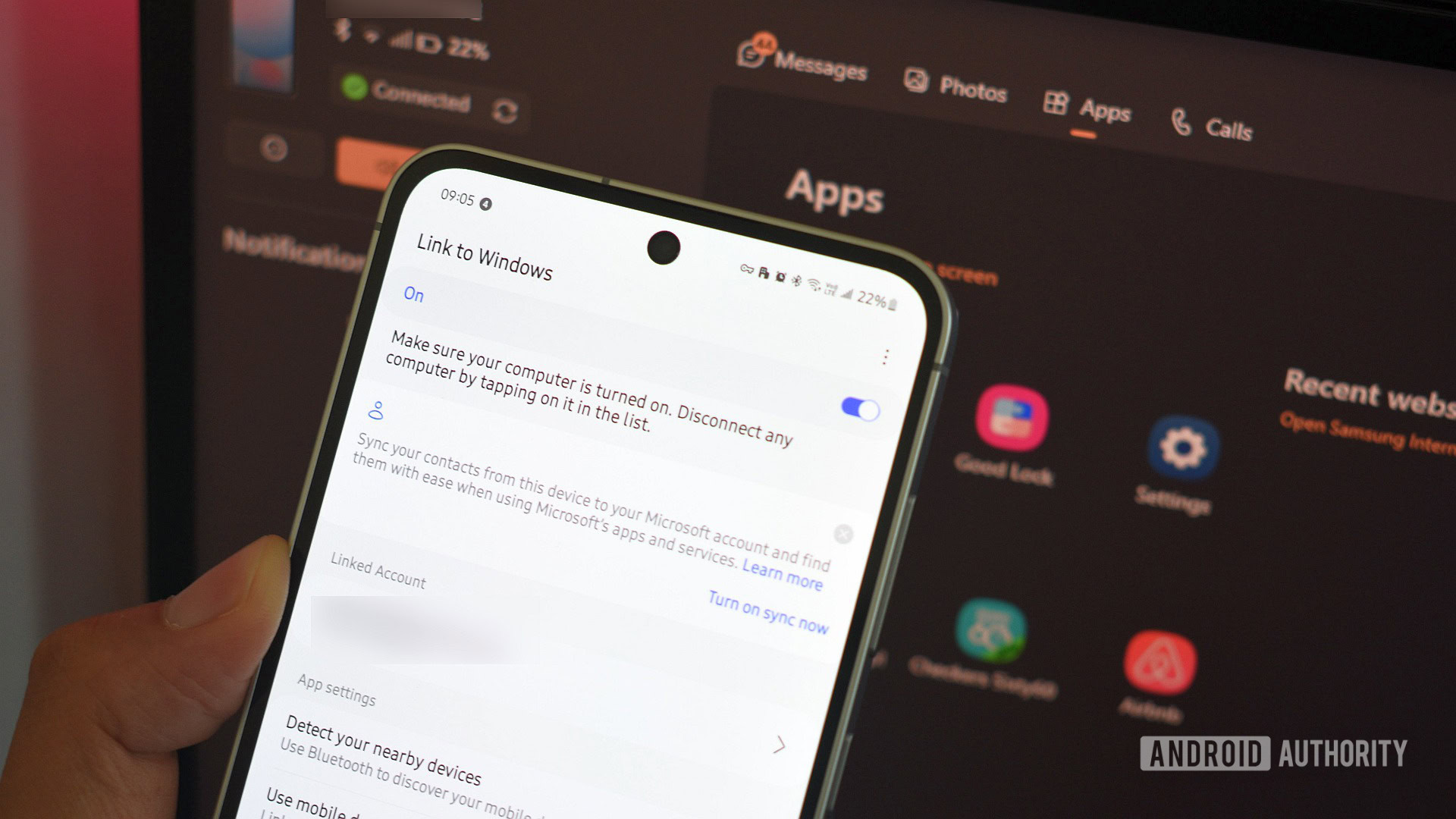
There are many tools to control your Android phone from a Windows PC or vice versa, but the most popular is Microsoft’s Phone Link. Phone Link displays your phone’s notifications, texts, photos, and more on your Windows PC, but with a bit of extra setup, it can do even more. Soon, Phone Link will also let you remotely lock your PC and access its clipboard directly from your Android phone.
When you first connect your Android phone to your Windows PC via Phone Link, not every feature is enabled out of the box. For instance, you can use your Android phone as your PC’s webcam or access its files directly from Windows File Explorer, but only if you turn these features on first. To turn them on, you have to open the Windows Settings app, navigate to Bluetooth & devices > Mobile devices > Manage devices, and toggle on “Use as a connected camera” and “Show mobile device in File Explorer.”

Mishaal Rahman / Android Authority
In that same menu, you’ll find other toggles, such as “Get new photo notifications” and “Show device name in Windows Share.”
Remotely locking and accessing your PC’s clipboard from your Android phone
These options are what’s available on my PC running the stable version of Windows 11. Users on recent Insider Preview Builds are seeing additional options in this menu, however. For example, Telegram user Lance Adams on the latest Dev channel has a new “access PC’s clipboard” toggle. As its name suggests, this feature lets your connected Android phone access text and images you copy on your PC.
This new feature is currently one-way, syncing your PC’s clipboard to your phone but not the other way around. Full two-way sync typically requires using SwiftKey’s “sync across devices” feature or Phone Link’s “cross-device copy and paste” option. That latter option, however, is only available on phones that come with Phone Link preinstalled, which excludes Google’s Pixel phones. This makes the new PC-to-phone sync especially handy for Pixel users, who have lacked the native clipboard integration found on many Samsung, OnePlus, HONOR, and Xiaomi devices.
What’s more, the experience is improving on the phone side. Telegram user Legofan, who is on the latest Canary build, reports that an updated Link to Windows app now shows a history of items copied to the PC’s clipboard, not just the most recent one.

Legofan also tells me they see a new “lock PC” button in the app, which lets you remotely lock your Windows PC from your phone. This option is only available if you enable the corresponding “Remote PC controls” toggle in Windows’ mobile devices menu, as shown below.

As a long-time Windows and Android user, it’s great to see Microsoft continue to build tighter integrations between the two platforms. Google has less incentive to make its OS work better with Windows, as the company is focused on its own competing Chrome OS ecosystem. Given the news that Google is working to merge Android and Chrome OS into a single platform, that focus is unlikely to change.
What do you think of these new Phone Link features? Let us know in the comments below!
 By
By