Joe Maring / Android Authority
TL;DR
- Google Photos’ share sheet just added a useful copy feature.
- It copies a smaller version of the image rather than downloading the full-quality version, thus saving time.
- The function also lets you copy videos with one tap.
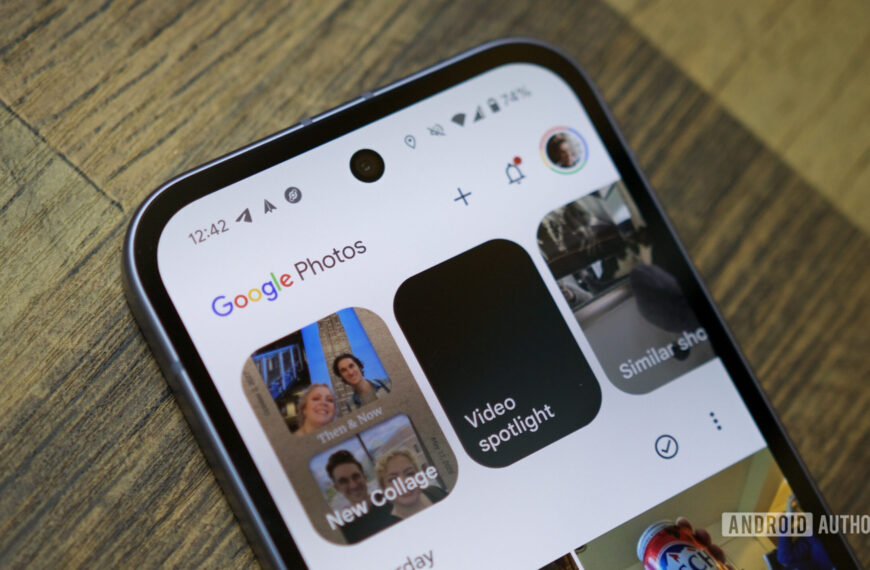
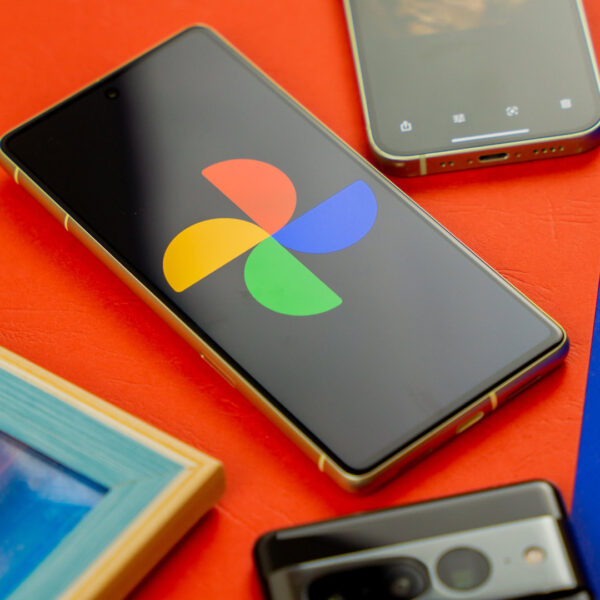
Google Photos offers many conveniences, but sharing photos has unfortunately not been one of them. Any media that’s not saved on your phone typically takes a second (or sometimes more, depending on your internet connection) to download and then become available to send via available apps. Thankfully, Google has now introduced a new change that makes the process quicker and more seamless.
Earlier this year, we spotted a Copy feature being tested in Google Photos. As expected, the feature is meant to let you copy the image, eliminating the extra step of saving it first before uploading it to another app or platform.
We’ve discovered that this feature is moving out of the testing phase and is now available to users. We’ve spotted it across multiple devices running version 7.71.0.895417930 of the Photos app.
Don’t want to miss the best from Android Authority?


To copy an image, start by tapping the Share button in the image preview or after selecting the image from the grid view. This will open the standard Google Photos share sheet, where you will now notice a new Copy button.
Once you tap that, the image will be copied to Android’s Clipboard, and you can paste it in other apps, including messaging or notes apps or those that support direct media insertion by pasting, such as X. If you use Gboard as your keyboard for Android, the copied media will also apear in its Clipboard, where you can access it even after copying it a bunch of other things.
It must be noted that the copied version of the image may have a smaller resolution than the original file to reduce its size and eliminate any latency. Make sure you keep that in mind while copying media.
In addition to photos, our testing shows the function can also be used to copy videos. The update comes shortly after Google rolled out another useful feature, letting users control playback speed for video playback.
Thank you for being part of our community. Read our Comment Policy before posting.
 By
By