
TL;DR
- One UI 8 introduces a new size setting for widgets.
- Users can now have their widgets take up four rows.
- Previously, the limit to how big a widget could be was 3×4.
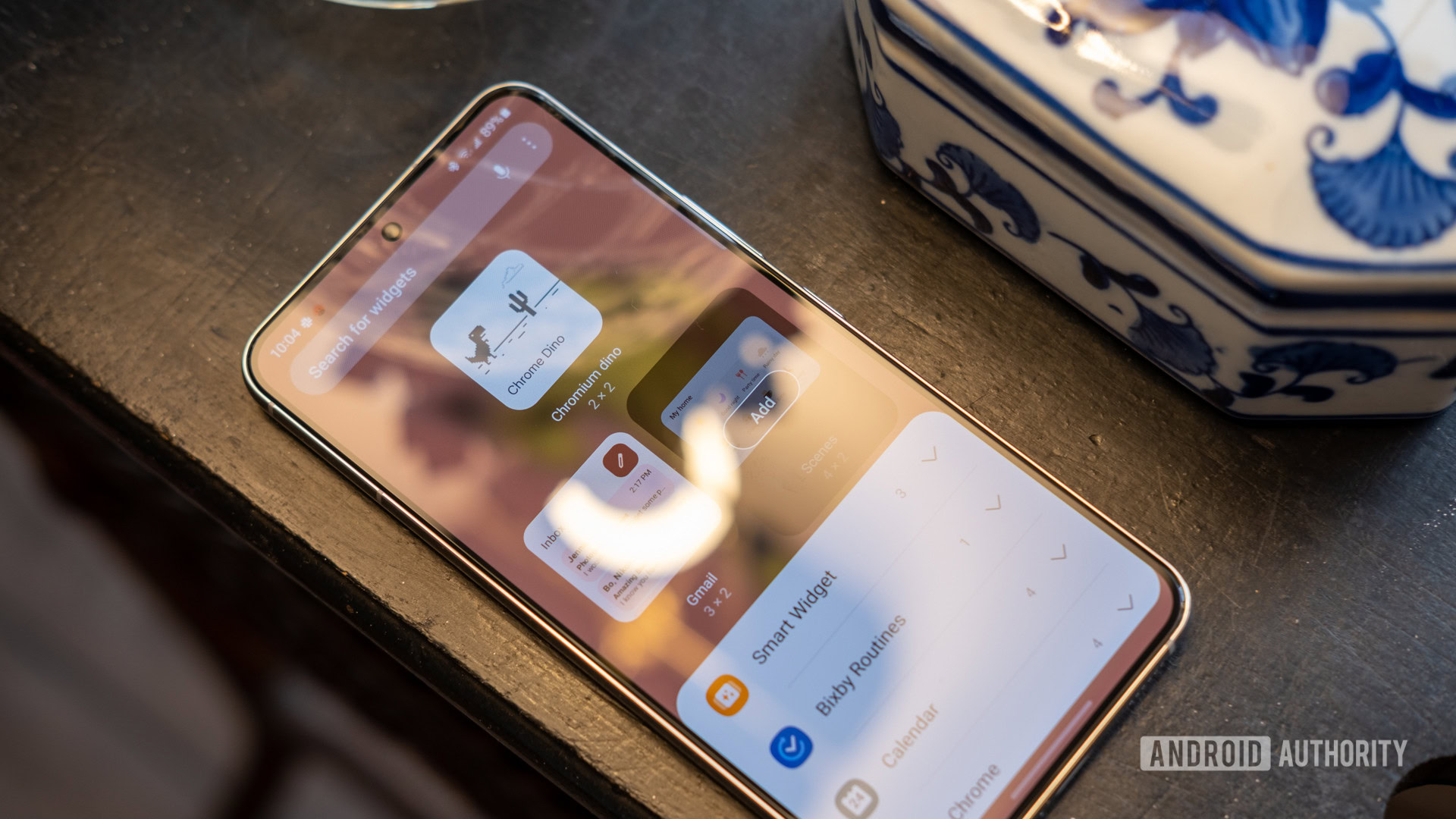
Adding a widget to your Galaxy phone’s home screen can let you see information at a glance, like today’s weather. The bigger the widget is, the more space there is for additional information, such as the forecast for the next few days. Shrinking or expanding the size can also make a widget more visually appealing. However, Samsung doesn’t let you resize your widget anyway you want; there are fixed sizes you are forced to adhere to. Although widget sizes are still fixed in One UI 8, at least Galaxy owners are getting an additional size option.
Galaxy S25 owners are starting to gain access to the beta for One UI 8 today. While it doesn’t introduce drastic updates like One UI 7 did, it does add a few notable changes you should be aware of. One of these changes involves how big you can make a widget.
Previously, the limit to how big you could make a widget on a Galaxy device was three rows. You can see an example of this in the screenshot to the left. In One UI 8, however, you can now go a step further and take up four rows. This is represented in the screenshot above, to the right. It appears that all widgets that previously supported the 3×4 size now support 4×4.
 By
By