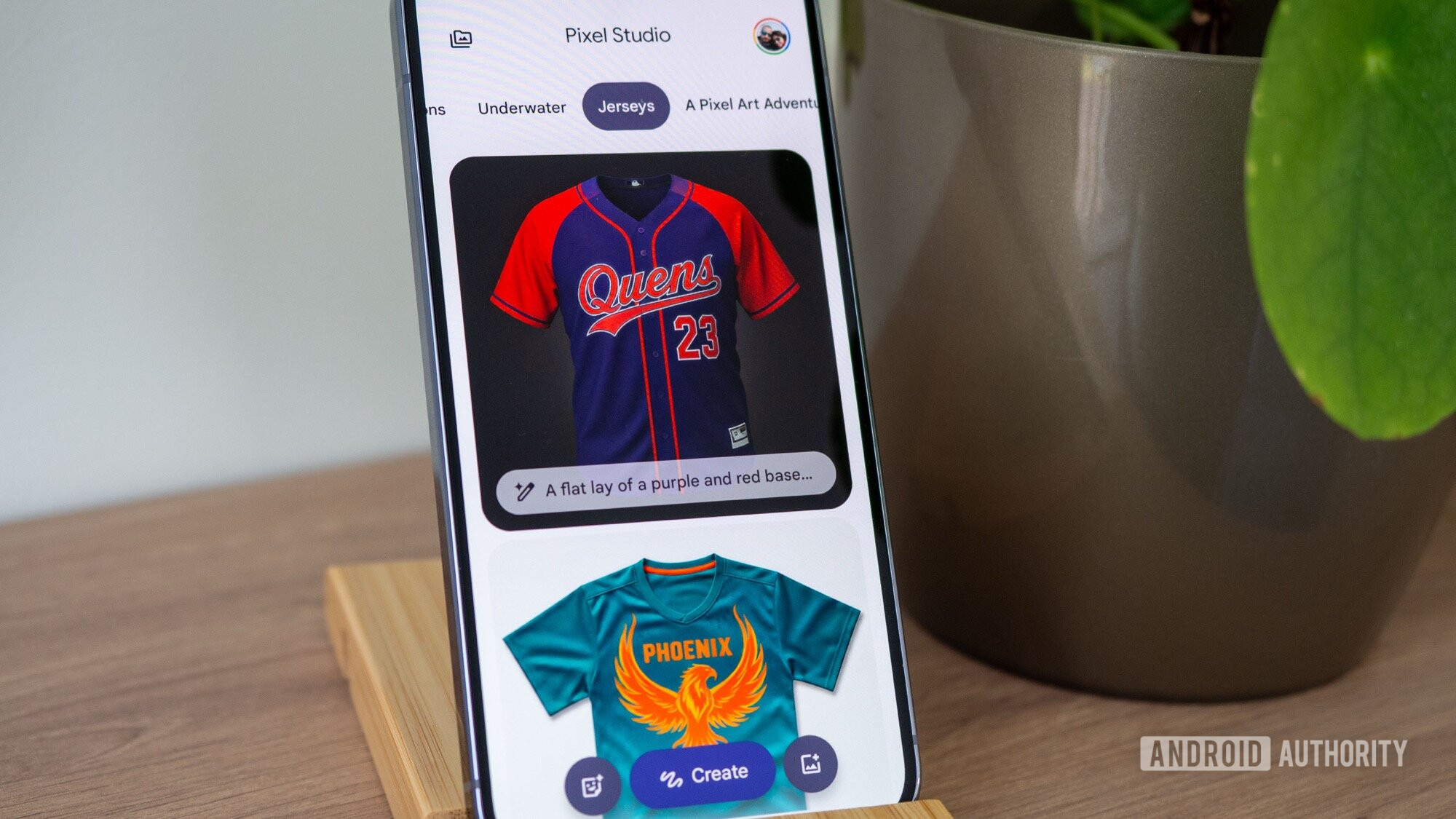


Rita El Khoury / Android Authority
TL;DR
- The latest version of Pixel Studio has strings related to its upcoming animation feature.
- The code explains how to use the feature and get the best results.
- Users will be able to share their creations as a GIF or MP4.
Google debuted the Pixel Studio app in 2024. Since then, the company has focused on improving the app with new features and capabilities. One such new feature was an animate tool, which was expected to arrive in a Pixel Drop late last year. However, we’re still waiting for this feature to roll out. In our APK teardown, we’ve learned a little more about this feature.
As a quick refresher, Google has been working on an animation feature for Pixel Studio. By tapping on the “Animate image” button, you would be able to enter a prompt to describe what you’d like to see your image do. Through the power of Google’s Veo AI video generator, the image would come to life performing the actions you described. For example, if you had a picture of an eagle, you could submit a prompt asking the AI to make the bird flap its wings. You would then get a shareable animation of exactly that.
Don’t want to miss the best from Android Authority?


While digging around in version 2.2.001.864530193.00-release of the Pixel Studio app, we came across a few strings of code related to the animation feature. These strings explain not only how to use the tool, but also how to get the best results:
Now you can bring your image to life
- Choose or describe how you want to animate this
- Animations work best with a person or object as the main subject
- The more detail you provide, the better. Instead of making it move, describe how it moves.
- What feeling should the animation evoke? Examples: peaceful and calm, or a sense of excitement
- AI animation is still evolving, so don’t be afraid to try different prompts and refine them based on the results
How to describe animation
- Include a subject
- Be descriptive
- Add emotion
- Experiment and iterate
Additionally, you’ll be able to copy, export, and share your generated animations. These animations can be copied, exported, and shared as either a GIF or an MP4. Last but not least, you’ll be able to make edits to the clip and add stickers and captions as you please.
⚠️ An APK teardown helps predict features that may arrive on a service in the future based on work-in-progress code. However, it is possible that such predicted features may not make it to a public release.
Thank you for being part of our community. Read our Comment Policy before posting.
 By
By