

Joe Maring / Android Authority
TL;DR
- The Pixel’s At a Glance feature has added two new types of information.
- Users can now get sports and financial updates.
- You’ll be able to choose which teams or stocks you want to follow.
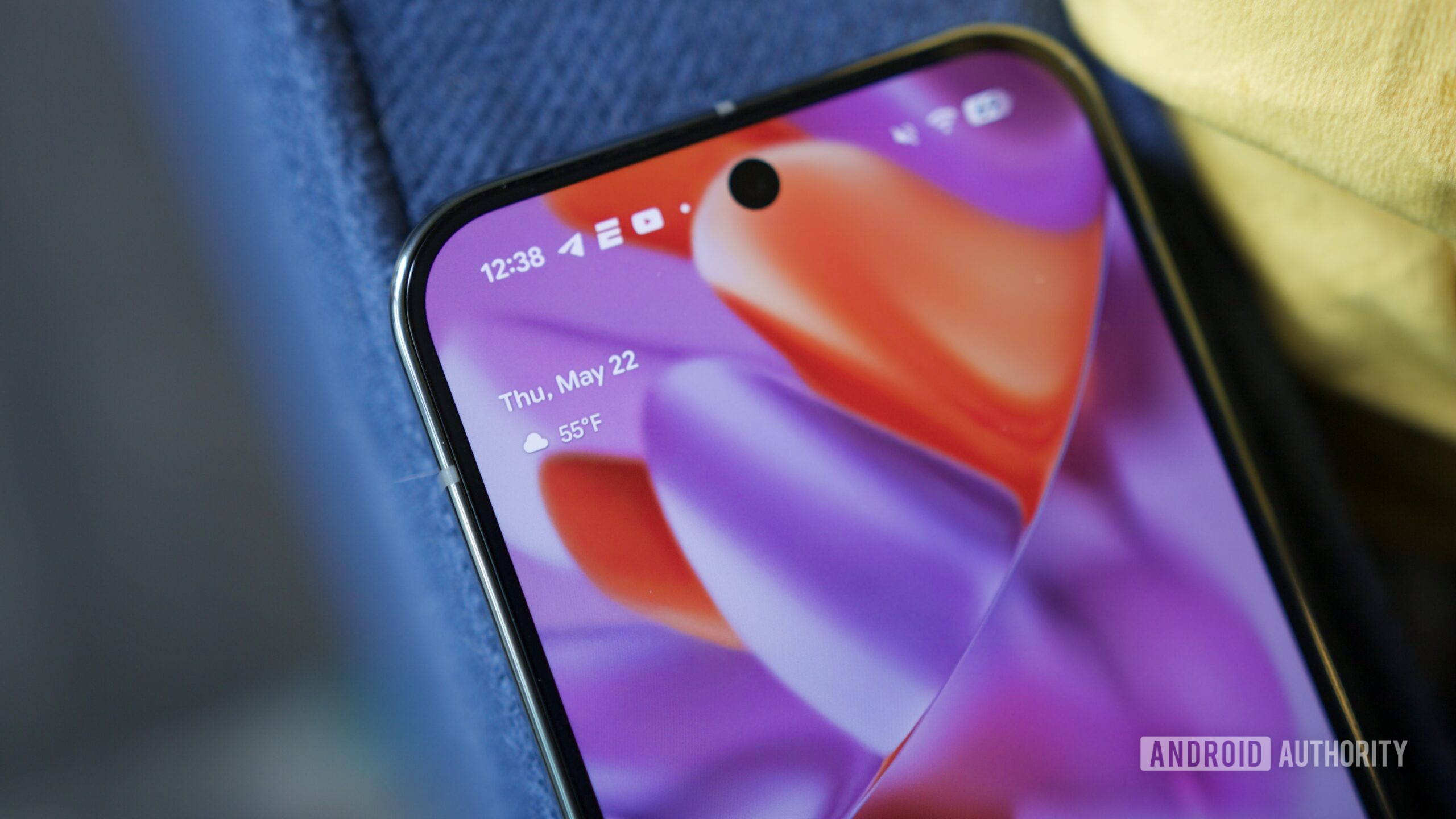
If you have a Pixel phone, then you have a feature called “At a Glance.” This widget presents the information you want and need to stay updated on. What types of information are shown is up to you and there’s a long list of categories to pick from. Pixel owners are noticing that two new types of information have now been added to this list.
Don’t want to miss the best from Android Authority?


You can access your At a Glance settings by pressing and holding the date at the top of your homepage. If you scroll down to Customize, you’ll see all of the types of information At a Glance can show you. As you can see in the screenshot below, an update has now added options for sports and finance.

Ryan McNeal / Android Authority
In the description, the Sports category explains that you’ll see sports updates from Google. It also warns that updates could have an impact on your battery life. If you’re fine with that, you can tap on “Choose your teams” to find the teams you want to follow. Reddit user desigunnerr shared the image below, which shows what an At a Glance sports update will look like.

Similar to Sports, the Finance category will allow you to follow whatever stocks you want to keep tabs on. However, there’s no warning that these updates will eat up your battery power.
Both Sports and Finance options are enabled by default. As a result, you’ll need to access your At a Glance settings if you don’t want to see these types of alerts.
Thank you for being part of our community. Read our Comment Policy before posting.
 By
By