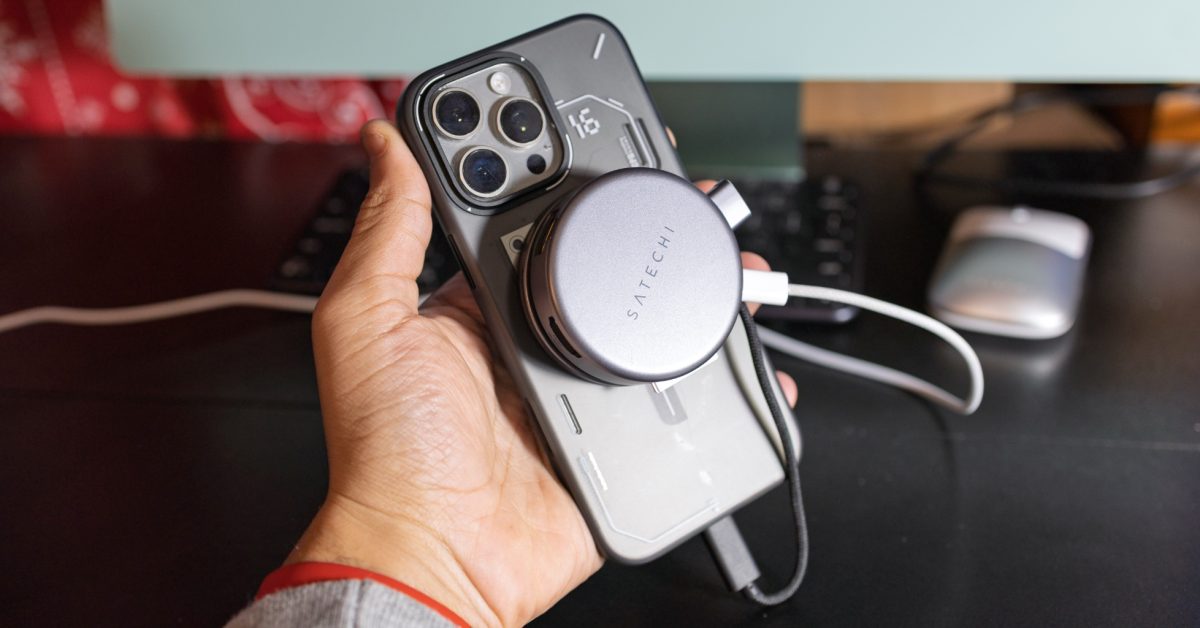

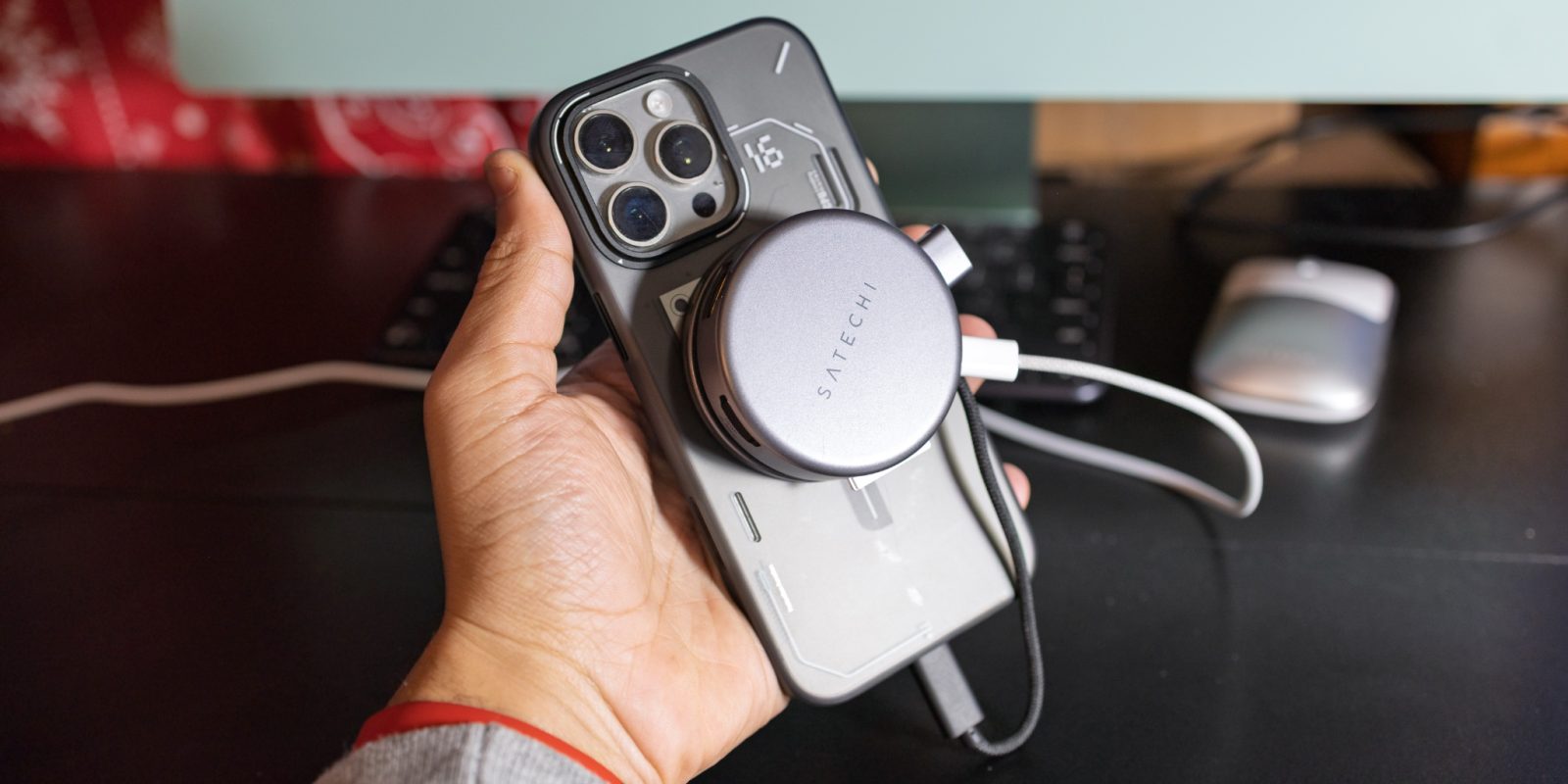
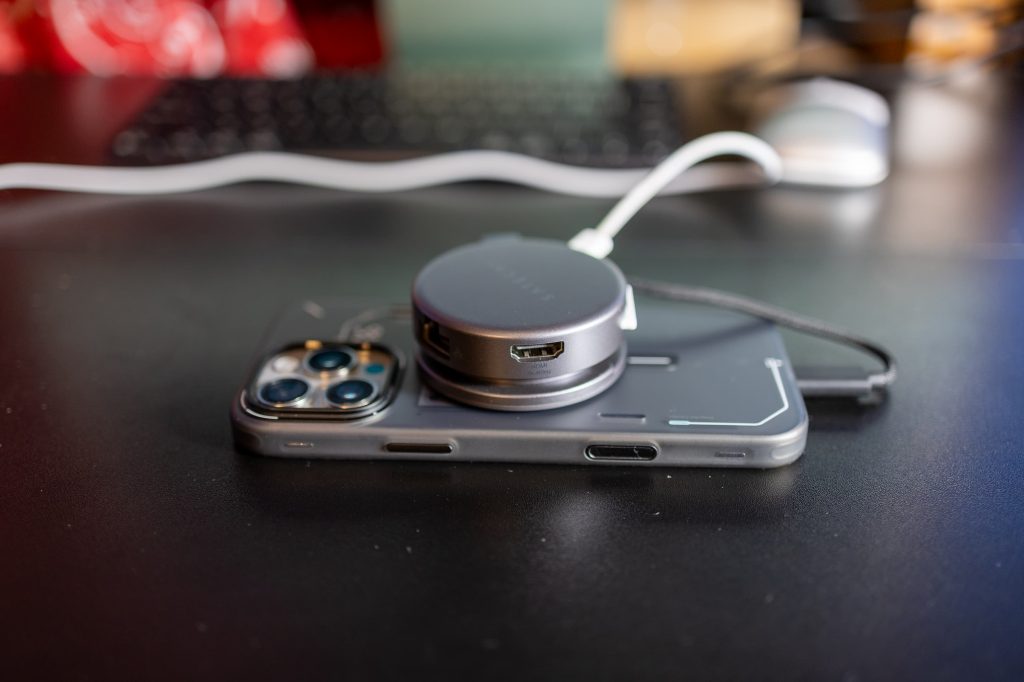
Late last year, Satechi released a new 7-in-1 USB-C hub for iPhone. It takes advantage of MagSafe and feels right at home on Apple devices. I’ve had the joy of testing it out for the past few days, and I have to say, it’s certainly a cool option if you think it suits you.
Overview
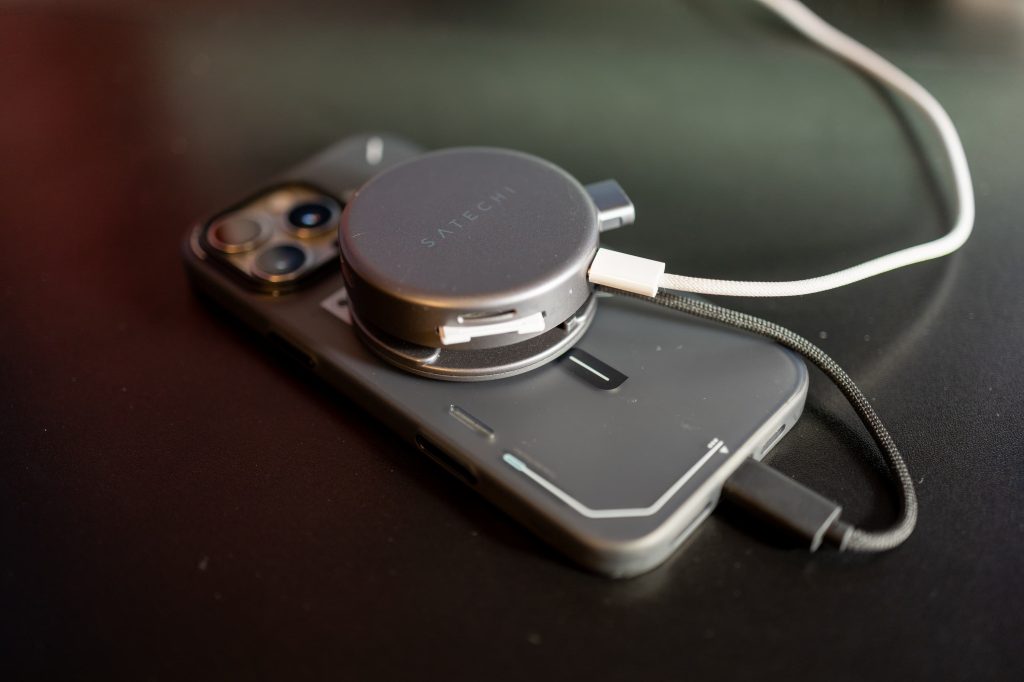
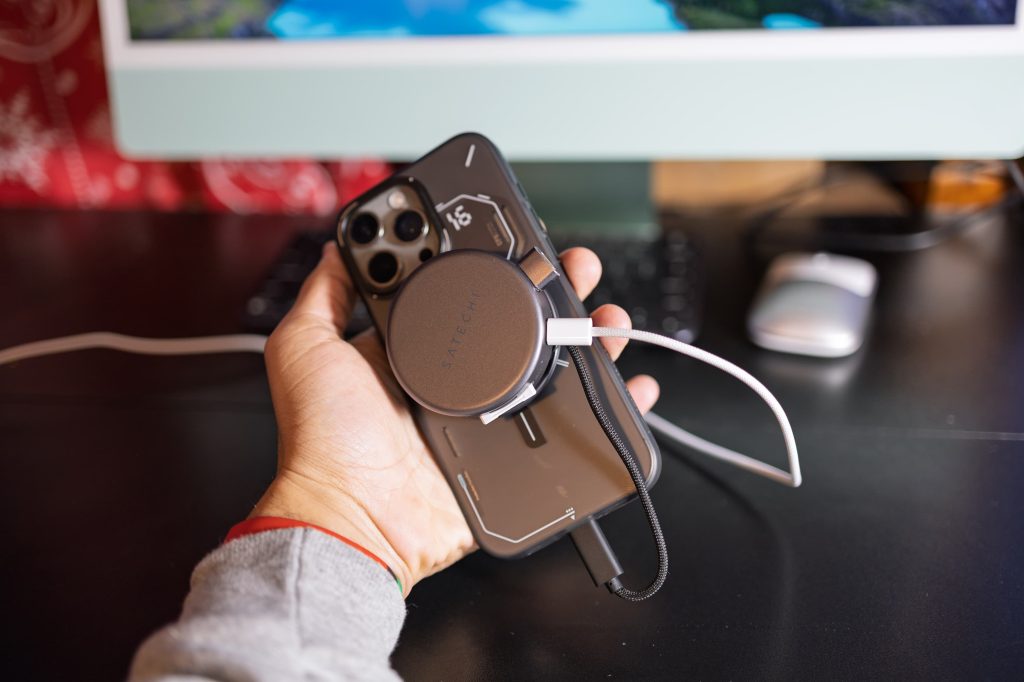
First things first, this hub packs 7 ports: microSD, SD, a USB-C port for charging and data, two 5Gbps USB-A ports for data, an 4K 60Hz HDMI port, and Ethernet. All of it fits inside a nice little space gray circle that you can throw onto the back of your iPhone.
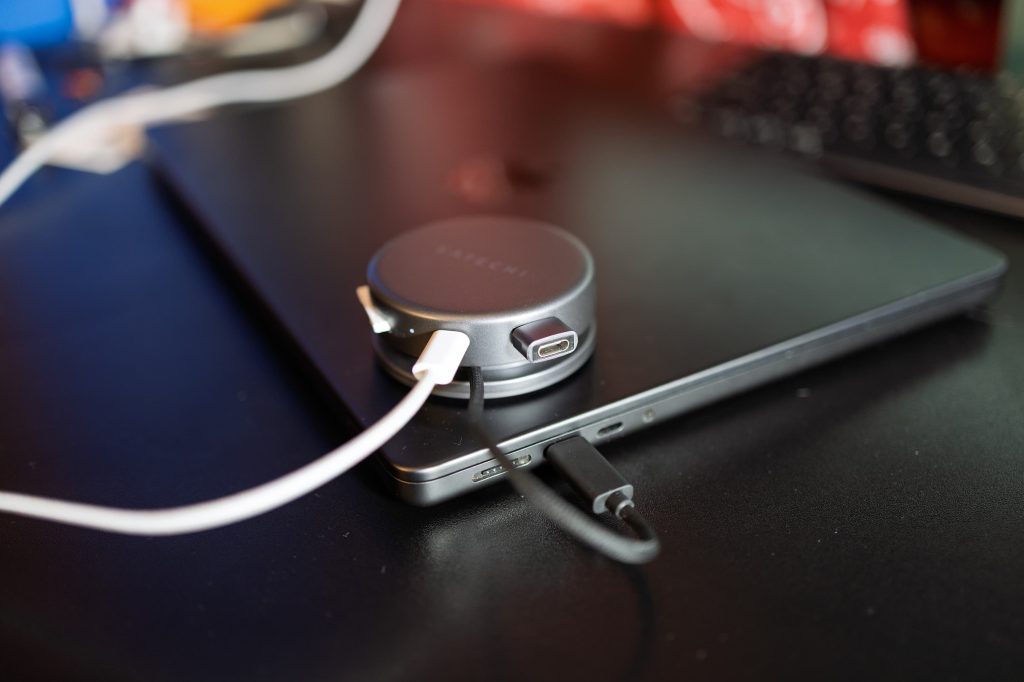
The OntheGo hub has an integrated USB-C cable that you can pull out when plugging in your device, and neatly tuck away when you’re done. Since its all self contained, you can also pretty easily just throw it in a backpack without worries.
Impressions
Now, I’ll be first to admit that this hub likely isn’t incredibly useful for most iPhone users. There isn’t really much of a reason to need to plug all of these things into your iPhone, especially when wireless technology has only continued to get better.
That said, this is still a really nice and compact USB-C hub that you can use on any of your devices, including your iPad or MacBook.
Sure, MagSafe may be an iPhone thing – but luckily Satechi has a bit of a solution for that.
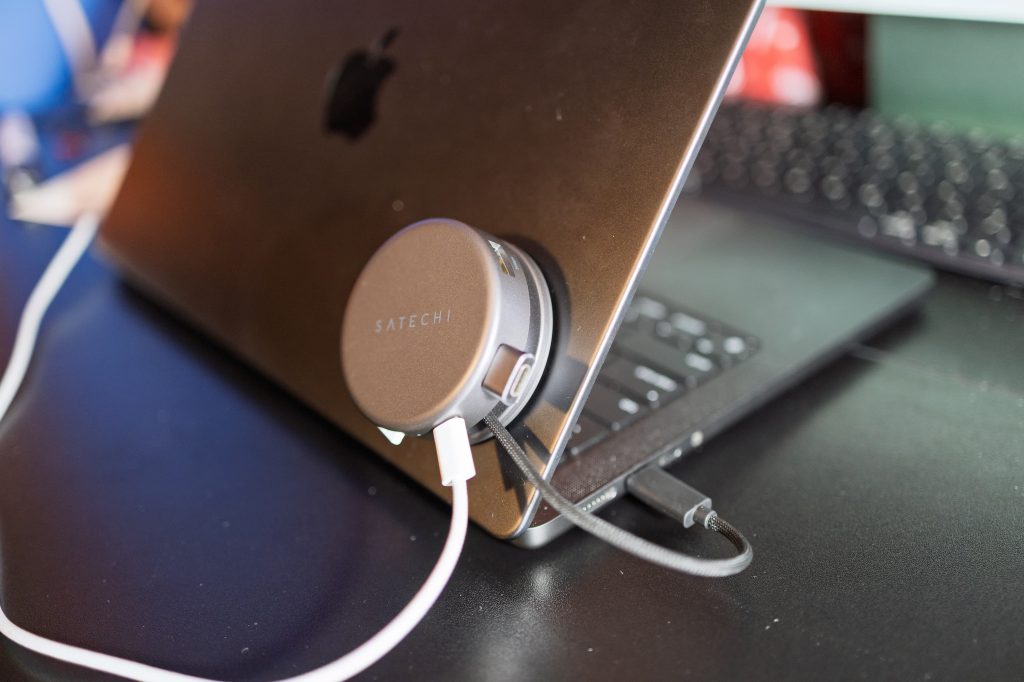
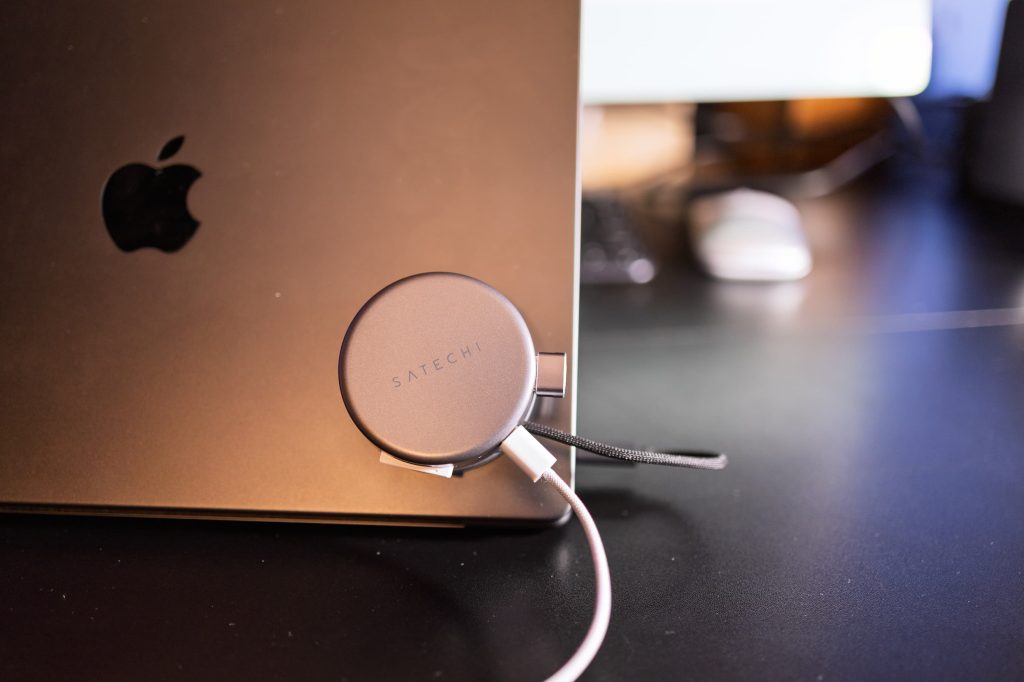
They include a magnetic ring in the box. So, if you’d like to, you can quickly throw it on the back of your iPad or MacBook – and you have an elegant USB-C hub that isn’t just dangling off the side of your device. This is especially useful for iPad users with a Magic Keyboard.
Wrap up
As more and more people use the iPad for pro work, you’ll likely find yourself wanting to connect things other than just USB-C cables to your iPad. Personally, I love using my iPad for photo editing in Lightroom, but I can never easily connect my SD card to my iPad. Granted, any USB-C hub could solve this use case, but the elegance of having something well-designed that fits right in with Apple devices is rather appealing.
Earlier, I wrote off the iPhone just a little bit – but it isn’t completely useless on iPhone. If you’re an iPhone videographer, you can attach USB-C flash storage (or SD cards) for recording to external storage. This’ll particularly come in clutch if you’re someone who’s low on storage.
All in all, if you find yourself wanting to connect more things to your iPhone, or you just want a well-designed USB-C hub that can magnetically stick to the back of any of your devices, Satechi’s OntheGo 7-in-1 hub is an excellent choice to consider. It’s sort of a swiss army knife for USB-C hubs.
You can pick one up for $59.99 on Amazon, and you can currently save 10% with the on page coupon code.
Check out exclusive free trials for Apple services:
Follow Michael: X/Twitter, Bluesky, Instagram


FTC: We use income earning auto affiliate links. More.

 By
By