
Android Central Labs

Android Central Labs is a weekly column devoted to deep dives, experiments, and a focused look into the tech you use. It covers phones, tablets, and everything in between.
Samsung built the Galaxy S26 series to do more than ever, but it left out a few physical buttons that most other modern smartphones have. Whether you prefer OnePlus’s Alert Slider, a camera shutter button like an iPhone, or the customizable keys found on the side of many brands, you’re not getting any of these features on a Samsung Galaxy S26 without some help.
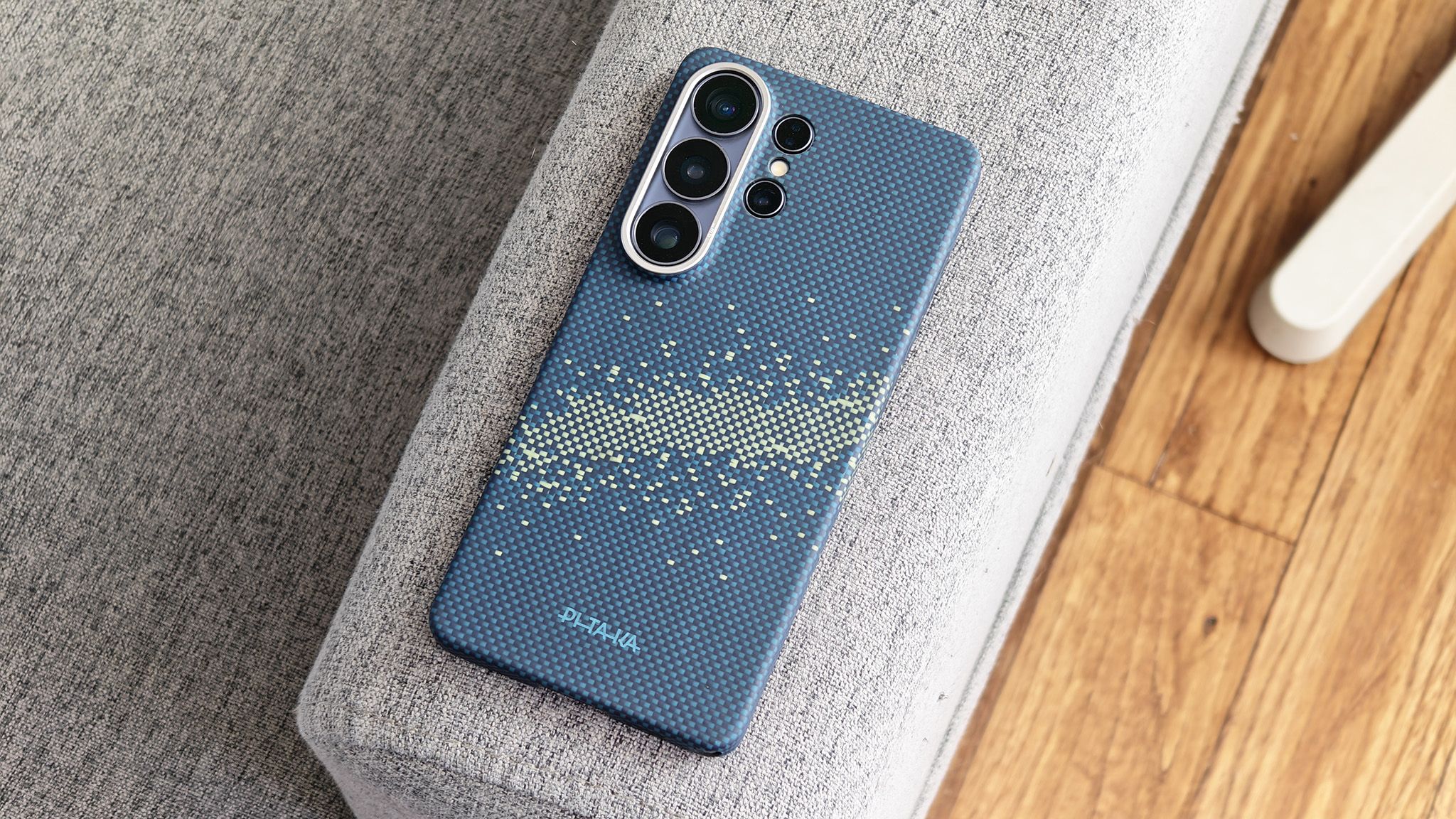
These cases are built for function and protection, and Pitaka offers both an ultra-slim Aramid Fiber style called Edge, plus a “military grade” protection style case (called Cairn) that’s better for drop resistance. Both cases feature different style buttons and levels of protection, so let’s take a look at the options and see which one is right for you.
Article continues below
Why add more buttons?

As I alluded to earlier, Samsung is one of the few companies not adding more buttons to their smartphones. Some people might prefer this, but physical buttons are also one of the best ways to add functions that might otherwise take multiple steps to solve, and it also lets you separate functions to a specific button, so you don’t have to perform finger gymnastics to achieve.
Samsung is missing out on a massive wealth of choices by not including at least one side button. Still, Pitaka’s cases add two additional buttons beyond the missing button. These buttons are called Aaron Buttons and act as NFC tags, which can be translated into nearly any system function you can think of with the help of Pitaka’s Aaron Button app and the Samsung Routines feature built into your Galaxy phone. This is a huge boon to convenience and one of the best ways to get more out of your Galaxy smartphone.
Pitaka Edge

Pitaka Edge is designed for people who want the thinnest case without real drop protection. This one retails for $59.99 at Amazon and comes in 5 amazing colors and styles.
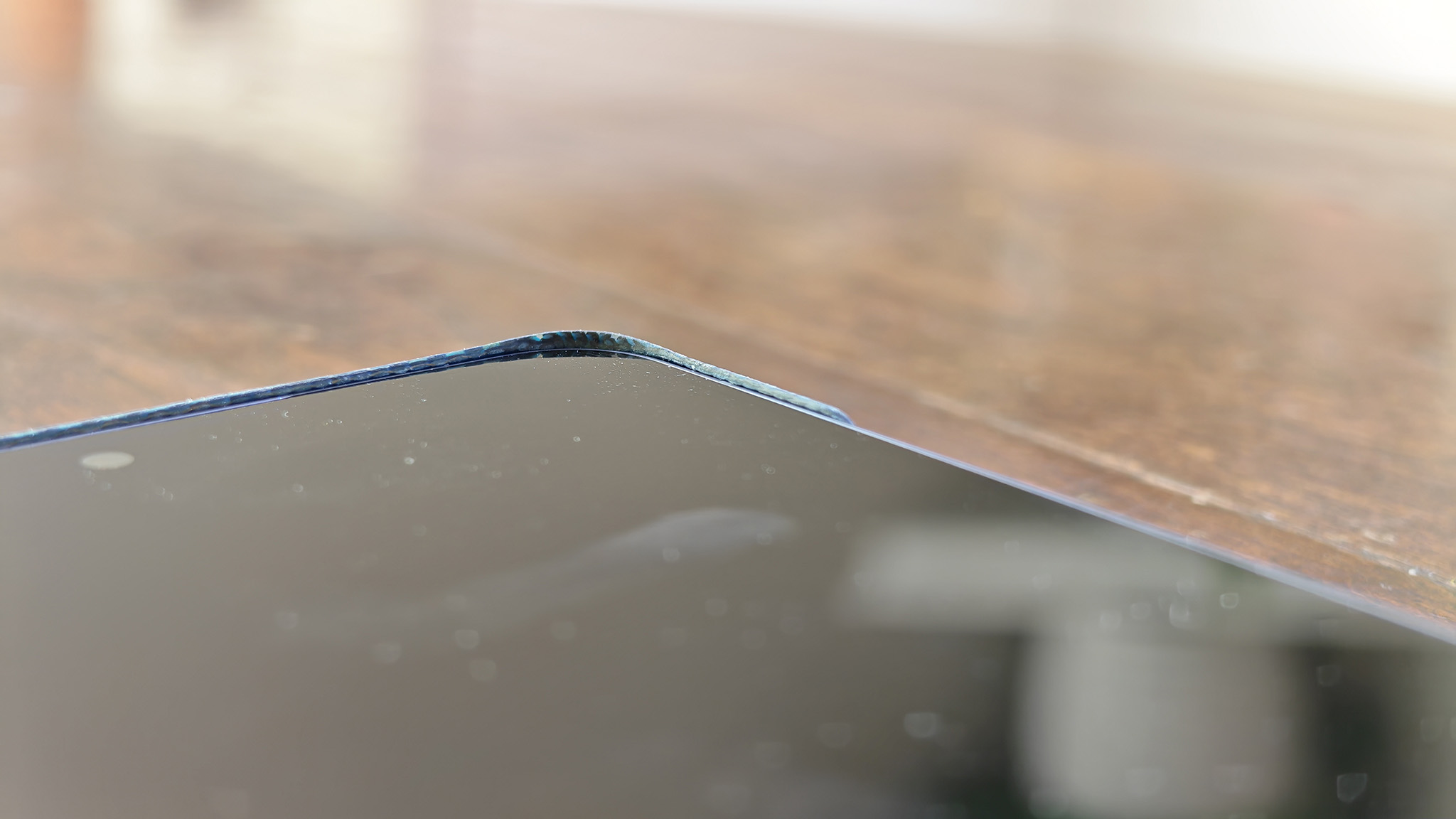
This case adds important grip and scratch protection, plus display corner lips to protect the display just a bit. It’s got all the expected cutouts and protects the camera lenses around back, but doesn’t do anything to help the obnoxious camera island size.
Image 1 of 6
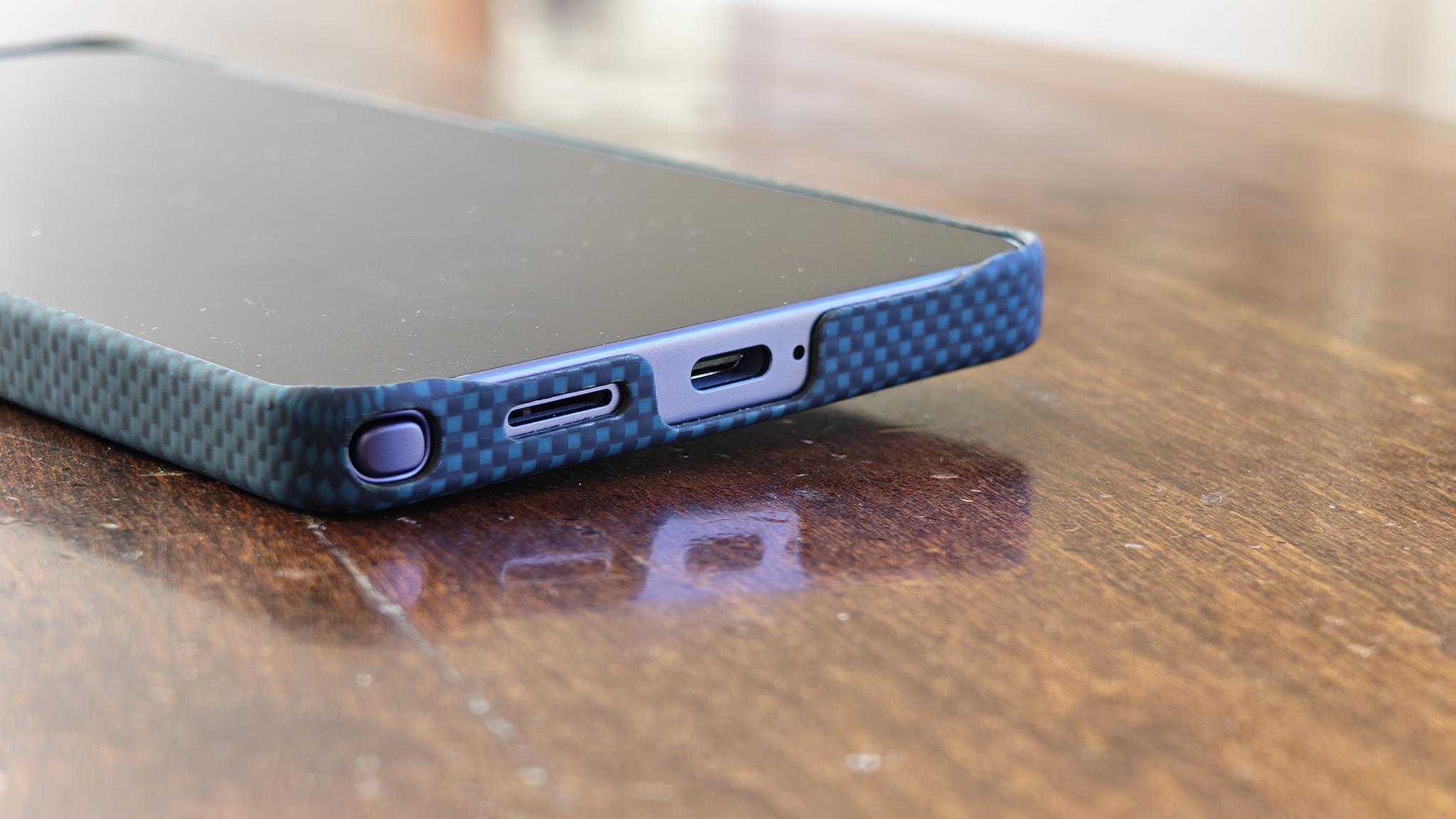
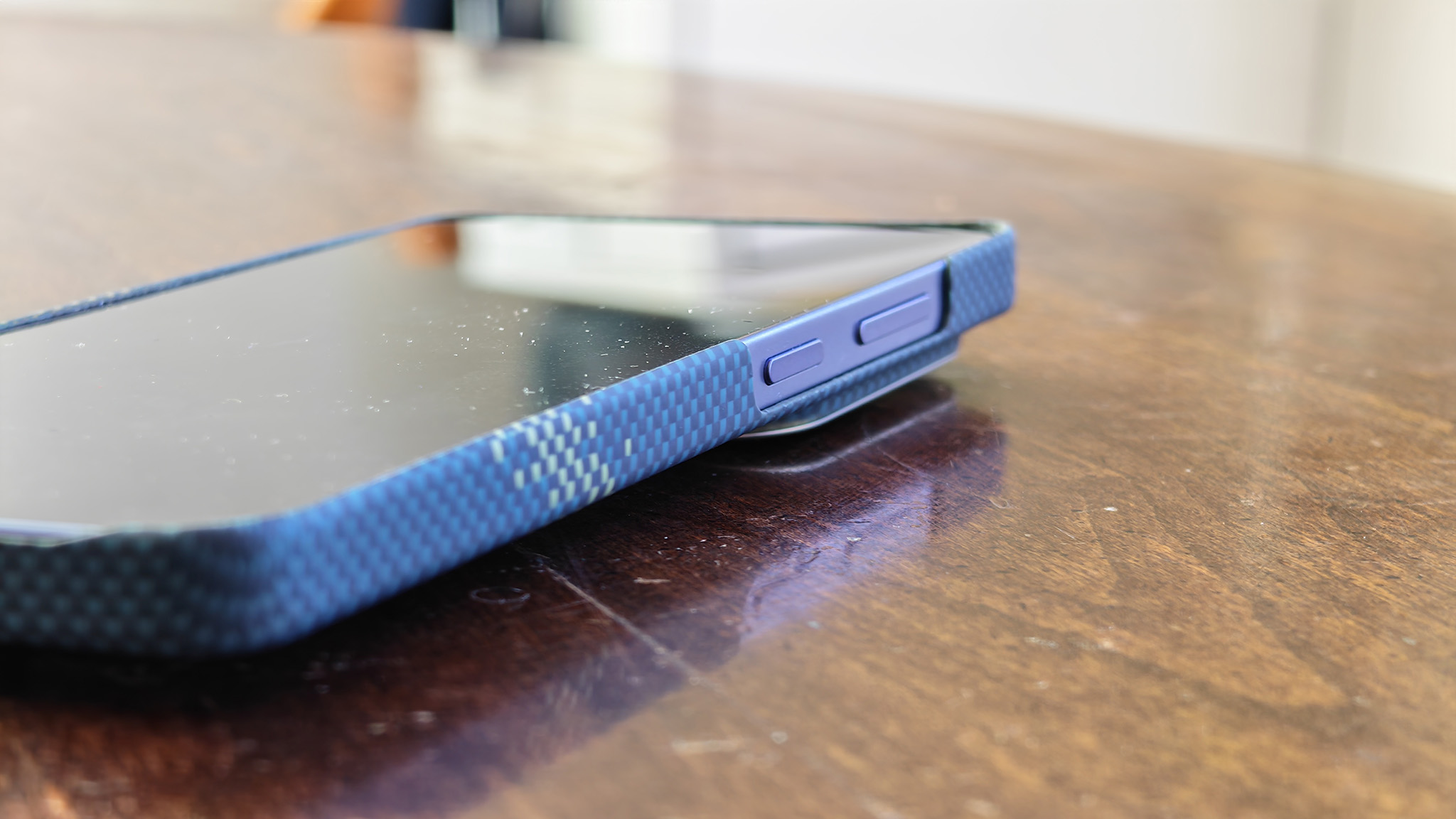
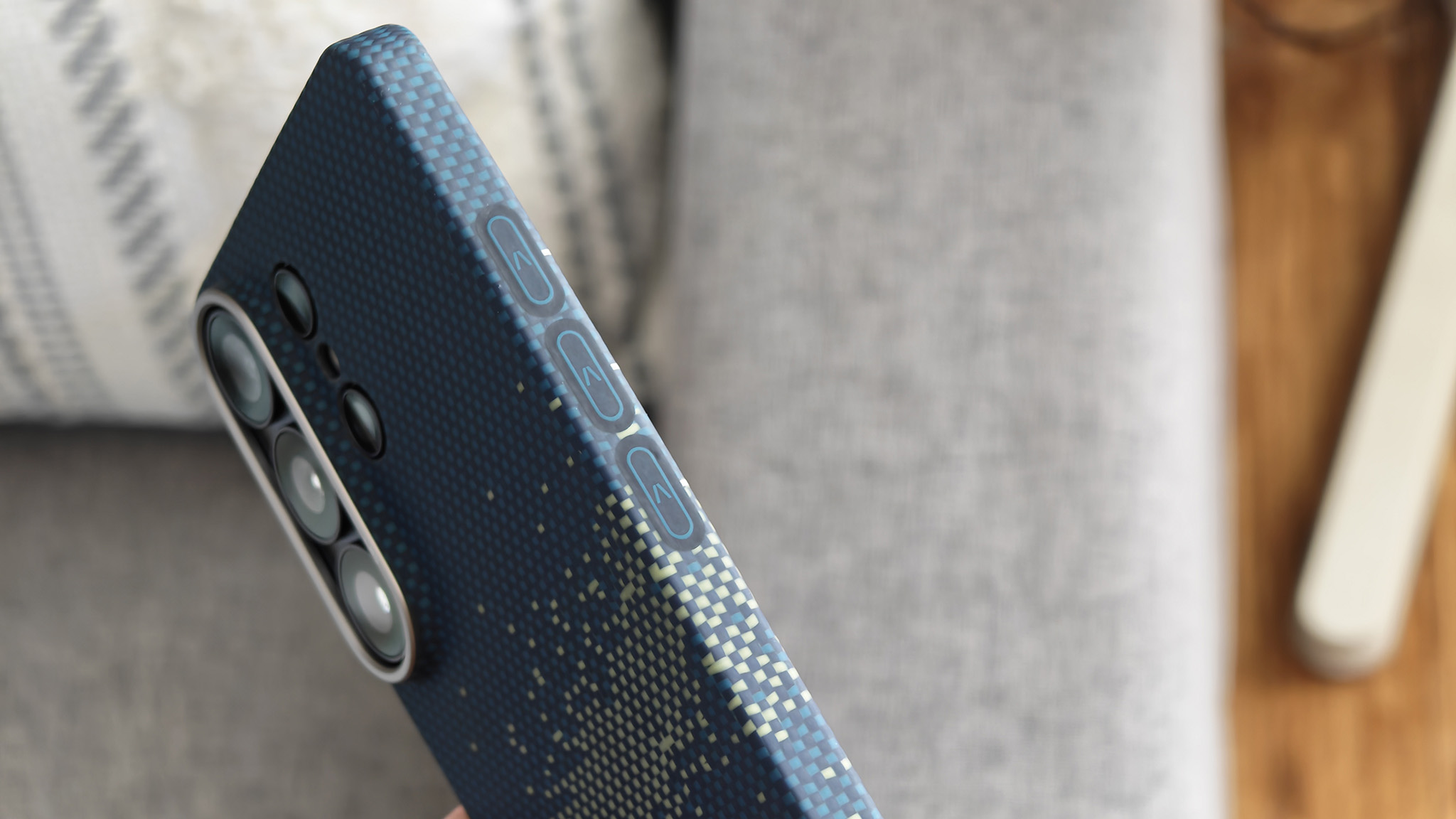
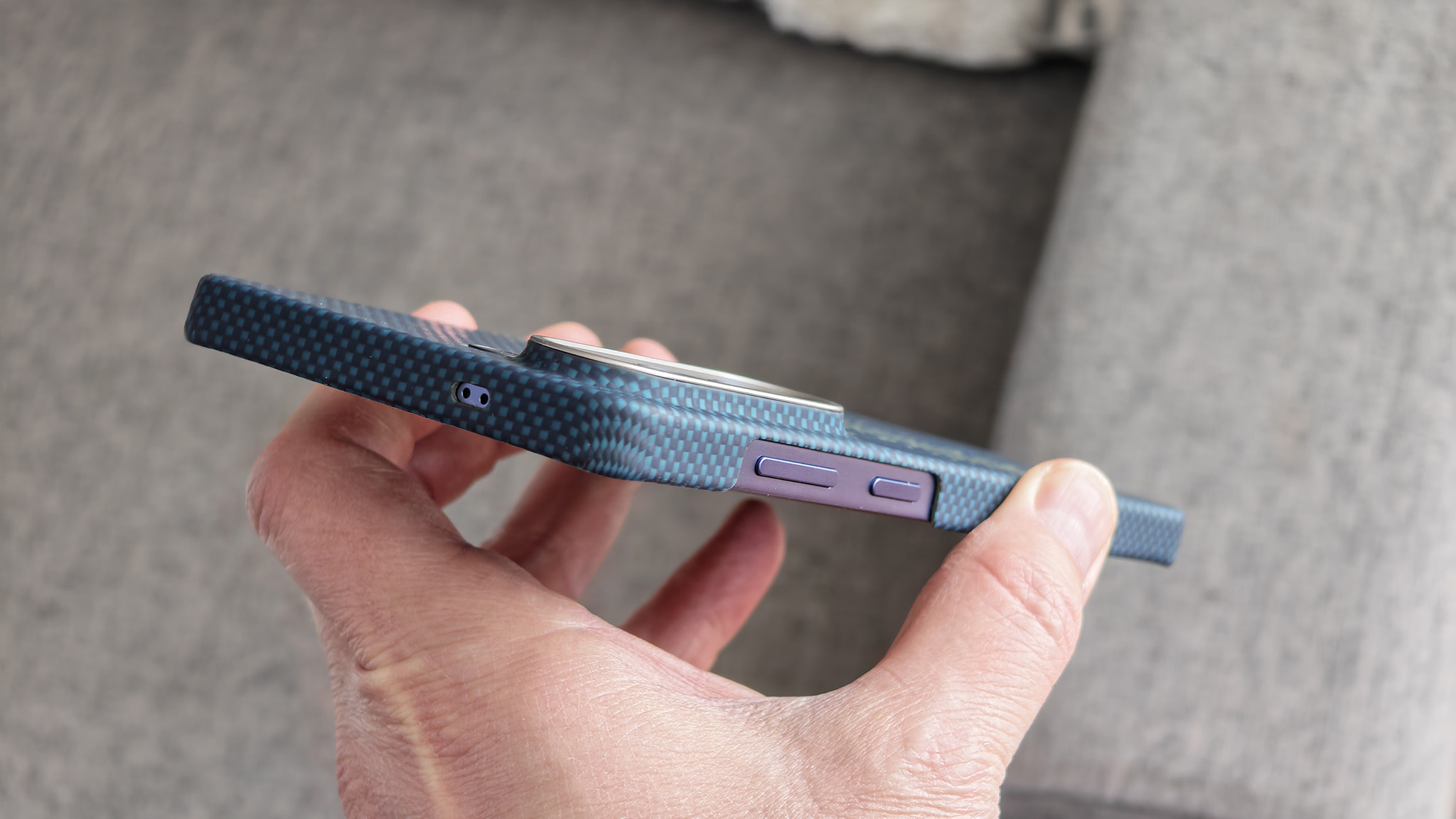
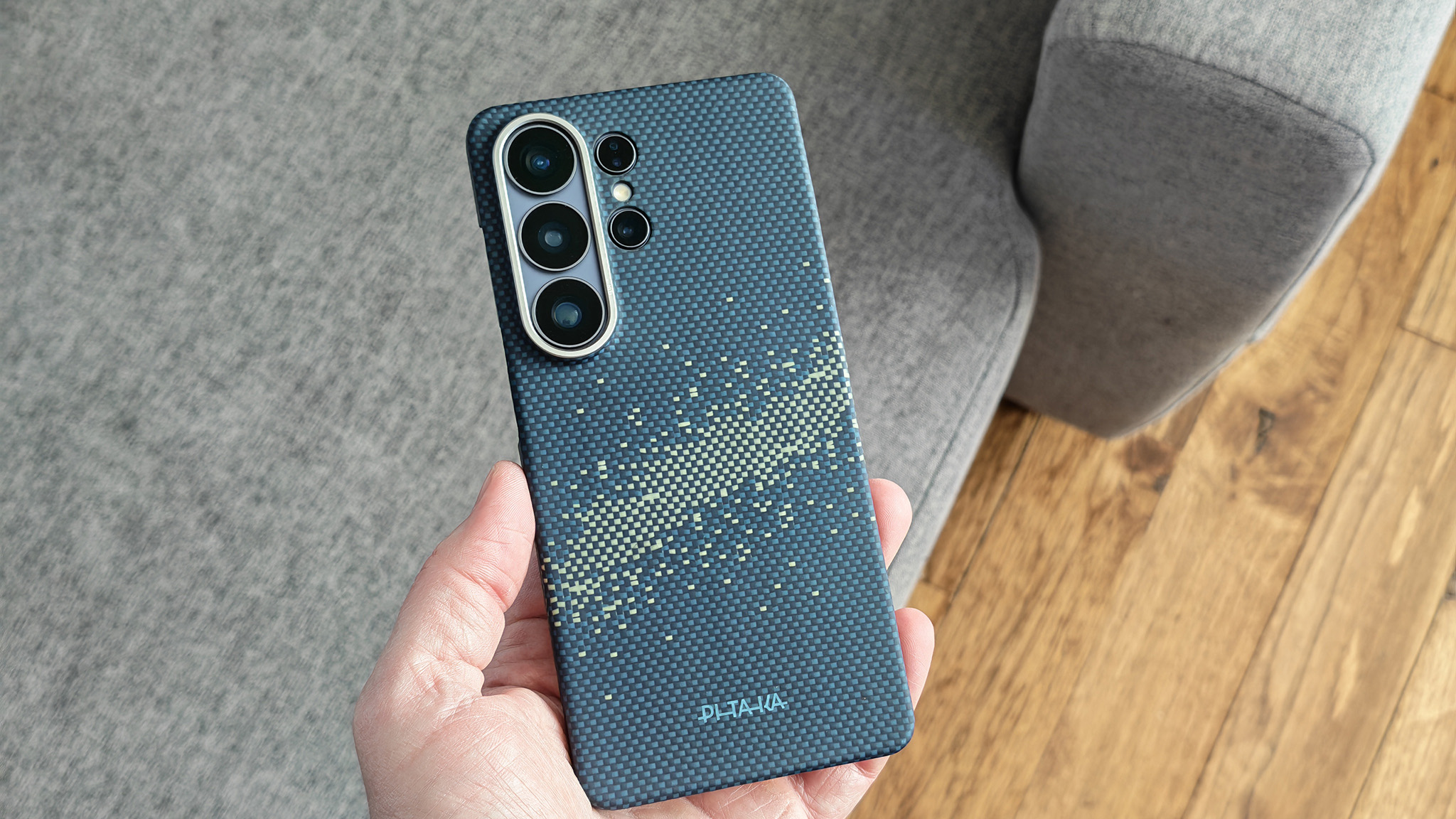
The Edge case doesn’t cover the power or volume buttons, but it does add a series of three semi-capacitive buttons on the left side of the phone. These buttons require a physical click, so they’re not true capacitive buttons, but they’re flat and require more force to click versus the protruding buttons on the Cairn case.
Still, they operate in the same basic way: they transmit an NFC tag signal to the phone when pressed. You’ll need to press and hold to activate the tag, so a simple click doesn’t activate the action.
Pitaka Cairn

As the name suggests, the Pitaka Cairn case is rugged and adds a bit of bulk to the phone. It’s slightly more complicated than the Edge and thus retails for a slightly higher $69.99, available in three cool colors and styles.
It not only protects your Galaxy S26 better than the Edge case, but also provides tactile buttons that are easier to use. You’ll also find a MagSafe magnet in the back that supports Qi2 wireless charging.
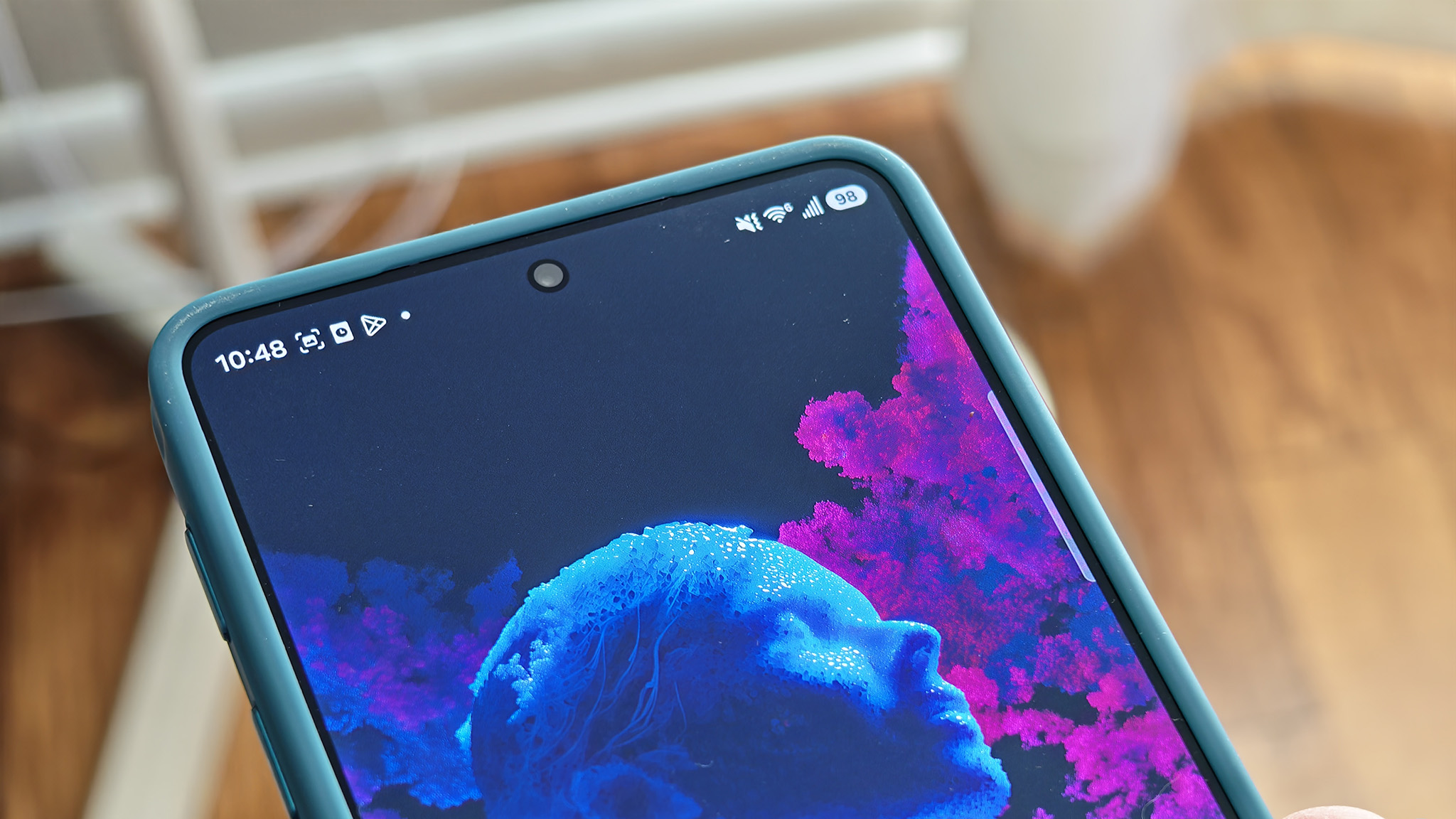
Surprisingly, despite the extra thickness, the camera island is the same size as the Edge case and the naked phone, so this case doesn’t eliminate the extreme wobble this phone has while on a table. It does have a nice lip around the edge of the display, though, so you can expect full protection for every corner of the phone.
Image 1 of 6
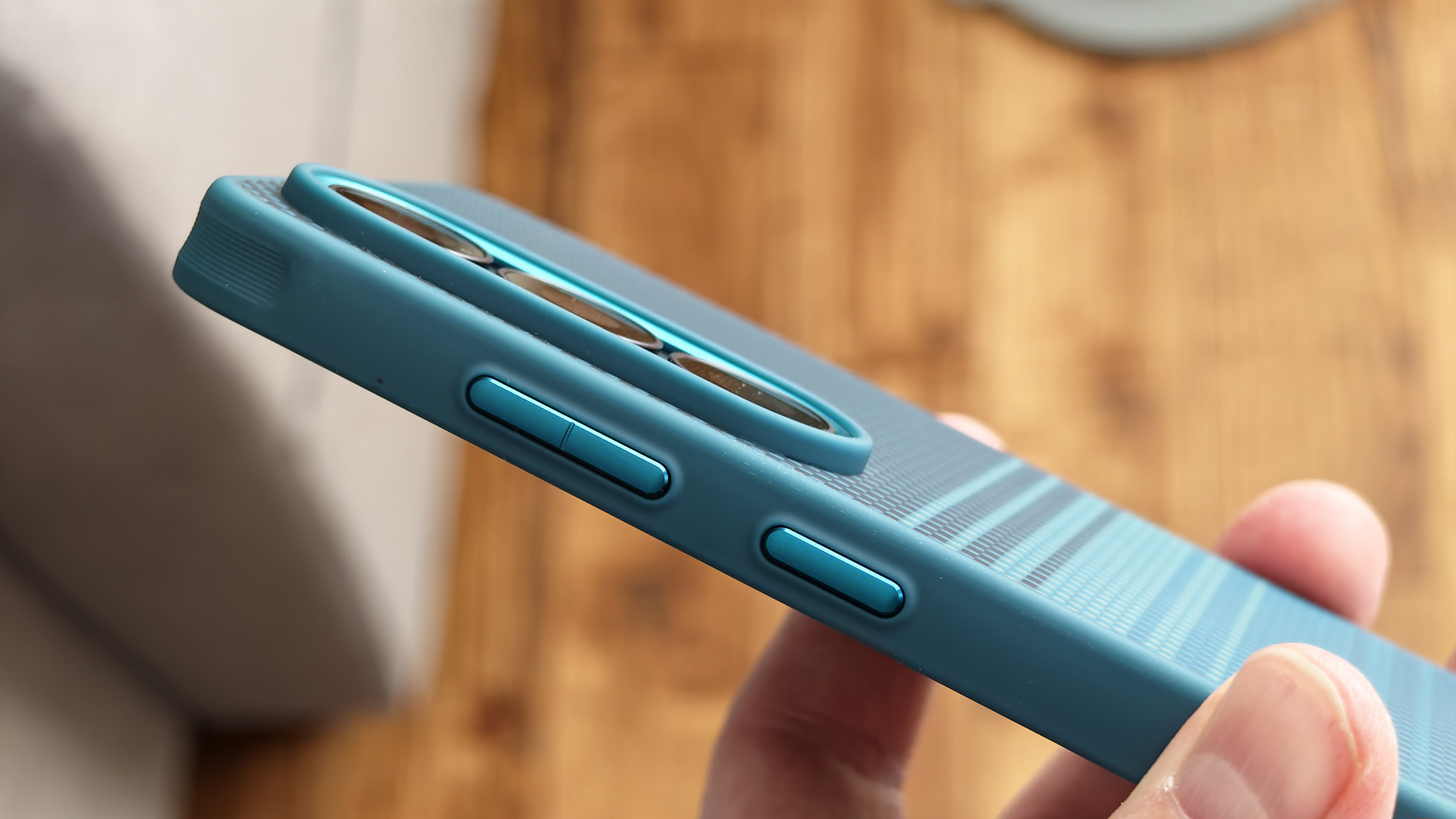
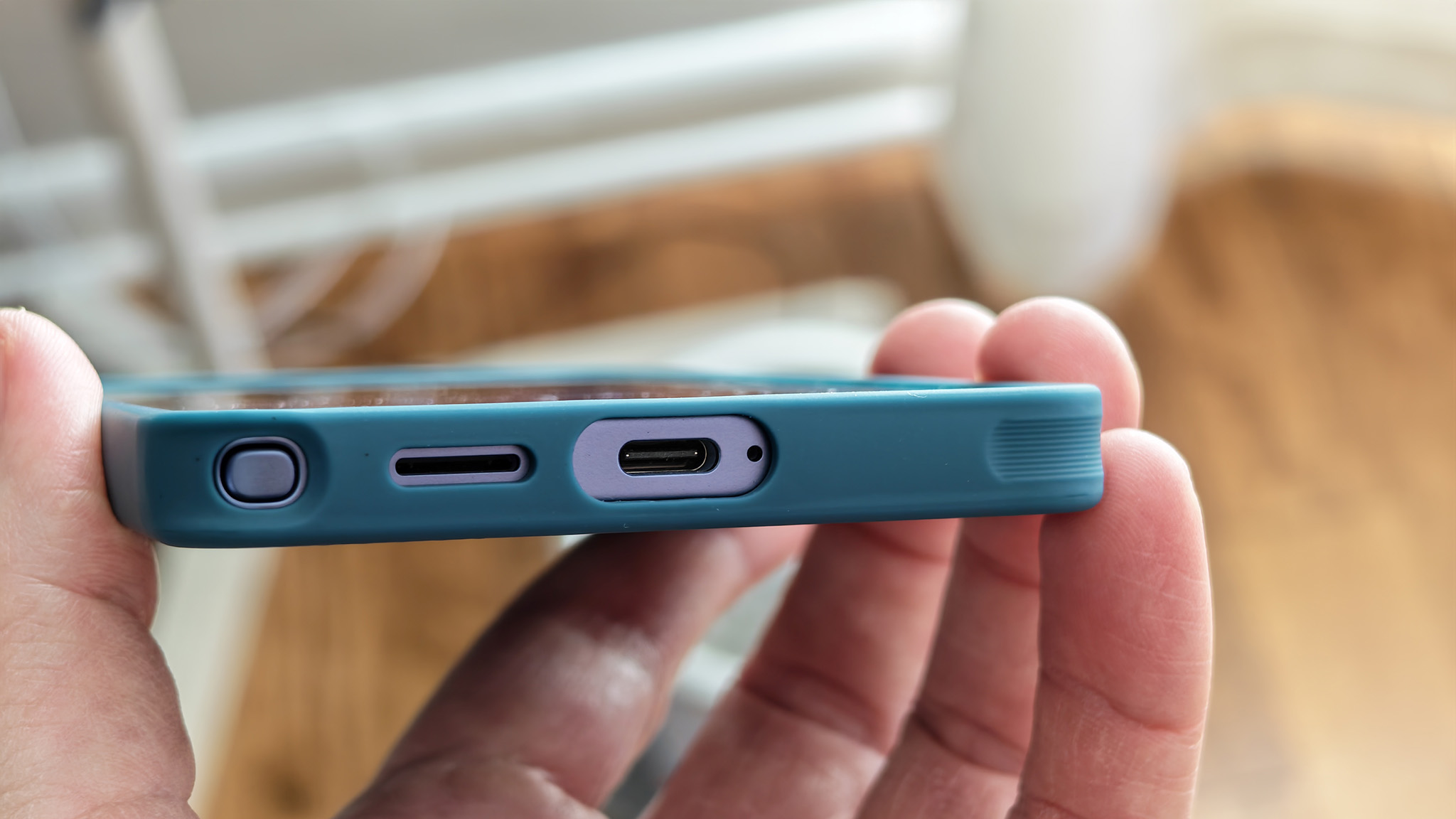
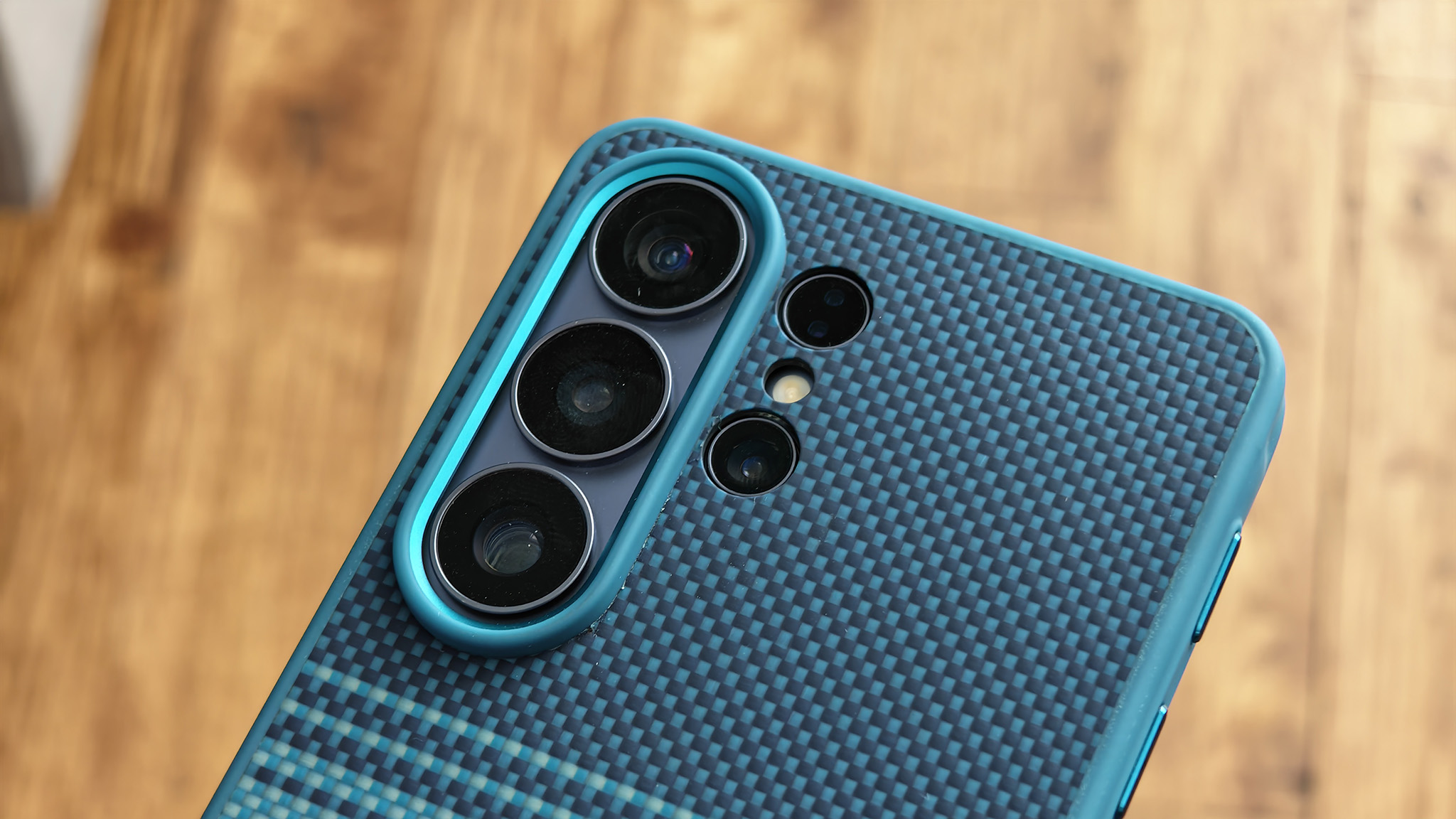
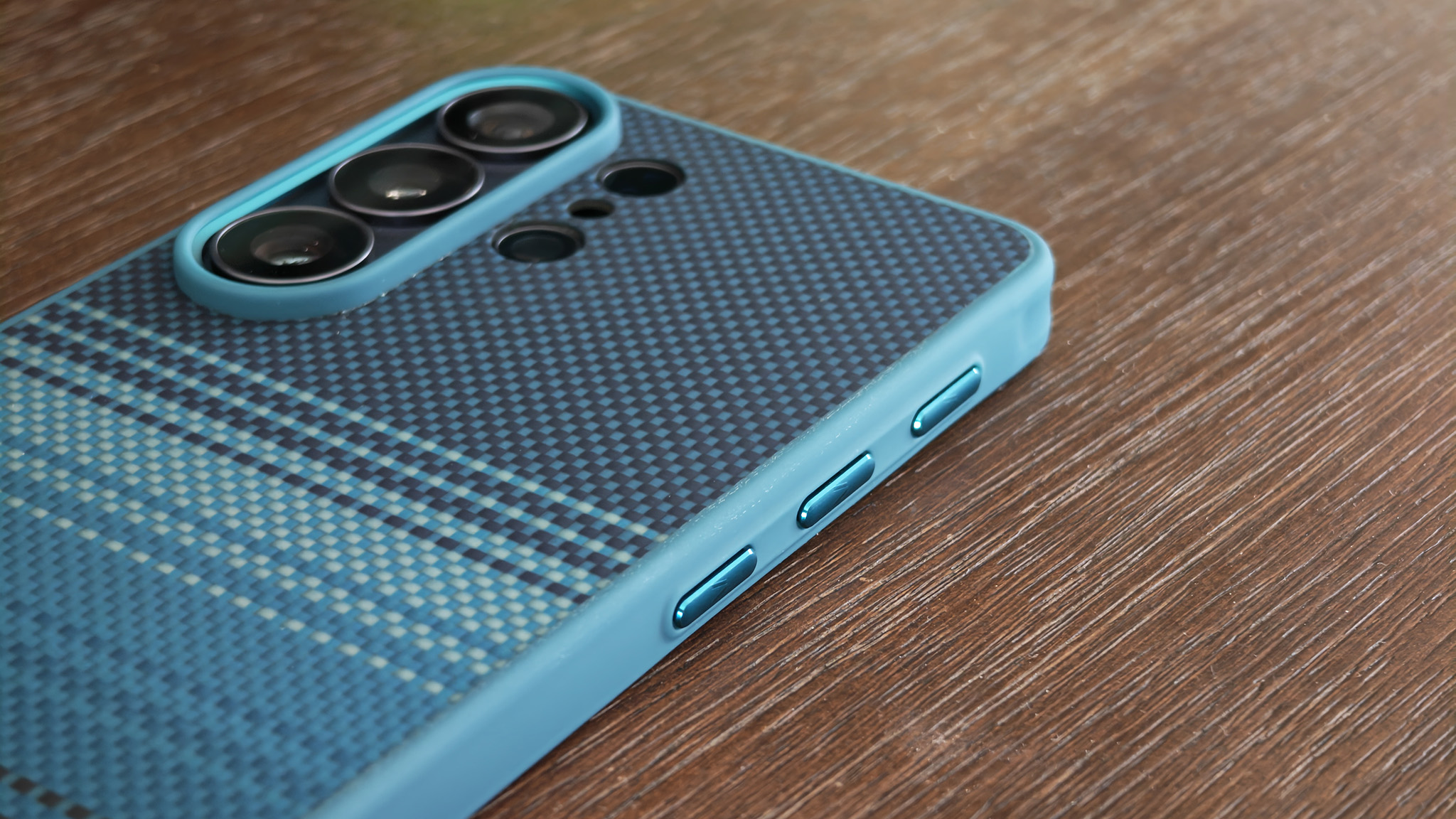
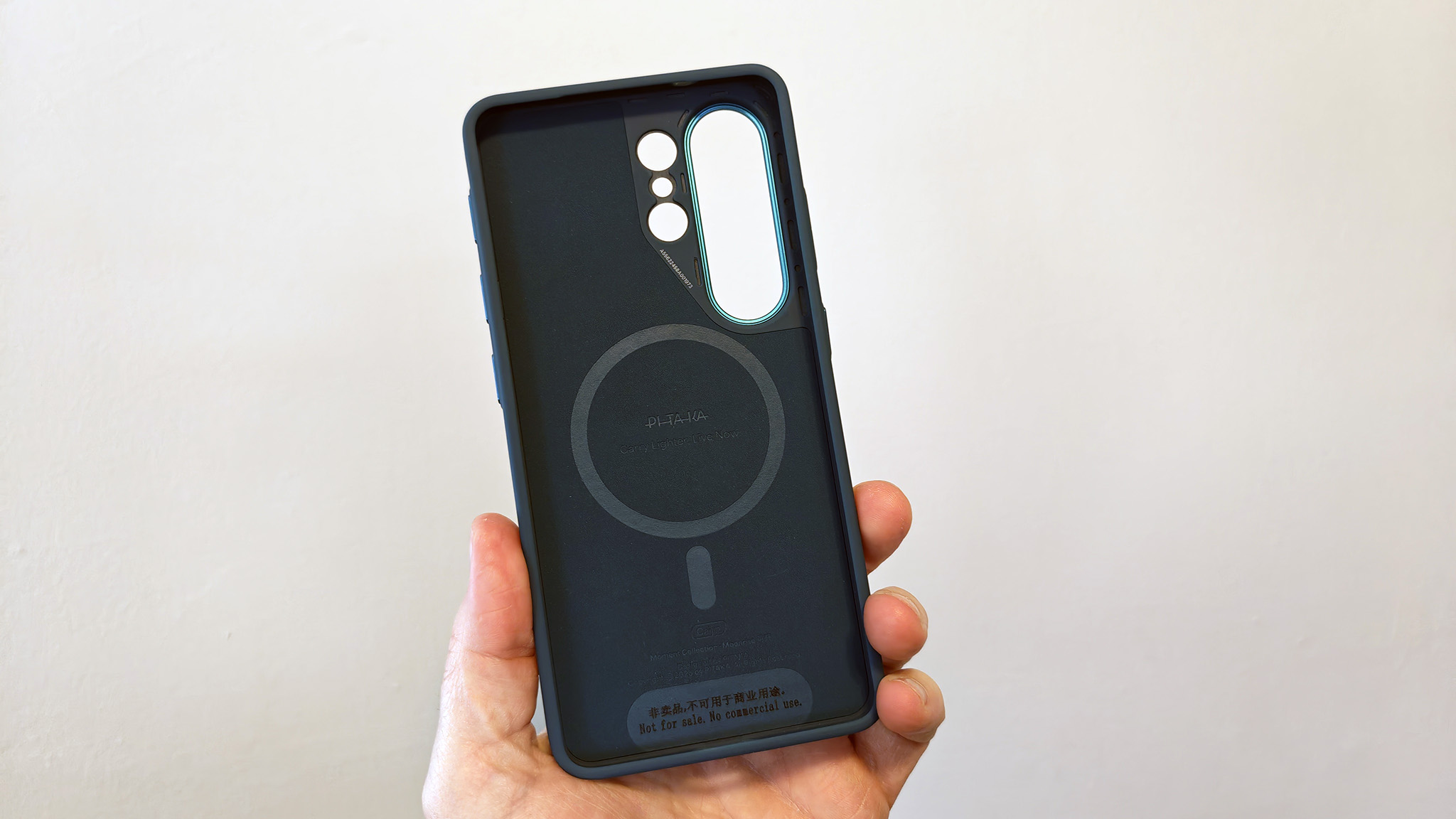
The real stars of the show are the tactile buttons, which not only provide extra clickiness for the power and volume rockers but also add a set of three clever buttons on the left side of the phone. Each of these triggers an NFC tag on the inside of the case, allowing you to customize an action via the Aaron Button app, which I go over below.
As is the case with the Pitaka Edge, these buttons need to be pressed and held in order to function. Unlike the Edge, however, you don’t need to hold both sides of the phone to get enough leverage to push the buttons. That makes the Cairn case much more one-handed friendly.
The app that powers it all

The Aaron Button app resides on the Galaxy Apps store and can be easily downloaded on any Samsung Galaxy phone. If you haven’t customized the buttons yet, a simple click will open a prompt to download the app.
Once you’ve downloaded and installed the app, it’ll show you a selection of preset commands commonly used for each button. You don’t need to use any of these commands if you don’t want to; they’re simply suggested actions. Clicking any of them, then holding one of the side buttons, will assign it to that button.

Any action that can be mapped through the Aaron Button app bypasses the system Routines feature, which, unfortunately, makes management a little more complicated than it needs to be. Otherwise, the Samsung Routines app handles all the NFC tag customizations.
Open up settings, then head to Modes & Routines to see a list of actions customized through the Routines app. You can set up an action by following these steps:

1. Open Settings, then select Modes & Routines.
2. Tap Routines at the bottom.
3. Click the Plus button on the top right to create a routine, or select a routine from the list.
4. Tap the Plus button next to the If trigger, then select NFC tagged from the list.
5. When the prompt appears, press and hold the button you want to assign an action to.
6. Give the button a name. I prefer to name it what I want the action to be.
7. Back at the Create Routine menu, tap the Plus button under the Then section. Select any action you want this button to perform.
8. When you’re all done, tap the Save button.
A powerful choice
Image 1 of 4
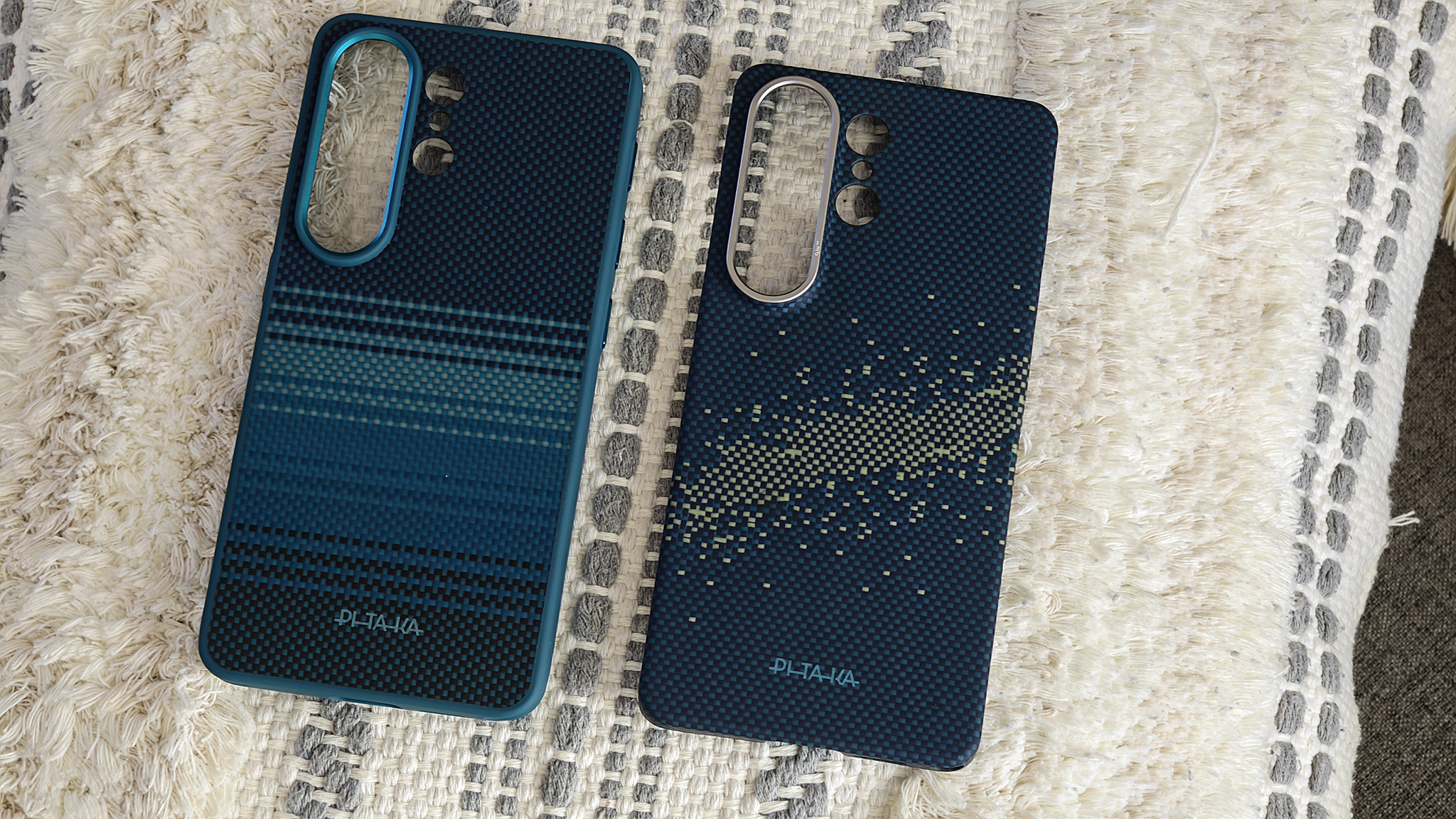
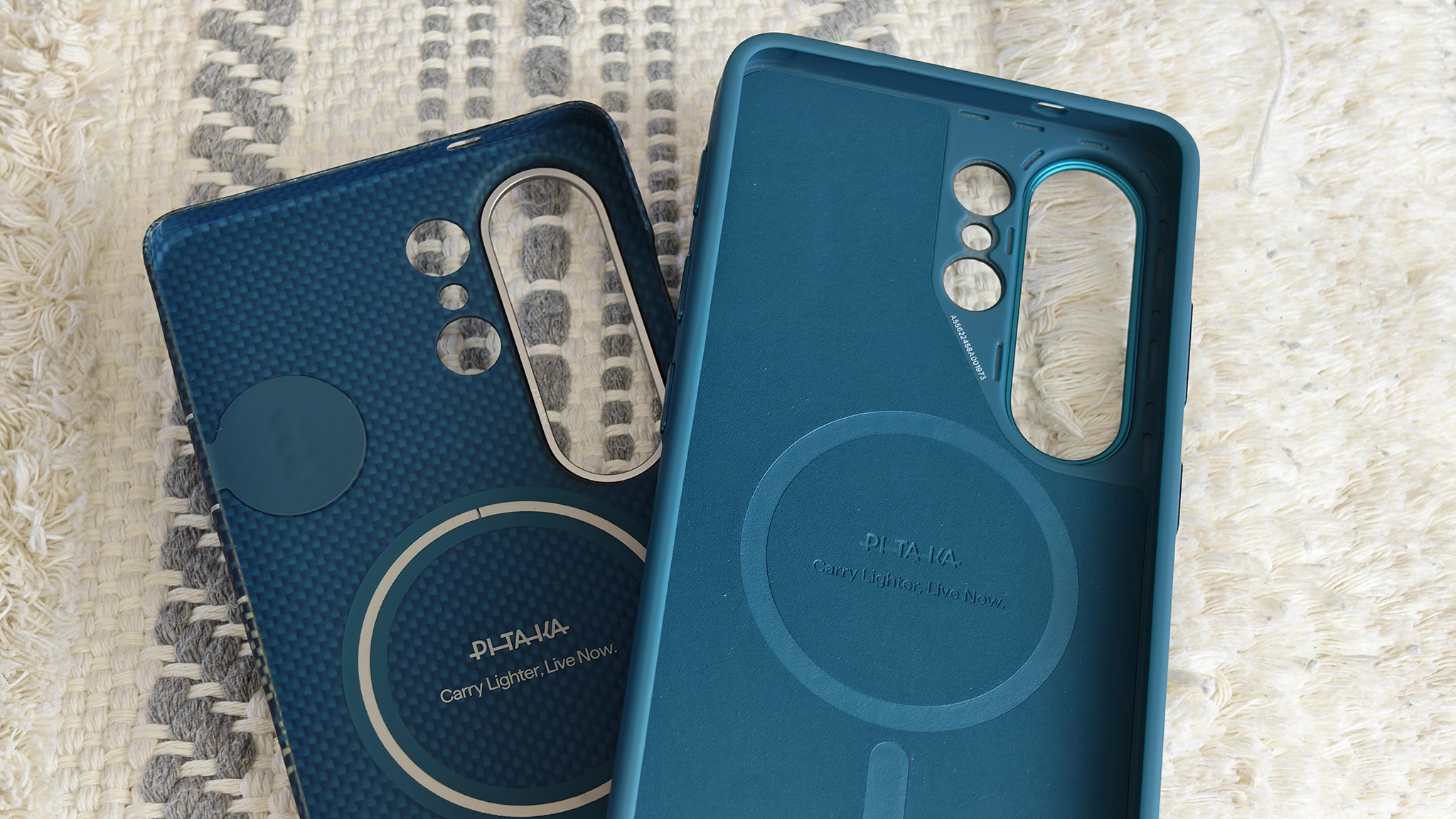
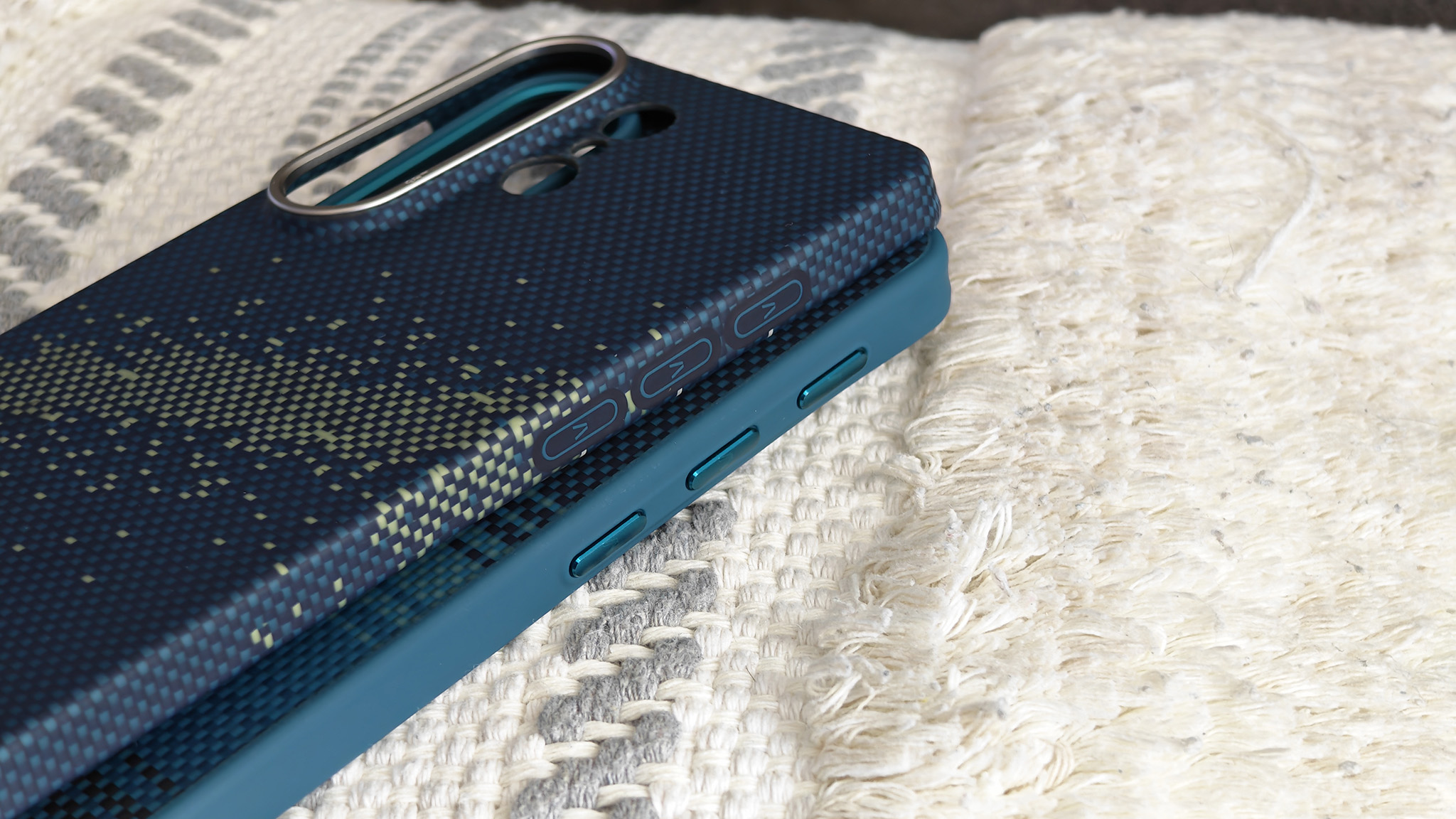
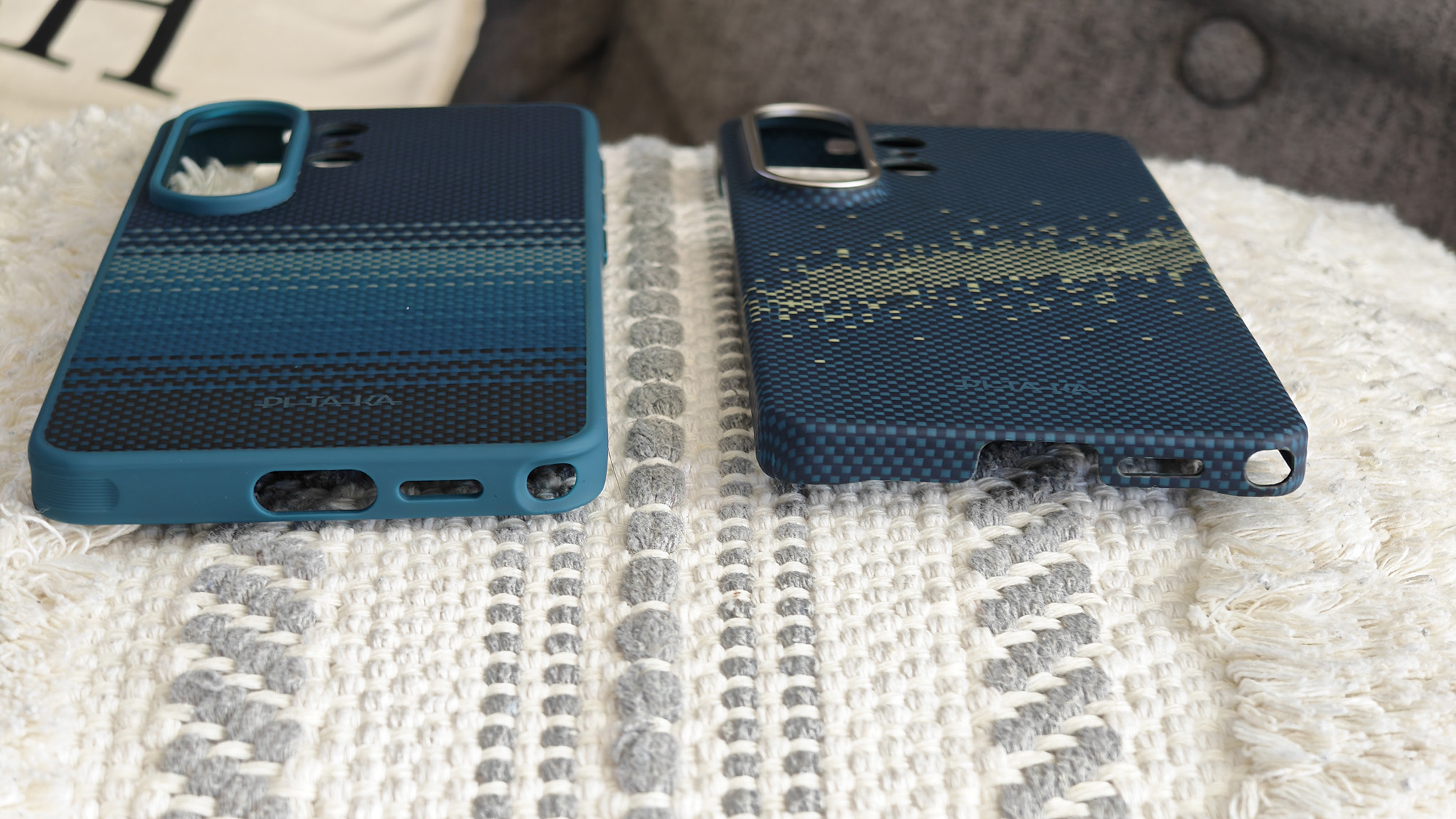
Pitaka’s cases aren’t your normal smartphone case. They add customizable buttons and features that really matter, plus the usual protection expected from each style. Normally, I prefer thinner cases that add little to no bulk to a phone, but the Cairn case’s buttons are so much easier to use that I find that I prefer that style over the Edge.
Beyond that, this is a no-brainer decision for any Galaxy S26 owner. You get three customizable buttons and more features than competing phones, all powered by Pitaka and One UI.
My three favorite activities are Flashlight, launch Gemini, and Sound/silent mode. I’ve also found that using one button to open Voice Recorder can be incredibly useful and is a good replacement for opening Gemini, especially if you bring back the Gemini gesture trigger.
 By
By