

Ryan Haines / Android Authority
TL;DR
- Google’s Nano Banana image generator is now integrated into Samsung’s Now Brief app.
- It lets you generate AI images based on photos from your Gallery app within your daily briefings.
- You may need to update the Personal Data Intelligence app to use the feature, and Nano Banana suggestions might take some time to appear after activation.
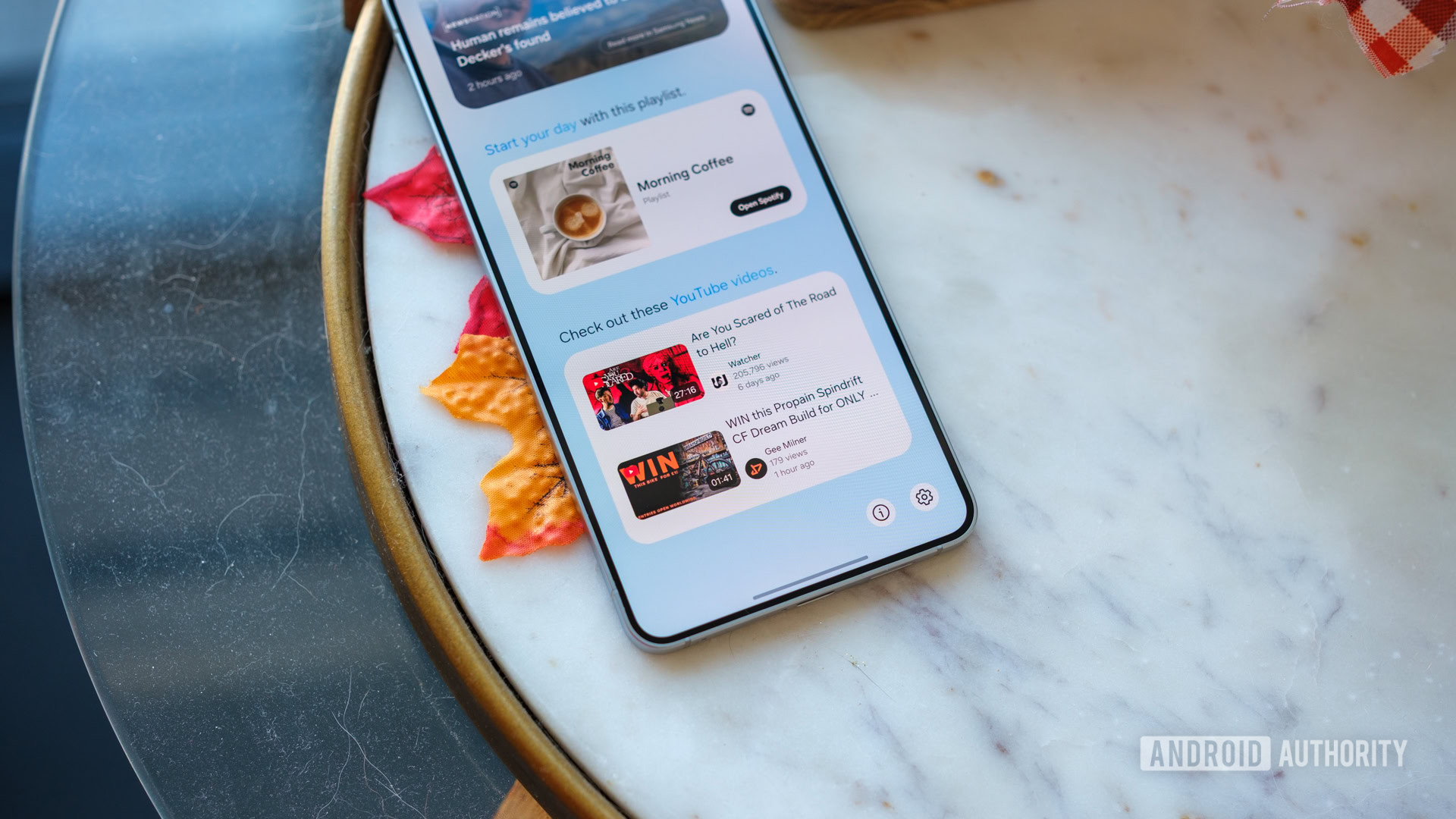
Google’s viral image generation tool Nano Banana has found a new home in Samsung’s Now Brief app. The option to include Nano Banana in your daily briefings is now available in the Now Brief settings as “Nano Banana Image Creation.” You’ll have to manually toggle it on to have Nano Banana image creation suggestions appear in your personalized briefings at the end of each day.
Don’t want to miss the best from Android Authority?


Samsung introduced Now Brief with the Galaxy S25 series in January. It’s now available on several devices, including the Galaxy Z Fold 7, Z Flip 7, Z Flip 7 FE, S25 Edge, Galaxy S24, and the Galaxy Tab 11 series. One of the biggest frustrations users have with Now Brief is that it doesn’t allow information from third-party apps, except for YouTube. Nano Banana is another rare inclusion that now goes beyond Samsung’s first-party apps in Now Brief.
How does Nano Banana work inside Now Brief?
Once you enable Nano Banana in the Now Brief settings, the feature will automatically pull an image from your Gallery and include it in your daily Memories recap. It will also suggest prompts you can use to edit or enhance that image (h/t SamMobile).
Tapping a suggested prompt will send the image to the Gemini app, where Nano Banana processes it and generates the requested result. You can then save, copy, or share the final image.
Keep in mind that you may need to update the Personal Data Intelligence app on your phone to see the new Nano Banana image-generation option in Now Brief. In our case, the option appeared automatically because the app was already up to date. However, we still didn’t see any image suggestions in our briefing, suggesting that the recommendations may take some time to appear after the feature is enabled.
Thank you for being part of our community. Read our Comment Policy before posting.
 By
By