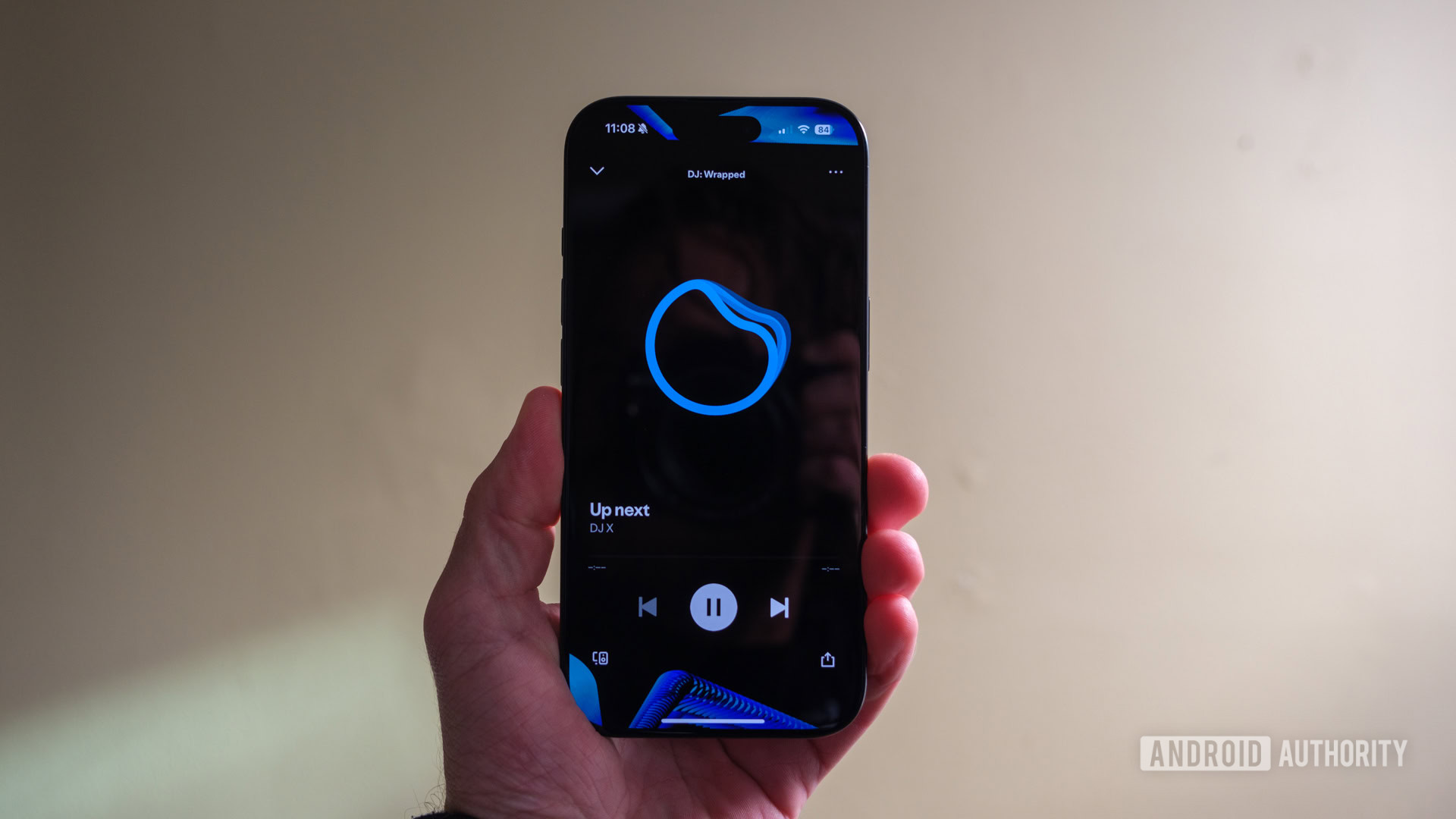


Ryan Haines / Android Authority
TL;DR
- Spotify’s DJ feature can now take requests from the listener.
- You can use your voice to request the DJ to play specific music that you want to hear at the moment.
- Users can invoke a combination of genre, mood, artists, or even activity-based requests with Spotify’s DJ.
- This is a Premium-only feature in around 60 markets, and is only available in English.
No matter how you’re feeling, music can always enhance your mood or lift you up when you’re down. And in this age of digital entertainment, Spotify is one of the top music streaming services out there. Now, if you have Spotify Premium, your music listening experience is about to be taken to the next level with Spotify’s DJ feature.
Spotify’s DJ can finally take listener requests, and you can just use your voice to do so in real time. Allowing the AI-powered DJ to take requests is just one step towards giving users more control over their music listening sessions. However, voice command is the only way to do requests, making this an awkward feature to use if you’re listening to music with headphones in a quiet space.
When DJ first rolled out, it utilized AI to learn your music tastes over time, and it will use that information to choose what to play for you. But now, with the ability to take requests, users can update DJ to play music that they want to hear at that moment, rather than just going with what the DJ suggests. So now users can adjust the vibes as they see fit. This is particularly useful if the listener wants to set a mood for a date night or get everyone hyped up for a party.
Since the AI can handle combinations of genre, mood, artist, or even specific activities, making a request is like talking to a real DJ. Some examples of requests include, “Surprise me with some indie tracks I’ve never heard before,” or “Give me some electronic beats for a midday run.” Spotify says you can even make some unique requests such as, “Play me some cry-in-the-car songs,” you know, when you’re feeling really emotional.
Spotify DJ is only available in English for Premium listeners. DJ itself is currently only available in around 60 markets, which is just a fraction of the service’s availability in over 180 regions. So even if you have Spotify Premium, you’ll want to double check to make sure that you can access the DJ feature first.
If you’re in one of the markets with DJ, then accessing it is easy. Just type in “DJ” in the search tab, press play, and you’ll get DJ playing a mix of music specially curated for you. Want to change it up? Just hold down the DJ button until you hear a beep and then use your voice to talk to DJ and make your request. The session will get updated based on what you requested, still utilizing your listening history and music tastes.
At the moment, the Spotify DJ requests feature is still in a beta form. It also doesn’t work with non-music requests, such as with audiobooks or podcasts. And again, you have to talk to the DJ to make a request, unfortunately, which isn’t great if you’re in a quiet environment, or just don’t like talking to your phone in public.

 By
By