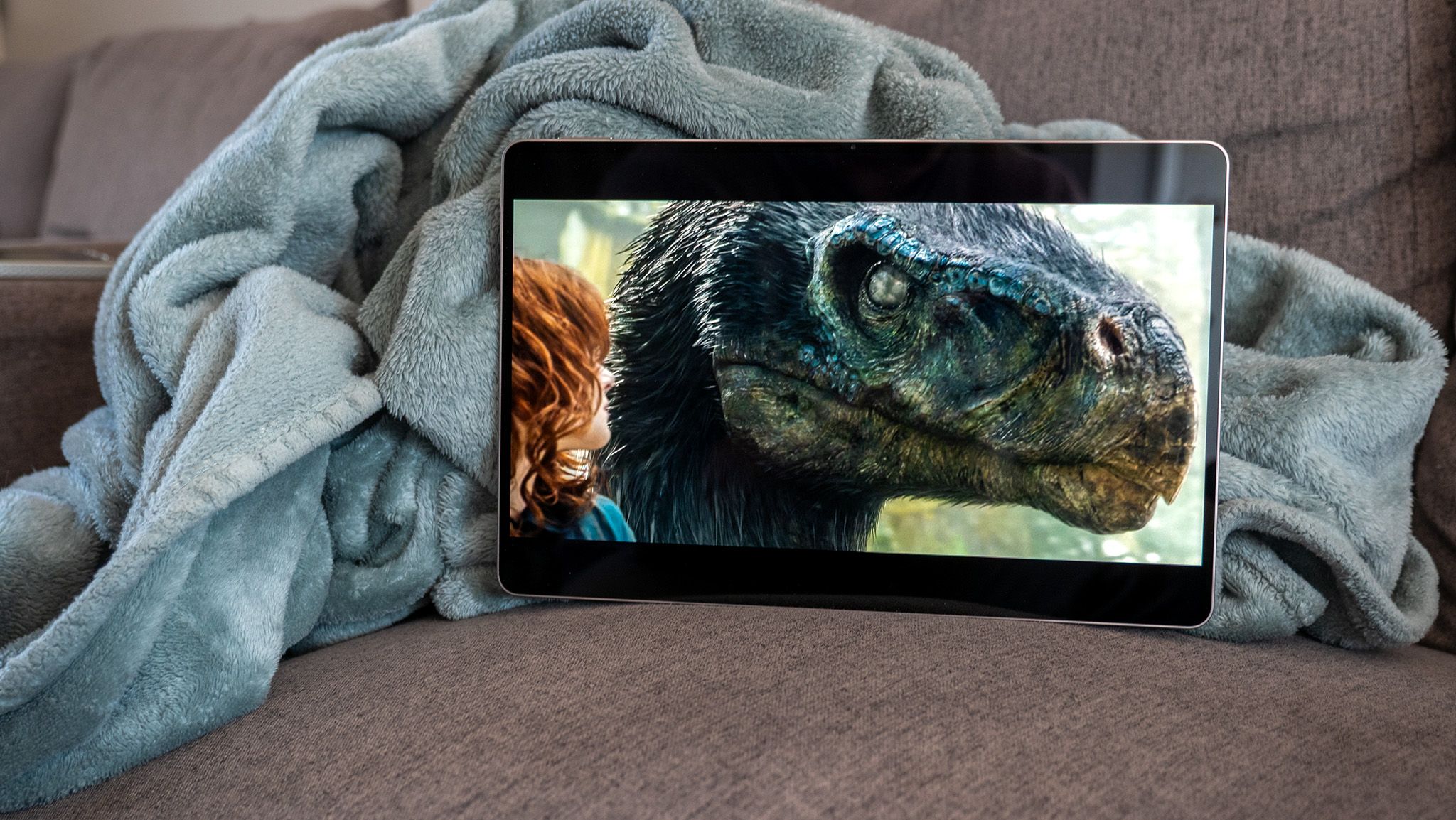

I can’t say exactly when I was last excited about a new tablet release, but it’s been at least a few years. Most tablets are slight iterations of the previous version, and while that can be said to some degree about the Honor MagicPad 4, it’s the display that’s got me really excited this time around.
It’s not just because Honor replaced last year’s lackluster LCD display with a higher quality OLED one, but this is the first OLED I’ve ever seen with 5320Hz PWM dimming. No, that’s not a typo, and it means that Honor continues to push dimming frequency in the right direction while most of the competition either ignores the problem or feels current solutions are “good enough” for most people.
A display for everyone

As part of the spec sheet, I noticed that Honor has specifically started listing its displays as “low modulation” OLEDs in addition to ones that support high-frequency PWM dimming. This is important because it means that Honor’s display not only operates at a frequency that’s deemed safe by the IEEE standard for lighting, but it also goes above and beyond what the competition is doing.
The plain facts are that OLED tablets from Apple and Samsung simply do not qualify as “safe” under these lighting standards. They’re not even close, either, as they mainly rely on a 240Hz PWM dimming rate at all brightness levels. The result is a subset of the population that physically cannot use these devices without incurring substantial head pain from them. I’ve got a quick 5-minute explainer video here, if you want to learn more.
That’s where companies like Honor come in. Pushing PWM rates higher and lowering the modulation are two key factors in ensuring that even the most sensitive users can enjoy a modern device instead of having to use something from 2013 with outdated security patches and features.

The trick to getting the best results on the Honor MagicPad 4 is to set it to 165Hz in display settings. The problem is that there’s no way to force the peak refresh rate. If you’re running the display at 20% brightness or below — which is when the tablet switches from DC to PWM dimming — the display will oscillate between 4320Hz and 5280Hz, depending on the content on screen.
I’m not sure if this will bother any flicker-sensitive users, but rapidly switching between dimming rates has been known to bother some people, though those reactions are usually recorded at much lower dimming frequencies than 4320 or 5280Hz. The only way to guarantee that the display doesn’t switch dimming rates is to set it to 60Hz in display settings. Since this is an LTPS panel, it’ll run at 60Hz all the time, which means a 4320Hz PWM rate at 20% brightness.
Honor could really do with a setting to properly force the peak display refresh rate for folks who want to see the best at all times or want to ensure dimming frequencies don’t shift. I’m not a huge fan of Honor advertising this as 5280Hz. That’s not because it’s not true — the display certainly can reach 5280Hz PWM dimming — but because it’s only true under very specific and difficult to guarantee circumstances.

Despite using 10-bit OLED panels in most of their recent phones, the 165Hz OLED panel here is only an 8-bit panel. That’s not problematic in and of itself, but the spec sheet for the tablet clearly lists that it’s boosting color volume using a nasty trick called temporal dithering to alternate pixels between two colors to make your eyes see a color that “doesn’t exist.”
It sounds cool on paper, and some display enthusiasts love this trick because it can make displays more vibrant, but it does so in a way that can trigger epilepsy-level conditions in some people. The MagicPad 3’s display used this trick, but it doesn’t seem like the MagicPad 4 actually does, based on my extensive testing. I was also pleasantly surprised to see that all of the tablet’s blue light blocking options don’t use dithering to alter things. It’s true blue light blocking from the hardware level.
There’s no guarantee that Honor won’t enable the 2-bit “enhancement” in an update, but, for now, this panel seems dither-free. I’m fine with companies offering a vibrant color mode for enthusiasts that want obnoxiously vibrant, cartoony colors, but it’s important to offer a dither-free option for folks who suffer from flicker sensitivity.

My only real “disappointment” is that the display doesn’t get as bright as the company’s phones. I use this HDR white YouTube video for every display review because it gives me the peak HDR values using a common app that everyone has, and the highest I saw the display hit was just shy of 1,200 nits. By comparison, the Honor Magic 8 Pro’s display hits 3,600 nits using the same test.
Given the huge size difference between this display and a phone’s, however, it might be for the best that it doesn’t hit that same peak value. Don’t want to get blinded while just trying to watch a movie, after all. And it’s still plenty bright while watching content on YouTube or Netflix, especially when that content supports proper HDR levels.
What I’ve been waiting for

Overall, this is a huge step up from the MagicPad 3’s display, not just in motion clarity and refresh rate, but also because it doesn’t have to use dithering to display 10-bit colors properly. Not only that, but this tablet is a much more manageable size than the MagicPad 3, which I found to be simply too large for any real utility.
Everything combined makes this an incredibly impressive table to use for any kind of entertainment or work, especially with its thin design, excellent battery life, and those absolutely bonkers good IMAX speakers. I just wish Honor were able to make better use of the improved PWM rate, as it’s really only available in apps that support the 165Hz refresh rate.
 By
By