

Kaitlyn Cimino / Android Authority
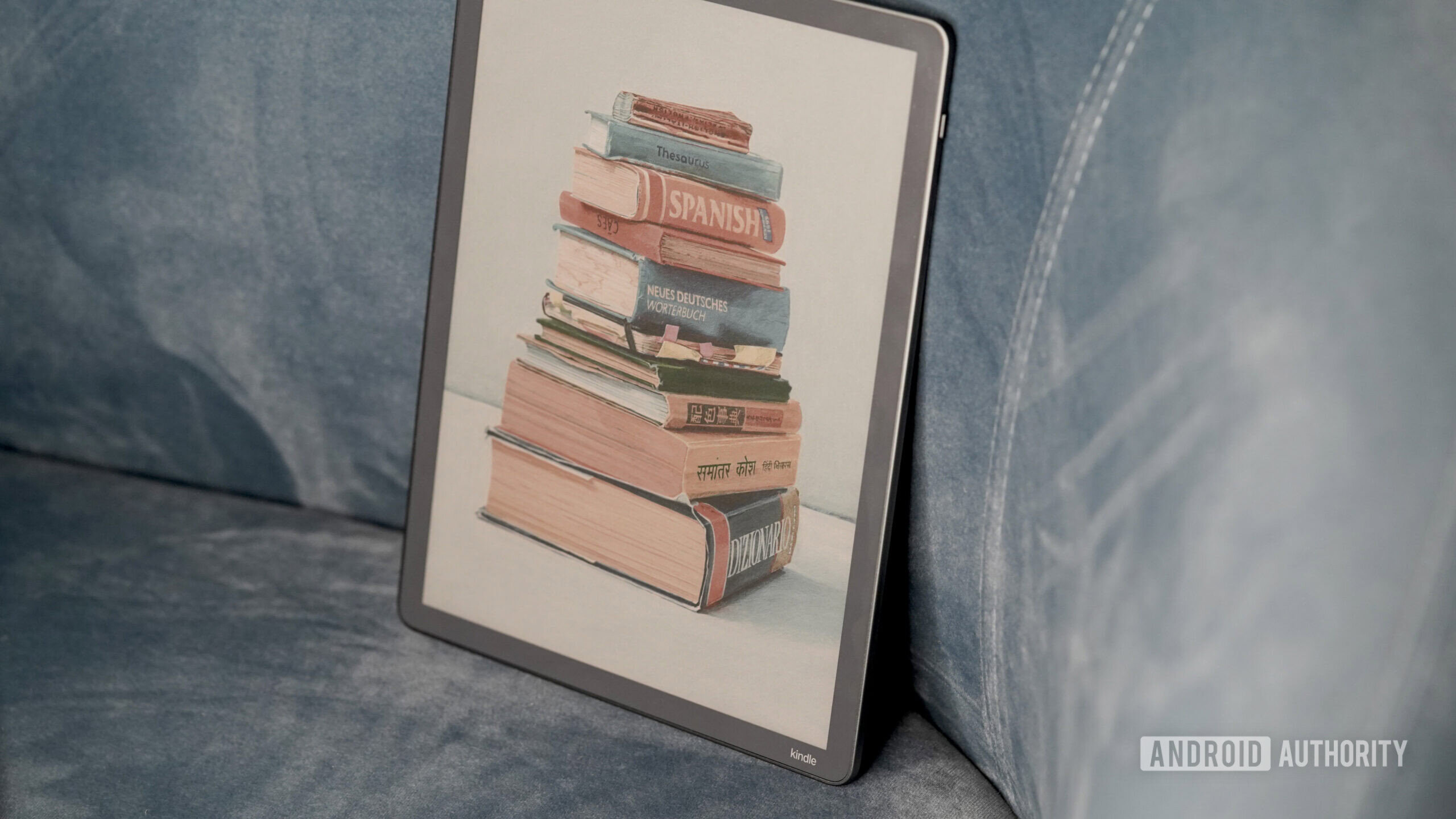
I’ve recently set up a new Kindle Scribe Colorsoft, which means it’s time for me to grumble once again about an ancient feature that still irks me: Popular Highlights. There’s a difference between deciding what matters in a book and having it pointed out for you. Popular Highlights is one of the more intrusive examples of the latter, and it’s the first setting I turn off every time I set up a new e-reader.
Do you like Kindle’s Popular Highlights feature?
0 votes
How Popular Highlights changes how you read

Kaitlyn Cimino / Android Authority
Popular Highlights is pretty much exactly what it sounds like. The feature automatically tracks passages that Kindle readers have consistently highlighted. Once enough people mark the same section, Kindle underlines it for everyone, along with a count showing how many readers have done so. In theory, the idea is to draw attention to passages that resonate widely. For me, the underlines act more like distracting markups. Every time I come across one, I feel like I’ve bought a secondhand textbook someone went to town on with a highlighter.
Popular Highlights make my Kindle reads feel like pre-owned books.
For starters, the underlines pull me out of the book. Instead of staying in the plot, I wonder why so many people thought a sentence was especially profound. And if I don’t find it worthy, I’m left wondering what I missed. Underlines also create hierarchy. Once a line is visually emphasized, it’s hard not to read it differently.
I start giving extra weight to moments simply because other people flagged them first, a subtle slide into groupthink that can range from misplaced emphasis to outright spoilers. In fiction, especially, that shift can flatten pacing or straight up ruin a plot twist. In other words, they’re a lot like the first time I saw The Sixth Sense with my brother, who said, “Did you see he got shot and then they never showed the hospital?” immediately after the opening scene.
I may sound particular, but I’m not alone. Even after years of integration, Popular Highlights keeps surfacing as a point of discussion. A recent Reddit thread about the feature picked up renewed attention earlier this week, with many users focusing on how the feature subtly alters their reading experience.
Not all the complaints are about explicit spoilers, but those are the ones that strike a chord with me most. Others describe the annoyance of passages that feel pre-labeled as significant, along with a sense that the text is competing with metadata generated by people who already finished the book. Even when nothing is technically revealed, readers quip that they just don’t care to know what other people felt compelled to highlight. One user compared the tool to laugh tracks, while others joke about how some highlights are just bizarre.
They can pull readers out of the plot or, at times, even spoil it.
On the other hand, some Redditors like the feature for the very reason I find it intrusive. A few say they enjoy seeing what passages resonated with a larger audience, likening it to an imaginary book club. Some users also find Popular Highlights a useful shortcut to key ideas they might otherwise skip. Others are simply curious.
Don’t want to miss the best from Android Authority?


Opting out

Kaitlyn Cimino / Android Authority
It is strange to me that Popular Highlights is an opt-out setting rather than an opt-in one. Many Kindle users don’t realize it’s a setting at all, assuming the underlines are part of the book’s formatting. To me, that covertly introduces a second layer of authorship, and that layer is muddy.
To turn off Popular Highlights
- Open any book on your Kindle.
- Tap the top of the screen and select the Aa menu.
- Open the “More” tab.
- Toggle Popular Highlights off. The exact wording can vary slightly by device or app version.
Popular Highlights isn’t inherently bad. As mentioned, there are plenty of people who find it intriguing to see what others have marked up. But to safeguard my reading habit (AKA escapism), I turn them off as soon as I power up for the first time. If the feature works for you, there’s no reason to disable it. If it doesn’t, turning it off restores your library to what most people expect when they open a brand-new book.
Thank you for being part of our community. Read our Comment Policy before posting.

 By
By