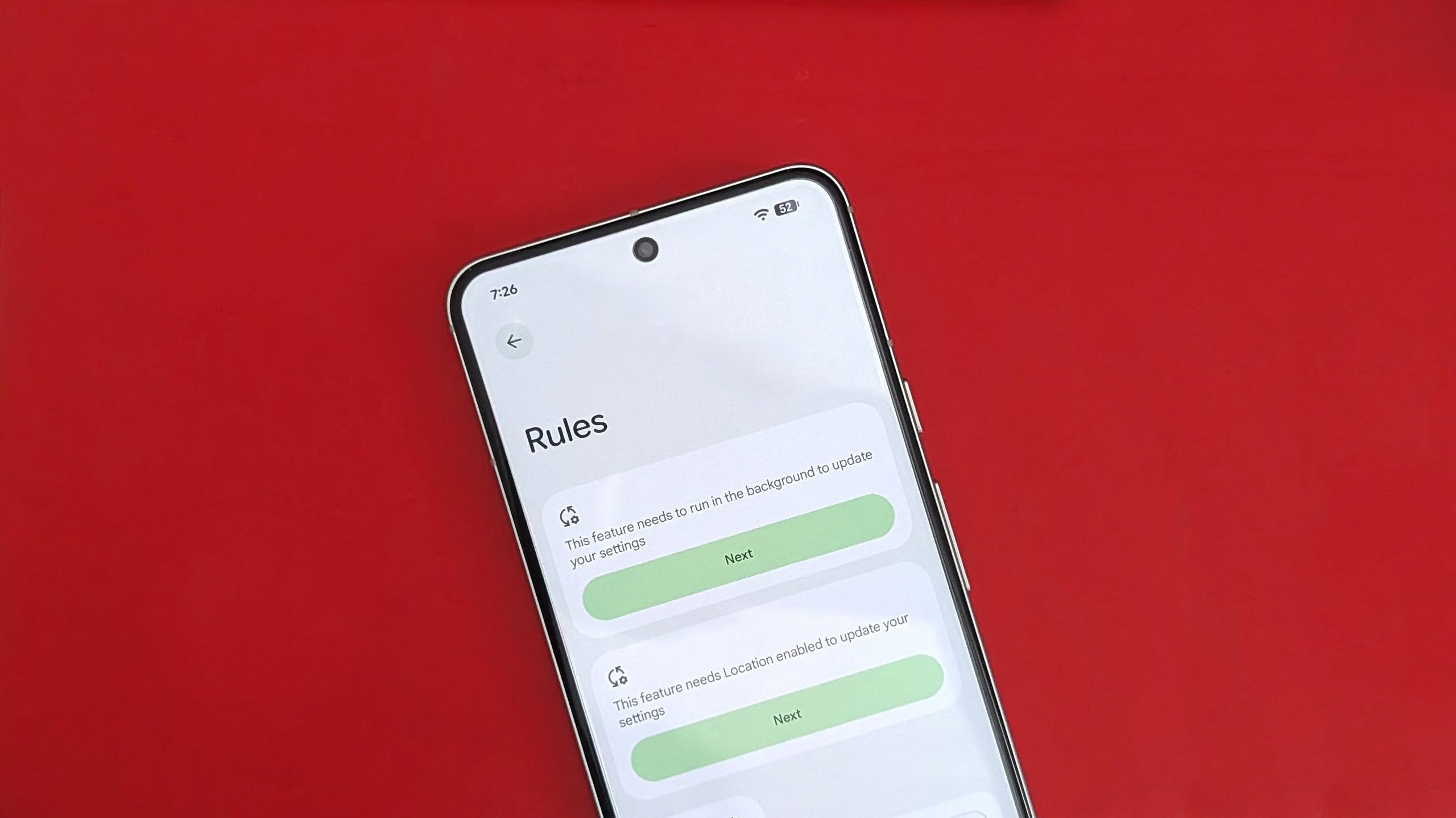

Remember when Rules was a big thing on Android? Yeah, me neither. This long-forgotten feature from 2019 still exists, as I recently discovered, and it is actually quite useful.
The Rules feature is still available on Android 16, and it’s really straightforward. You can use it to create automations by setting conditions that trigger an event based on your Wi-Fi or location. While the automations aren’t as open-ended, they’re still a nifty way to change settings you alter regularly.
Article continues below
How to configure Rules on your Pixel to create automations
Rules work much like routines on Google Home. Except, of course, you’re not creating automations for smart devices. Rather, Rules create automations that change certain phone settings on your Google Pixel device based on your location or the Wi-Fi network you’re connected to.
Let me walk you through the steps of setting a Rule. I used a Pixel 10 Pro for this guide, but any Google Pixel device running Android 10 or above should have this feature.
1. Open Settings on your Google Pixel.
2. Enter System settings.
3. Tap Rules under System settings.

4. Tap Next and give the necessary permissions to access Wi-Fi and location data.
5. Tap the Add rule button.
6. Choose your rule type: Wi-Fi or Location.

7. Set the location or Wi-Fi network.
8. Next, set the action that you want your Pixel to do.
9. Tap the final Add button at the bottom-right corner.

This one is a bonus step that can help you out a ton. In the Rules settings menu where you just created an automation, enable the toggle to Automatically suggest rules based on changes that you regularly make to your settings.
The beauty of a Pixel is that is does everything better

If you felt unsure about how you could benefit from the “Automatically suggest rules” option, it’s a fantastic way to let your phone do the thinking. Even if you can’t think of the settings you change frequently and in what conditions, your Pixel will notice your patterns and suggest useful automations based on that.
I’m really hoping to see Google integrate this with Gemini and Google Home going forward, enabling us to do even more with the Rules feature. It seems like the natural path for Google to take, especially with Gemini being front and center in Android and the rise of agentic AI.

Feature-laden perfection
The Google Pixel 10 comes with Android 16 installed out of the box and a promise of seven years’ of OS and security updates. It is also first in line to receive any new features of Android and benefits from monthly Google Pixel updates called Pixel Drops. The cameras are stellar, the phone looks and feels phenomenal, and it performs silky smooth.
 By
By