

Andy Walker / Android Authority
Smartphone makers are so busy chasing megapixels and zoom multipliers that they’ve lost sight of an important camera-related consideration: user security. While the push for crisper pixels has given us some brilliant technology and, as a result, incredible shots, we’ve been devoid of new privacy and security-related features in recent years.
What if I wanted to snap a shot of something sensitive, important, private, or laced with data that I don’t want accidentally uploaded to a server somewhere? This is where OEM camera apps fall short. I’ve done some digging, and no default camera app, not from Google, Samsung, or others, currently has a mode that allows me to hide such data immediately and securely. Yes, Private Space and Secure Folder are options to lock down data after capture, but they require me to move content into them rather than silo data within them immediately.
Should major phone manufacturers integrate more privacy-focused features into their camera apps?
12 votes
A secure camera app within a secure folder

Andy Walker / Android Authority
I suppose you could ask, “Why are you so paranoid?” Well, I’m not, but sometimes I want or need to snap a photo of a document, a personal identification card, a picture with third parties in it whose identities I’d like to hide, or information I deem sensitive. We all find ourselves in this position at one point or another, right?
This could be a snap of a childhood photo of myself that I’d rather keep off Google Photos, a copy of my accommodation hosts’ personal details as a show of goodwill for their data, or a medical certificate that I want to keep a copy of but don’t want direct or immediate access to.

Andy Walker / Android Authority
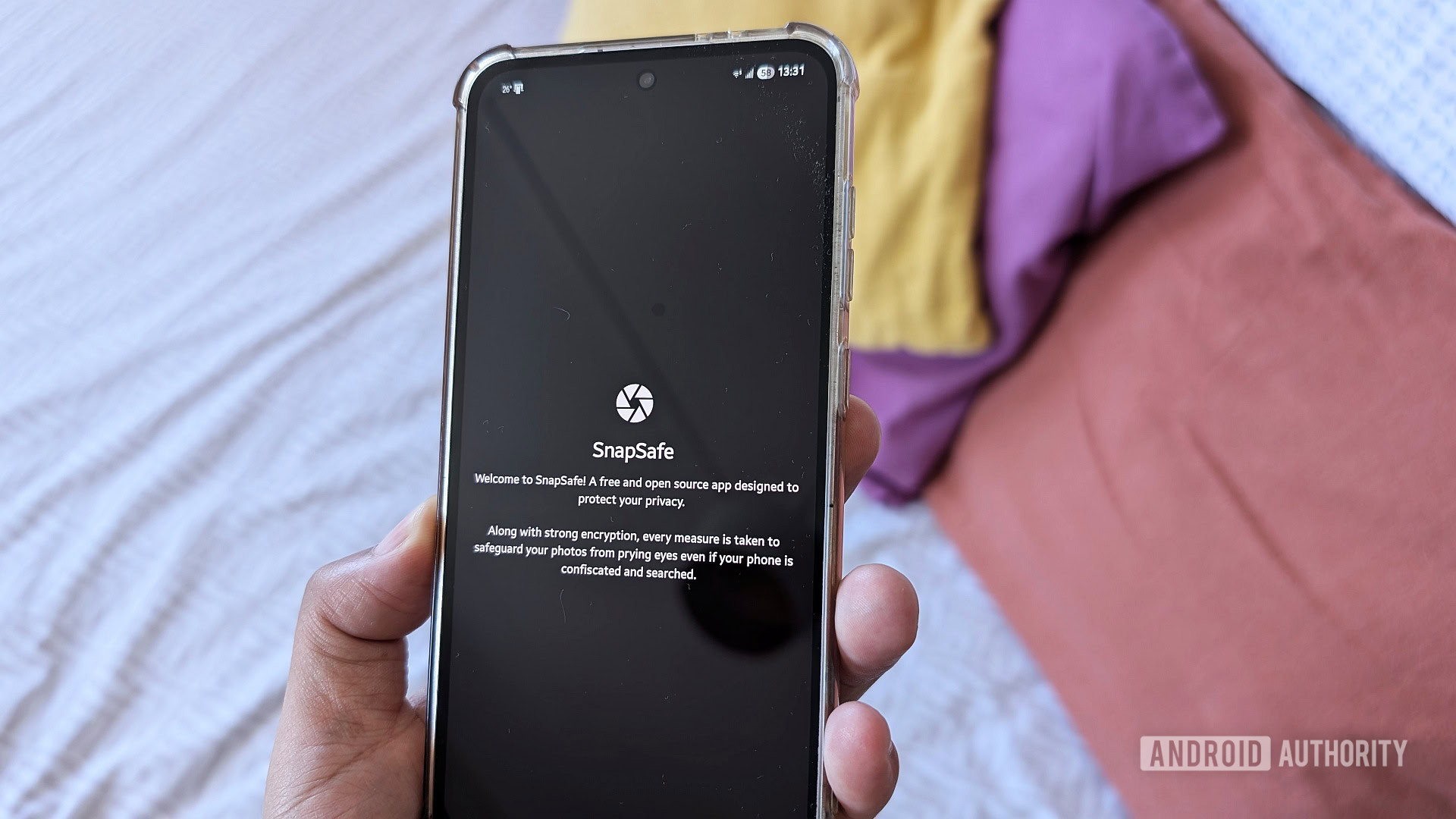
While I can use my phone’s default camera app, these images are almost immediately exposed to the internet and accessible from my phone’s storage. SnapSafe introduces a range of imaging tools that major OEMs like Samsung and Google should seriously consider adopting. The app doesn’t have internet permissions, nor does it make the content I capture using it readily available to everyone.
SnapSafe introduces a range of imaging tools that major OEMs like Samsung and Google should seriously consider adopting.
In essence, SnapSafe resembles Secure Folder or Private Space, but it’s more detailed than both. It’s, first and foremost, a camera app that enables entirely private, encrypted image capture, editing, and secure storage. By camera app, I literally mean you can capture footage within it — stills or video are fair game.
Poison Pills, decoy photos, and face obfuscation
To even start taking pictures from within the app, you’ll be asked to set up a PIN. This PIN locks down the app and anything within it. The app quickly highlights that if you lose this PIN, all the shots you’ve captured in SnapSafe will be lost.
As my brain is a sieve, I forgot the PIN I set up the app with in the first place, and I can confirm there’s simply no way to bypass it. After 10 guesses, each requiring a longer wait time, I was forced to delete the app’s data from the Settings > Apps page in Android. Given the importance of this PIN, it’s imperative that you don’t set it to the same as your phone’s PIN. This makes it far too easy to stumble into the app’s content.
The Poison Pill is a PIN that destroys your sensitive information upon entry.
One of the app’s core use cases, at least according to the developer, is to record content during protests. Naturally, the app comes with protections that prevent content from being obtained if you’re put under duress. My favorite? The Poison Pill — a secondary PIN that destroys images and videos within the safe rather than unlocking it. It’s a brilliant little feature that’ll absolutely benefit users of Secure Folder and Private Space. I’ve found that using my device PIN works really well as a Poison Pill. If anyone were to discover your unlock code and use it, they’ll unwittingly delete the content they’re trying to access.
SnapSafe recognizes that an empty, locked box is suspicious, so it offers an option to include decoy photographs to display when the safe is unlocked. Minor details like this make this app a genuinely brilliant security tool.
How often do you find yourself needing to take photos of sensitive or private info?
8 votes
Then there’s the supremely useful feature that more OEM camera apps could implement today: automatic face obfuscation. As part of SnapSafe’s anti-doxing protection, the app allows users to detect and blur out people’s faces.
In my tests, I found it was fairly hit-or-miss. It doesn’t work flawlessly for photos of photos, for instance. Its hit rate is far higher when a face is detected from the front, too. However, the app does offer manual obfuscation. I can easily draw a box over anything I want to blur and force obfuscation, or deselect any faces I don’t want to blur. I appreciate this level of redundancy and control.
Unfortunately, obfuscation is not available for video, making it a little less useful for sharing clips anonymously and safely. This is a huge shame, but I can understand there’s a level of technical complexity involved here.
Either way, SnapSafe makes it far easier to blur faces than Samsung Gallery or Google Photos — both are far more concerned with beautifying my visage instead of safely erasing it.
Despite its locked-down design, SnapSafe still offers the usual camera and gallery app solutions. You can share images from it and strip all EXIF data from them when you do. And if you want to store images or videos in the safe, you can import them.
SnapSafe has flaws, but it’s the best private camera app for Android

Andy Walker / Android Authority
SnapSafe might be a great way to secure sensitive information, but its usability leaves a lot to be desired. It’s easy enough to learn and use, but it still lags far behind traditional camera apps in performance. Look, I don’t expect DSLR-like shutter times, but I was surprised at how long it took to capture an image. There is an inherent lag that you don’t expect with a modern camera experience, akin to a very old Android phone.
This isn’t a deal-breaker, though; there are some additional options I wish SnapSafe had. While the Poison Pill is a killer idea, I do believe it could benefit from an alternative option that effectively hides content after a PIN is entered. A “Magic Pill,” perhaps?
Don’t expect SnapSafe to capture quality images in a hurry.
There’s also a distinct lack of image management features — no folders, no sorting or filtering photos from videos. After several months of use, the quantity of shots could get pretty unruly. Organizational options aren’t a priority. Of course, it’s a security app first and foremost, but it would be a significant quality-of-life improvement.
And for those who are perhaps more accustomed to Secure Folder’s plethora of authentication options, a PIN-or-nothing solution can feel like an inconvenience. While I understand why SnapSafe opts for this, it might be worthwhile to include an alternative authentication solution. It would be pretty useful to set the Poison Pill to trigger with a left thumb, for instance.
Ultimately, I’m only faulting SnapSafe to offer a more balanced verdict — it’s genuinely difficult to criticize it. Overall, it’s a remarkable app that the likes of Samsung, Google, and other OEMs should learn from. It’s well-designed, easy to use, and executes its mandate perfectly by providing robust security features from start to finish that millions worldwide would benefit from.
If you’re ever in a situation where keeping your imaging data secure is of utmost importance, SnapSafe is the best private camera app for Android, and I can’t think of a better app to lean on.
Don’t want to miss the best from Android Authority?


Thank you for being part of our community. Read our Comment Policy before posting.
 By
By