

TL;DR
- Google Flow now features a redesigned user interface with a new asset grid for organizing and managing content.
- The creative studio software fully integrates Nano Banana for easy image generation, and taps into Whisk and ImageFX functionality.
- Flow also supports customizable video editing tools that let users extend a clip’s length and more.
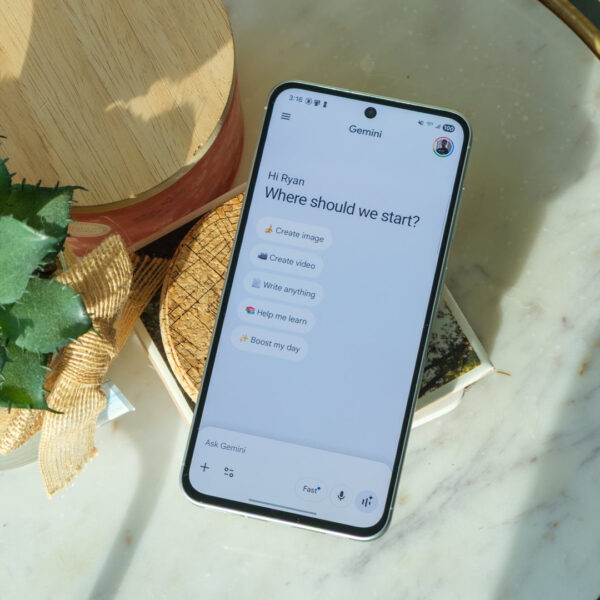
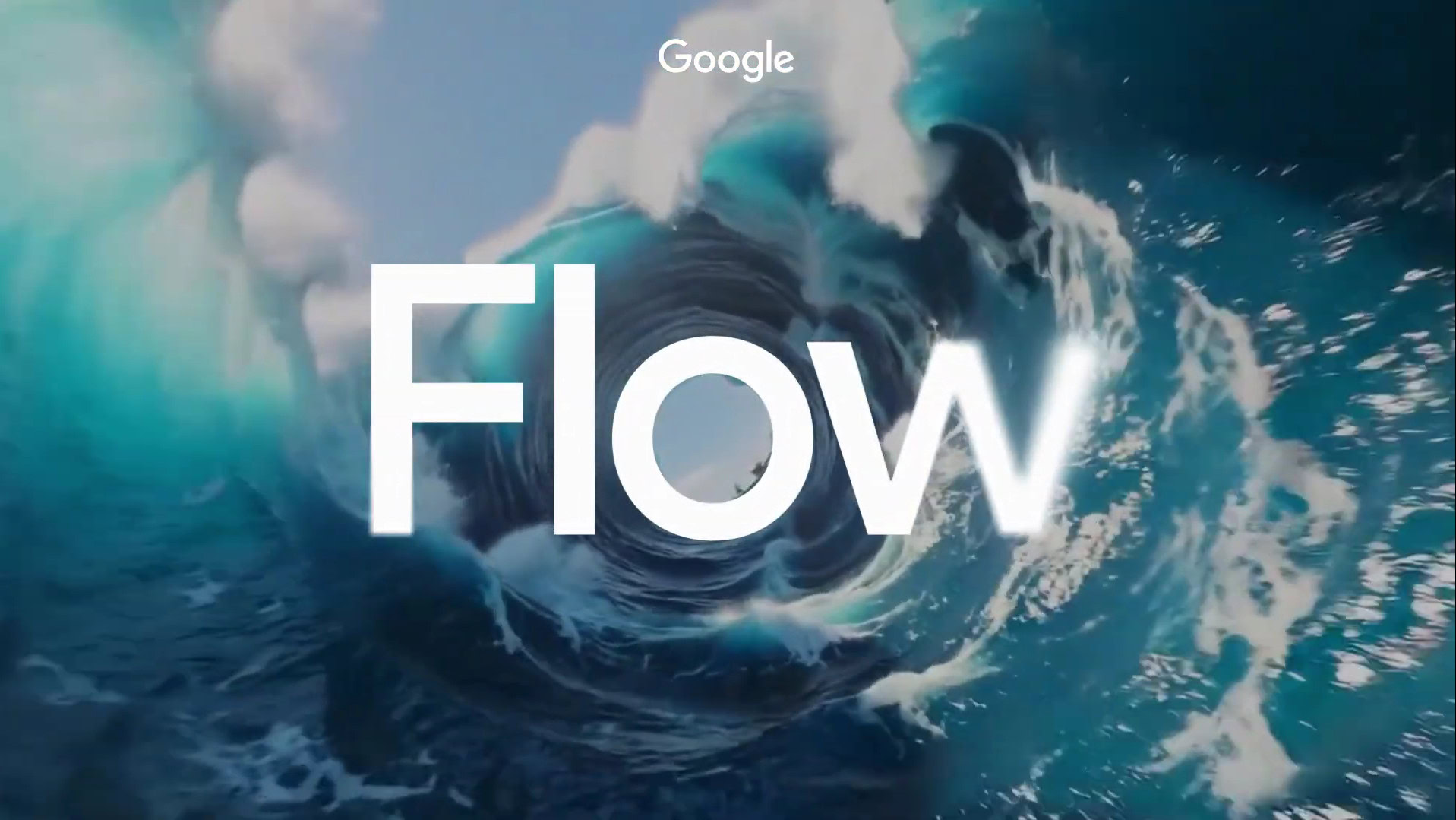
Google Flow, the brand’s AI-powered creative studio, is getting a major upgrade with a redesigned user interface and new content management features. The company announced the changes in a blog post today, which include a greater focus on image editing. Previously, Flow had a focus on video generation with Veo models at the heart of the experience. That’s changing with today’s updates, as Google wants Flow to become a universal hub for generating images, videos, and stories with Google AI.
The new-look UI taps into Nano Banana for image generation, which is now “fully built into the core experience.” Google also brought features from the Whisk and ImageFX image generation experiments into the latest version of Flow. The idea is that you can use Nano Banana to create images that are then used as ingredients for video generation, all without having to switch apps.
Image generation is free in the Flow creative studio, making it easy to make images and videos for your storytelling needs. Refining a long video generation prompt can be tricky, so you can use Veo 3.1’s “Ingredients to Video” feature instead. This process involves refining images created with Nano Banana to match your preferences first and subsequently giving those to Veo for a more accurate video output.
Don’t want to miss the best from Android Authority?


The biggest Flow user interface change is the new “asset grid.” It’s a flexible layout of generated images and videos related to a specific Flow project. These can be search, filtered, and sorted for simple parsing, and users can create collections with specific images and videos. Next month, users can opt in to a tool that transfers your Whisk and ImageFX content into Flow for a more unified experience.
Flow’s editing tools are upgraded, too, with easy controls for extending a clip’s length, adding or removing parts of videos, or dictating camera motion styles. You can try the revamped Flow experience now at flow.google.
Thank you for being part of our community. Read our Comment Policy before posting.
 By
By