

Nick Fernandez / Android Authority
TL;DR
- The PC emulator GameNative released a nightly update with support for Epic Games Store games.
- It allows you to log in to your Epic Games account to browse and download games on your Android device.
- Support is still experimental, and multiplayer games are not working.
The age of PC emulation on Android is upon us, with new translation layers and software allowing you to play Steam games on your phone or Android gaming handheld without any fuss. Now, for the first time, you’ll also be able to play titles from the Epic Games Store library, thanks to a nightly update from GameNative. And if you’re like me, that amounts to literally hundreds of free games claimed over the years.
While support is still experimental, the setup is fairly straightforward. After you install the latest GameNative nightly update, open the settings and scroll down to Epic Games Integration. From there, it will open a browser where you can log in to your Epic Games account. Then, you need to copy an authentication key, paste it into GameNative, and it should automatically populate your game list (give it a minute if you have 500+ games like me).
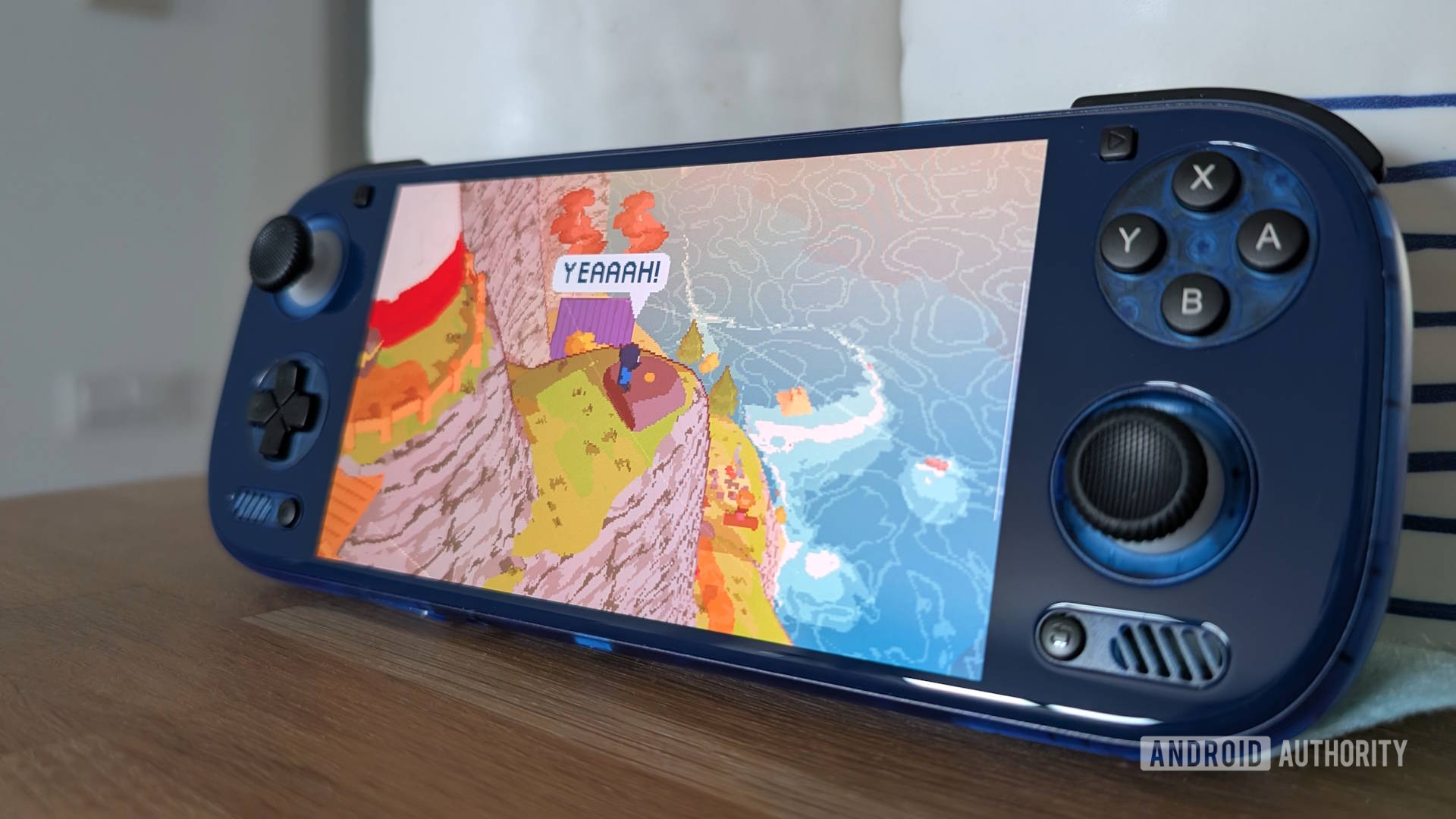
GameNative now supports Steam, GoG, and Epic Games titles within the app.
Admittedly, it’s not the smoothest process, and the settings window will close when you switch apps. I can confirm that it does work properly, though, and you have to remember that this is the first implementation in a nightly build. Presumably, it will be refined over time, with additional tools to filter games and more.
The process of installing and playing games couldn’t be simpler. Just select the game you want to play, and it will download directly from Epic’s servers. The developers note that multiplayer games are not working, and support will be added in a future update. Like all emulated PC games on Android, it may require significant tinkering with drivers and settings to get more demanding titles to run.
Don’t want to miss the best from Android Authority?


GameNative is an open-source alternative to other PC emulators like GameHub, and it’s been making steady progress for months. The last stable update, version 0.7.0, added alpha integration for the GoG storefront, in addition to fixing some issues with Steam cloud saves.
The app is built on many of the same open-source technologies as GameHub, such as Proton and FEX. It also regularly pulls the latest drivers to improve compatibility. However, note that you will likely need a relatively powerful device with plenty of RAM to run games that would normally run fine on a budget gaming PC.
Thank you for being part of our community. Read our Comment Policy before posting.

 By
By