

Adamya Sharma / Android Authority
TL;DR
- Google will now let you remove more personal information about yourself from Search results.
- You can now check and remove search results that include your passport, Social Security, and driver’s license numbers.
- Google is also making it easier to flag and remove non-consensual explicit images.
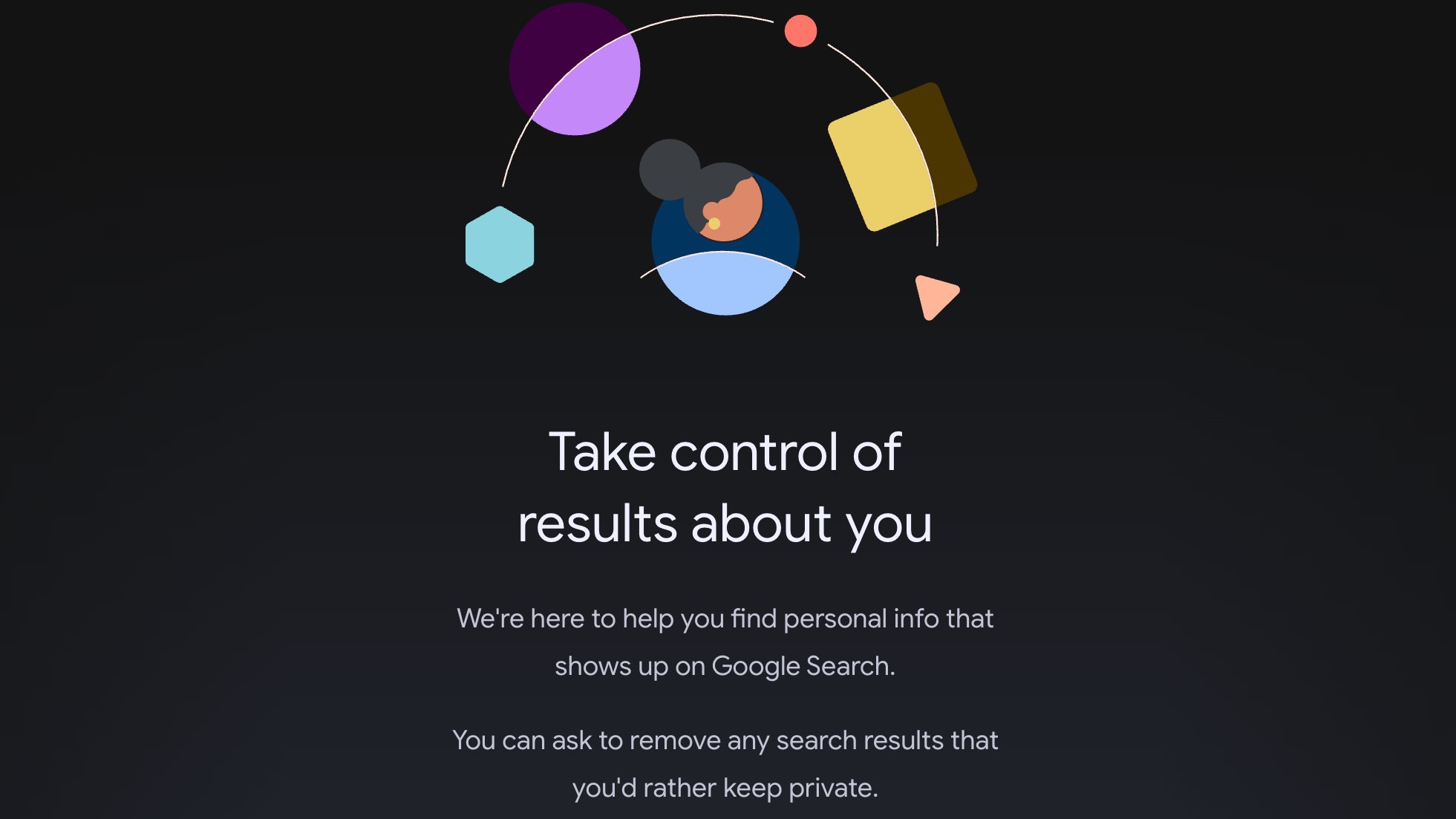
Google is giving you more control over search results about yourself. In addition to your email address and phone number, you can now find and remove search results containing information like your driver’s license, passport, or Social Security number straight from Google’s results about you hub. Moreover, Google is making it easier to remove any explicit images of yourself from its image search results. Here’s how the new tools will work.
To remove Google search results related to your driver’s license, passport, or Social Security number, you’ll first need to add this information to the results about you hub. If it’s your first time using the tool, click on “Get started” and add the personal contact information you wish to monitor.
Google says over 10 million people have used this hub and that it deploys advanced security protocols and encryption to keep the information you provide safe from misuse.
Don’t want to miss the best from Android Authority?


Once you enter your information, Google will scan search results and alert you via email or the Google app (whichever you choose during setup) about where this information can be found.
You’ll then be able to remove this information directly from the results about your hub. Note that removing information from Google’s search results doesn’t mean it’s being removed from the internet. People searching for your personal contact info may still find it by visiting the web page directly or using a different search engine.
Google says these new capabilities will first roll out in the US over the coming days, and the company is working to bring them to additional regions.
Removing your explicit images from Google Search
In addition to removing information from government IDs, Google is also making it easier for you to remove your non-consensual explicit images from Search, should any exist.
You’ll now be able to click on the three-dot menu next to an image in Google Search and select “remove result” > “It shows a sexual image of me” to remove the image. You’ll also be able to select and submit requests for multiple images from search results in a single, simple form.
Moreover, the new process will allow you to opt in for safeguards that will proactively filter out any additional explicit results that might appear in similar searches.
Once you submit your removal request, Google will surface links to expert organizations that provide emotional and legal support.
You can also track the status of all your requests in one place in the results about you hub.
Thank you for being part of our community. Read our Comment Policy before posting.
 By
By