

C. Scott Brown / Android Authority
TL;DR
- Google Maps lets users choose custom vehicle avatars, including type and color.
- So far, you’ve had to make these selections in Maps on your phone.
- Android Auto is working on its own built-in screen for selecting avatars, right from your car.
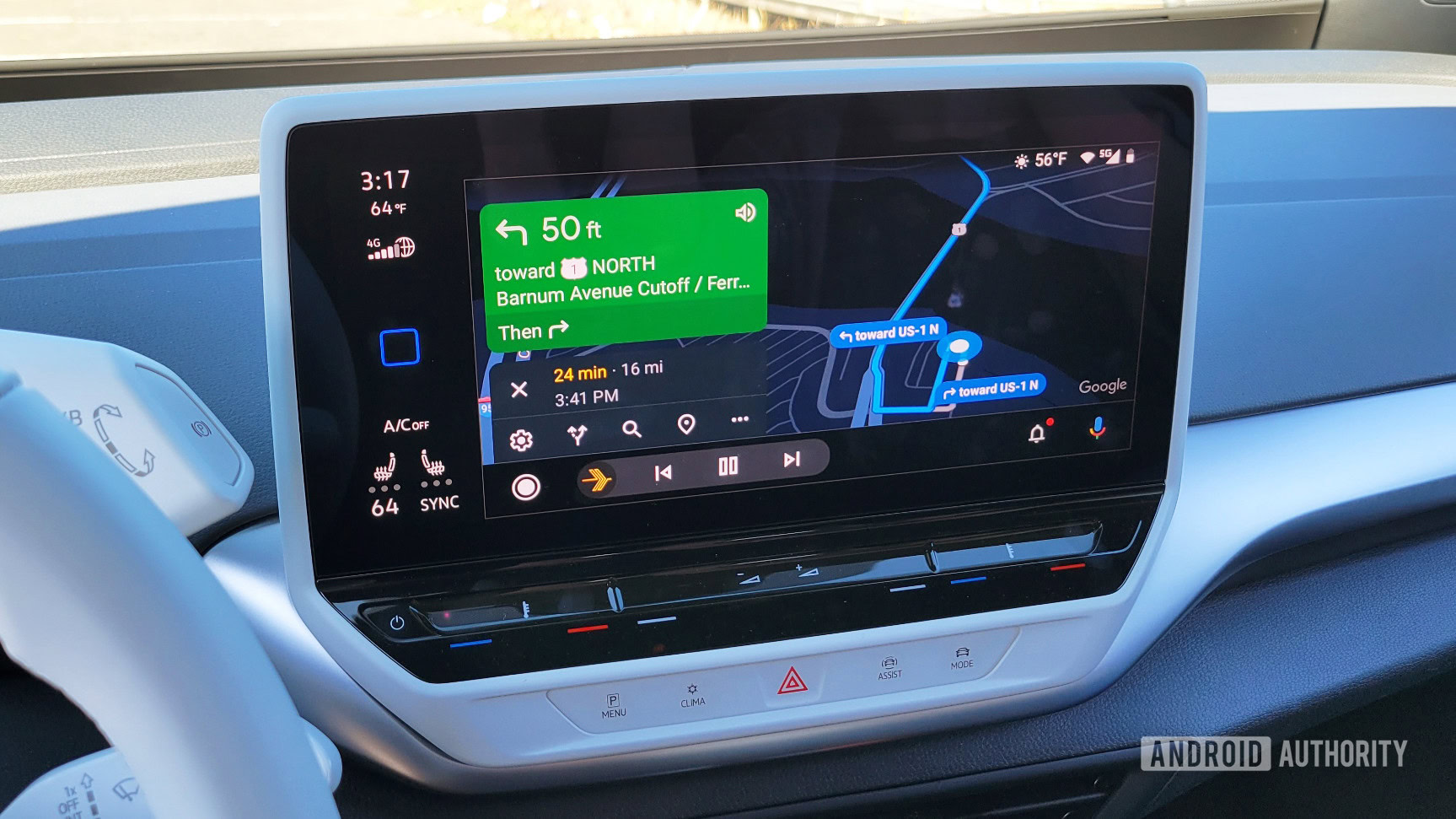
When we’re driving somewhere with Google Maps and Android Auto, it may be easy enough to follow along with the little blue on-screen arrow, but what fun is that? Google Maps offers all types of custom vehicle icons, letting you choose an avatar that not just matches your car or truck’s style, but color as well. Even as some Android Auto users struggle with vanishing icons, we’ve spotted what could be the next big upgrade here, giving you more control right from your vehicle itself.
Right now, even though you can see your custom avatar when using Maps in Android Auto, there’s no native way to make that selection from your dash. Instead, before you see that blue arrow transform into the red SUV you want, you have to pull up Maps on your phone and choose your vehicle there.
And while that works just fine, Google appears to be getting ready to flesh things out on the Android Auto side of things with its own menu.
Don’t want to miss the best from Android Authority?


With Google’s Android Auto 16.2.660604-release edition, we see the company preparing to add a new “Driving avatar” option in navigation settings. Tap that, and you’ll see the same vehicles selection interface (including color choice) that we’re familiar with from our phones.

AssembleDebug / Android Authority
While these screens aren’t yet user-facing in this release, the execution already seems pretty polished, and they fit right in with Maps navigation here.

AssembleDebug / Android Authority
In our testing, this all appears synced to your account, and if you change your vehicle avatar in Android Auto, you’ll see it update on your phone to match — and vice versa, of course. That means you should be free to keep on doing things the old way if you prefer, but once this rolls out you should also get the ability to tweak how that avatar is represented, straight from your vehicle.
Granted, we can’t imagine most users will have actual cause to change this setting very often, but hey — maybe you like to set an aspirational avatar, rather than one that matches what you’re actually driving around. If that’s you, this change should be right up your alley!
⚠️ An APK teardown helps predict features that may arrive on a service in the future based on work-in-progress code. However, it is possible that such predicted features may not make it to a public release.
Thank you for being part of our community. Read our Comment Policy before posting.

 By
By