

Ryan Haines / Android Authority
TL;DR
- An Android Authority teardown has revealed that Google is working on an easy way to manually enable Now Playing functionality.
- Now Playing runs in the background and uses on-device machine learning to automatically identify music.
- However, the company is working on a Now Playing Quick Settings tile that would let users manually identify a track.
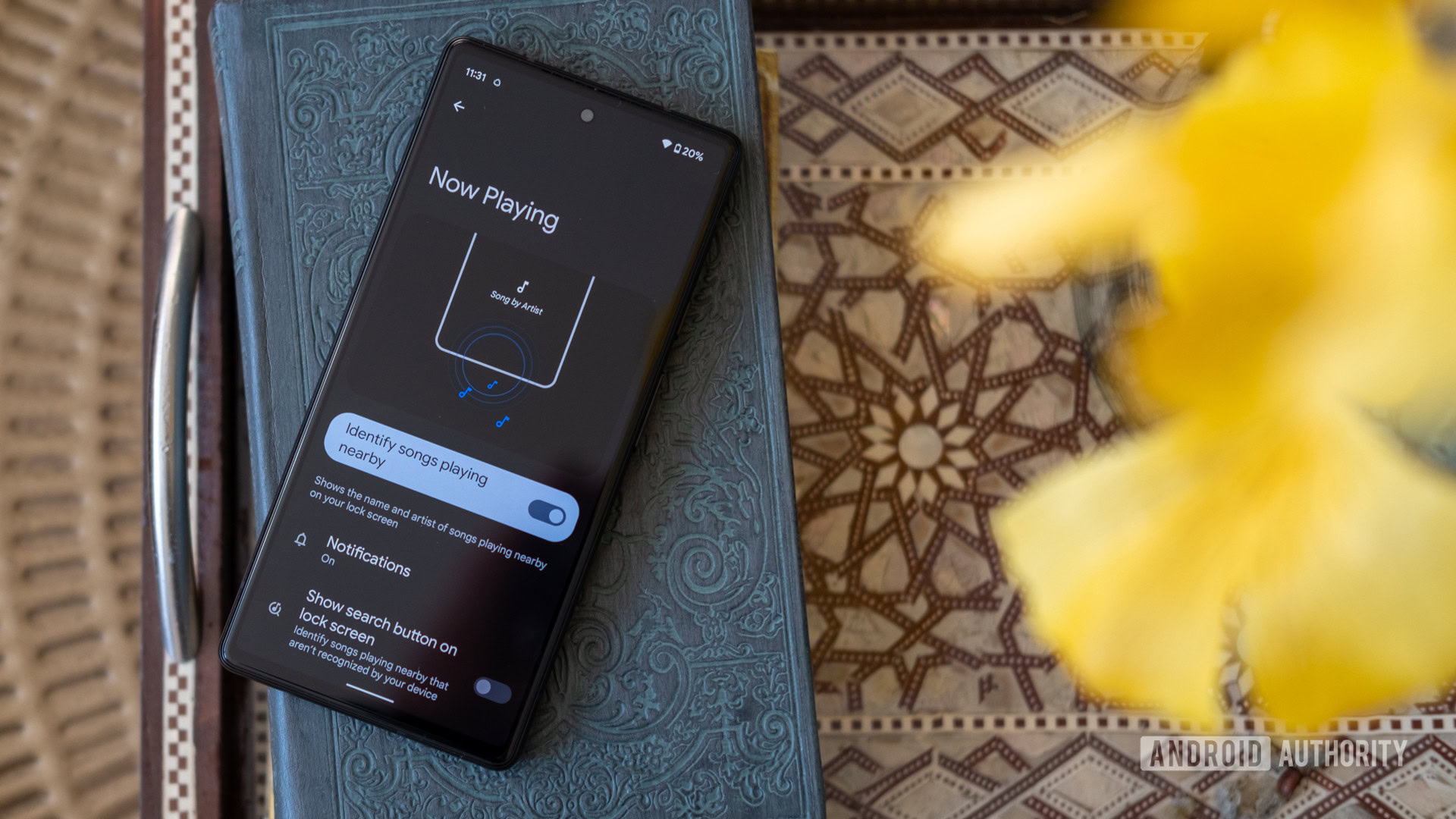
Google has offered Now Playing functionality on Pixel phones for years now, using on-device machine learning to passively identify music playing around you. However, it looks like Google could soon let you manually activate the feature.
An APK teardown helps predict features that may arrive on a service in the future based on work-in-progress code. However, it is possible that such predicted features may not make it to a public release.
Google currently offers Now Playing as a passive feature on Pixel phones, automatically displaying the currently playing track on your lock screen and in the Now Playing history page in the settings menu. There’s no proper way to manually identify a track, though. One workaround is to use the song search functionality in the Google app, which can be accessed in several ways (e.g. a quick settings tile or after tapping the microphone icon in the app). Unlike Now Playing, though, this solution requires an internet connection. Furthermore, tracks identified by the Google app aren’t added to your device’s Now Playing history, although they are stored in your Google account.
Fortunately, an Android Authority teardown of the Android System Intelligence suite (V.27.playstore.pixel7.757670605) has revealed that Google is working on a Now Playing tile in the Quick Settings panel. We partially enabled this feature, and you can view it in the screenshots below.
As the screenshots show, tapping the Now Playing tile allows you to manually identify a track while also producing a “searching for song…” notification. We weren’t able to get this feature working properly, but we’re guessing the track info will eventually be displayed in a notification too.
In any event, this would be a long-overdue addition to Now Playing on Pixel phones. We previously reported that many Pixel owners were having trouble getting Now Playing to work, so manually invoking the feature would be a welcome alternative to automatic detection. Our fingers are crossed that this Now Playing Quick Settings tile is implemented sooner rather than later.
 By
By