

Robert Triggs / Android Authority
TL;DR
- Google Password Manager on Android is getting a Material 3 Expressive makeover.
- Passwords and passkeys can now be filtered.
- This change is not exclusive to Android 16.
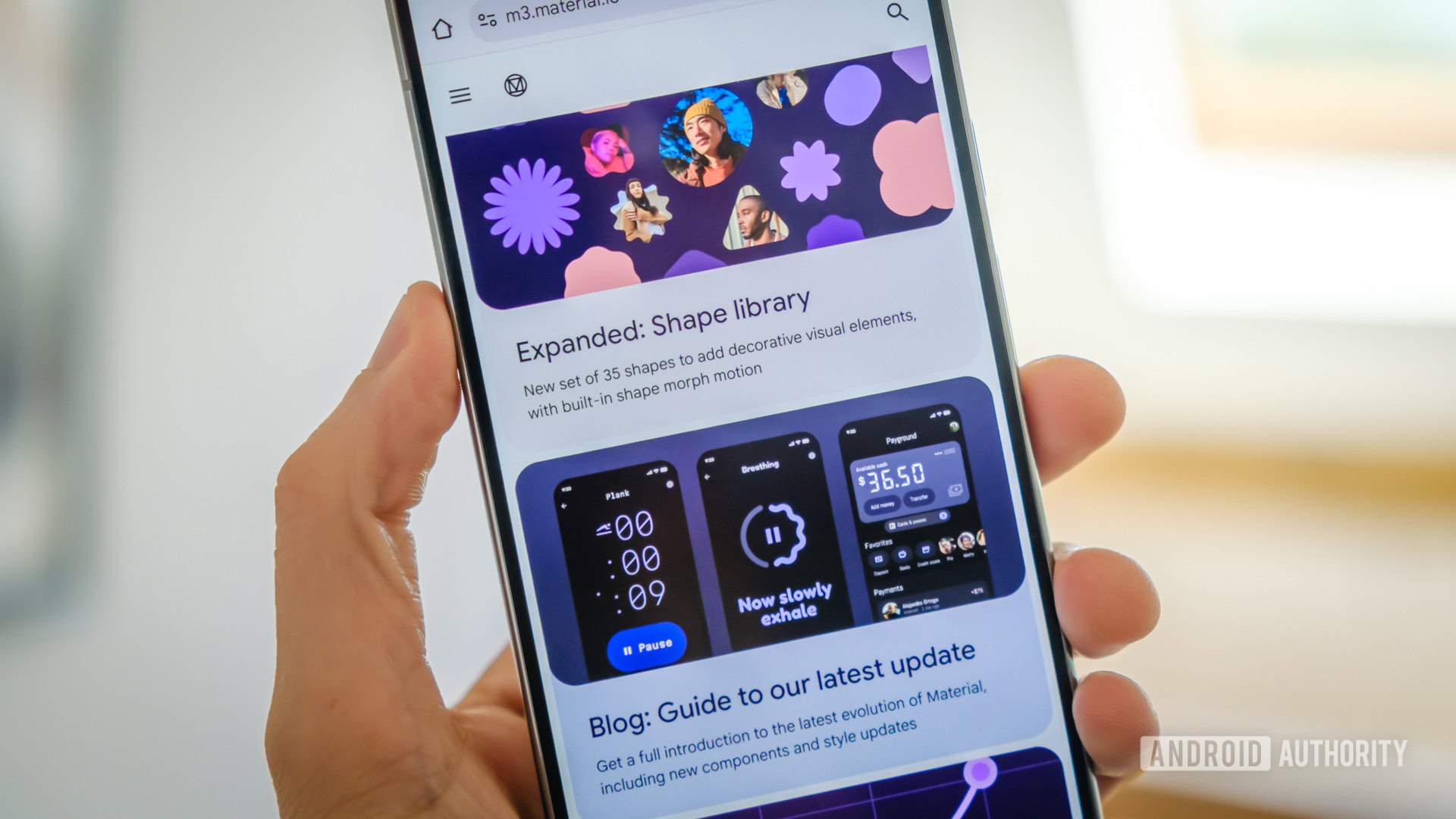
Material 3 Expressive was officially introduced during Google I/O last month. Since then, we’ve seen Android’s new design language gradually trickle down to various apps like Drive and Google Phone. Now the makeover is making its way to Password Manager on Android.
An APK teardown helps predict features that may arrive on a service in the future based on work-in-progress code. However, it is possible that such predicted features may not make it to a public release.
On Android, the current version of Password Manager doesn’t follow the dynamic colors of the system. Instead, it uses a blue accent, as you can see in the screenshots below. Not only will this change with the rollout of Material 3 Expressive, but also a new filter will be introduced.
While combing through Google Play Services (version 25.25.31 beta), we were able to activate the Material 3 Expressive redesign for Password Manager. Unlike the current version, the expressive redesign allows Password Manager to match the dynamic colors of the system. You may also notice that the header text has disappeared. This text has been replaced by a key logo and a search bar.
We also noticed that other areas of Password Manager, like the editing and adding a new password screens, remain unchanged. Although these screens are unchanged, they will still follow the system’s dynamic colors like the rest of the pages.
Something else that’s new is the filter that sits below the search field and above your passwords. You’ll be able to use this filter to separate your passwords from your passkeys.
When this update rolls out, it won’t be exclusive to Android 16. Which means those with older versions of Android should receive this change as well.
 By
By