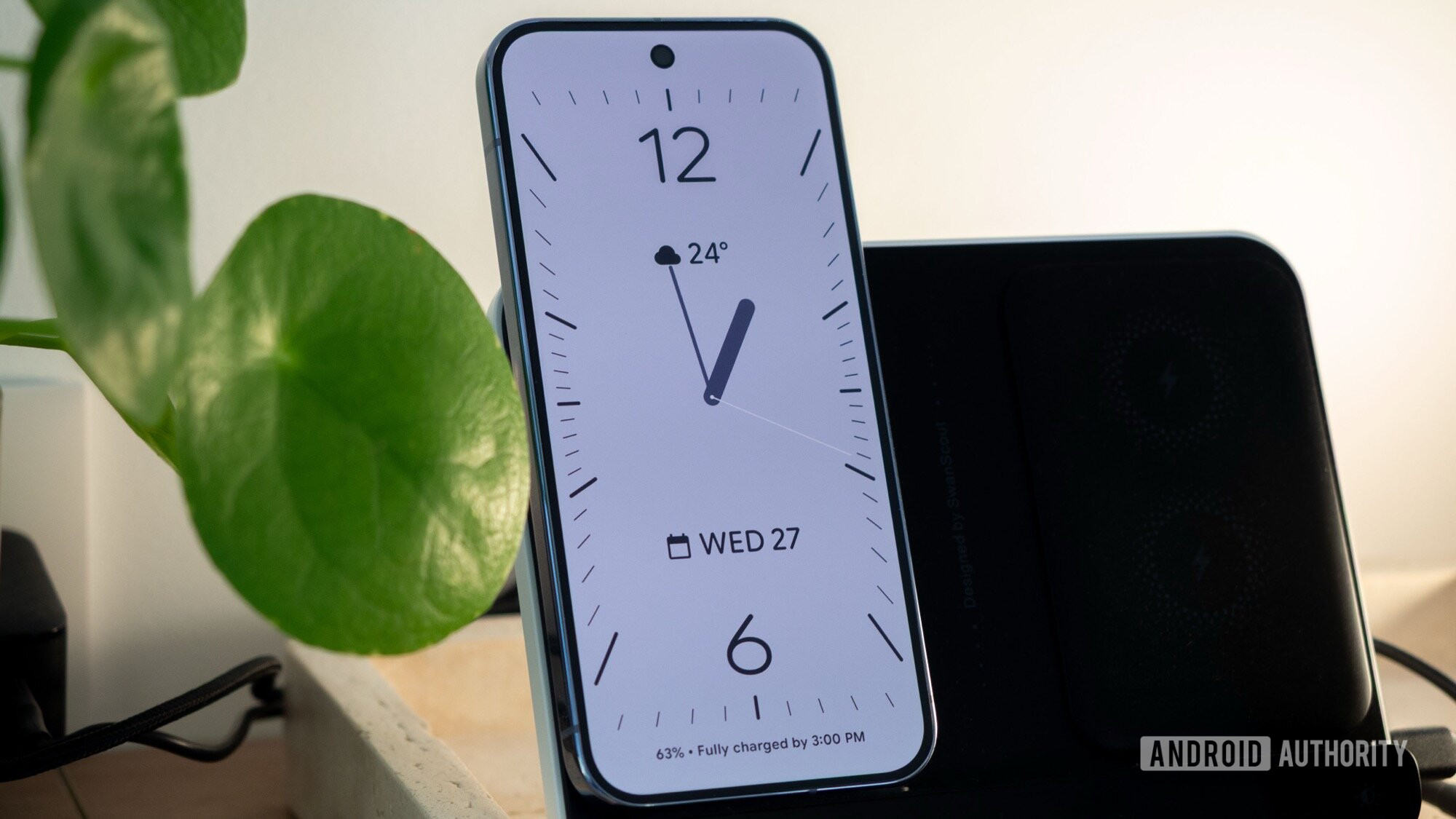


Rita El Khoury / Android Authority
TL;DR
- Several users have reported that their Pixel phones are automatically changing time zones when they shouldn’t be.
- The issue has affected several Pixel models in multiple locations.
- We’ve reached out to Google for comment.
Some Pixel phones are having difficulty telling the time. Users have reported that their Pixel devices have been automatically changing the time as if they’d moved into a different time zone, even when they’re in one spot and not near any time zone borders.
User redsfan17 posted on the Google Pixel subreddit today that their Pixel 9 Pro swapped between two time zones seemingly at random, with the system clock moving forward one hour on its own before reverting after a reboot. Commenters on the post have had similar experiences.
Don’t want to miss the best from Android Authority?


By default, Pixel phones (and every other smartphone) automatically set the system time based on your location and information from your mobile network. Assuming you have reception and your settings allow your phone to know at least your general location, the time will update automatically as you move between time zones. User redsfan17 says their settings are right and they’re not near the nearest time zone border, so this doesn’t seem to be a location-based issue.
Several users replied to the post to say they’re having the same problem. Multiple commenters in the thread say they’re based in Canada, and comments mention experiencing the issue on Pixel 8, Pixel 9a, and Pixel 10 Pro XL, in addition to the Pixel 9 Pro redsfan17 is using.
A post from a few weeks ago by Reddit user Archer4271 describes a similar issue on Pixel 9 Pro XL.
It’s not clear what’s happening here, and that users on multiple Pixel models in multiple locations are experiencing similar problems shows it’s not an isolated issue. If your Pixel is randomly changing time zones, consider setting your time zone manually: head to Settings -> System -> Date & time, then turn off the toggles for Automatic time zone and Use location for time zone.
As of publication, Google hasn’t responded to Android Authority‘s request for comment.
Thank you for being part of our community. Read our Comment Policy before posting.
 By
By